Blog

Blog

How to Fix Bluetooth Not Connecting on Your Phone: Causes and Solutions Post : bserve | 2026-09-21

How to Fix Bluetooth Not Connecting on Your Phone: Causes and Solutions

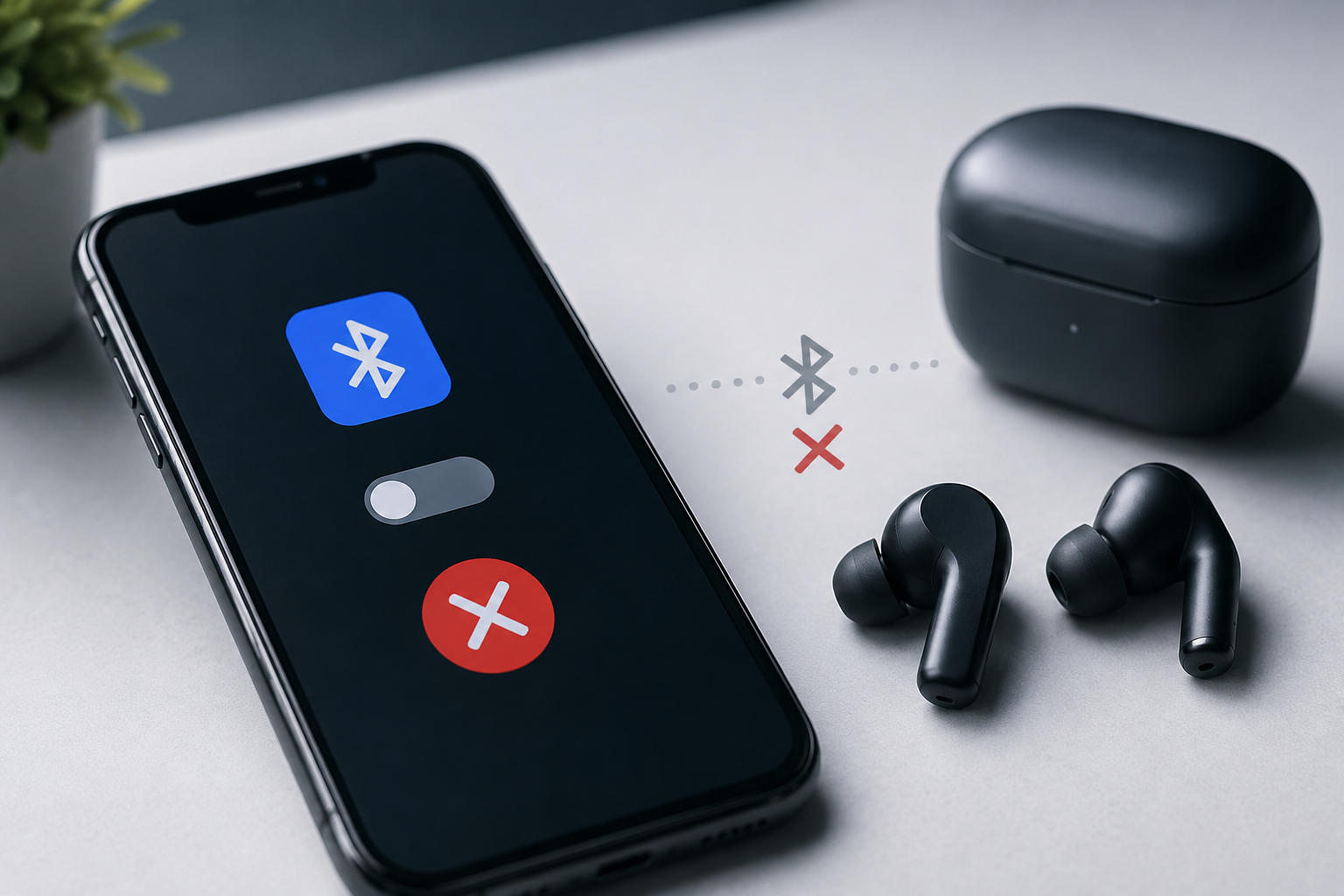
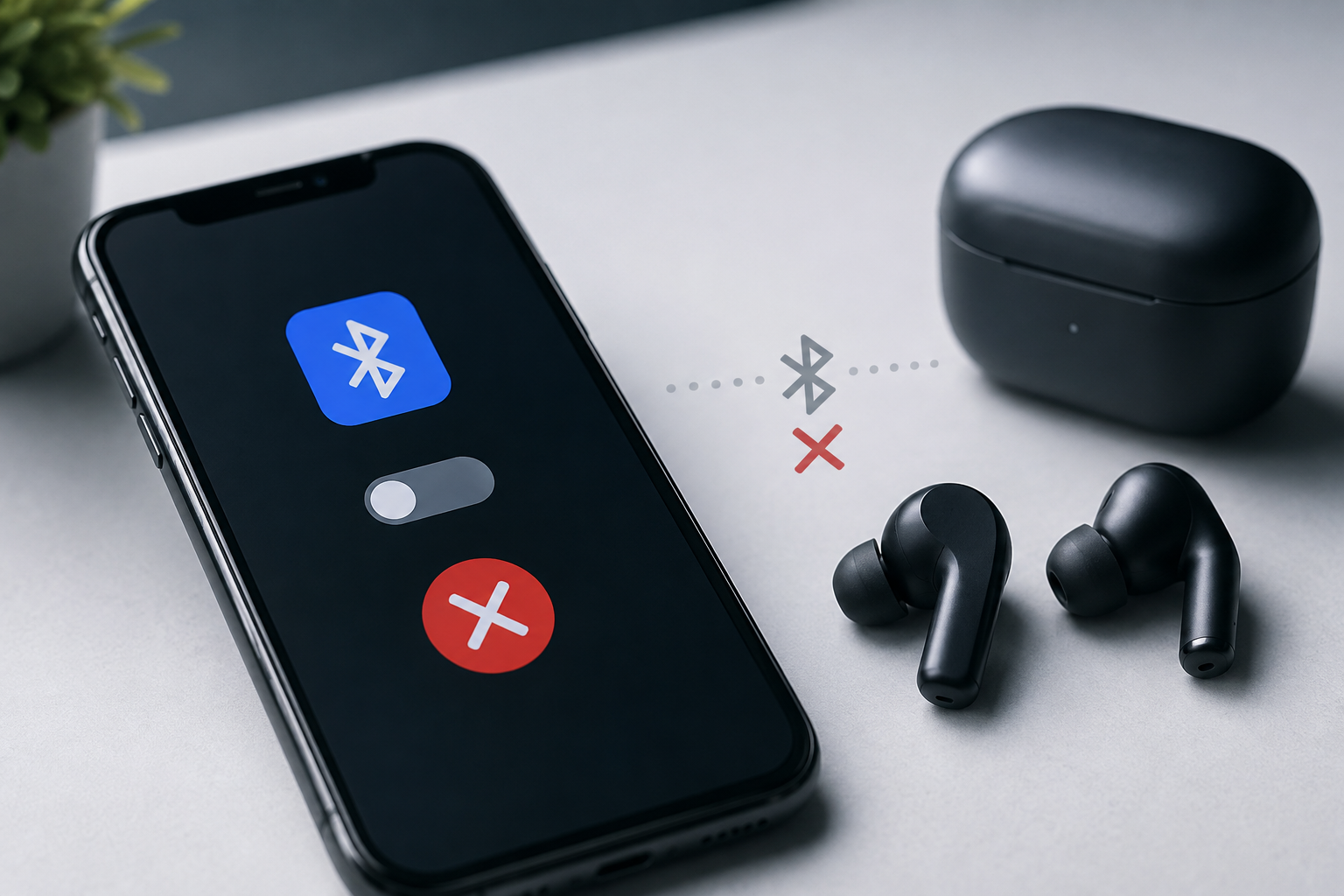
Bluetooth not connecting on phone is a common problem that can prevent you from using wireless earbuds, speakers, smartwatches, car audio systems, and other accessories. Sometimes the issue can be fixed with a simple restart or by reconnecting the device. In other cases, the problem may be related to software, Bluetooth settings, or hardware.

If your phone is not connecting to a Bluetooth device, this guide explains the common causes and practical solutions you can try before visiting a professional mobile repair center.

What Causes Bluetooth Not Connecting on a Phone?

Bluetooth connection problems can happen for several reasons. Common causes include:

  • Bluetooth is not enabled correctly
  • The accessory is out of range
  • The Bluetooth device is already connected to another phone
  • Pairing information is corrupted
  • Software or system glitches
  • Outdated phone software
  • Battery-saving restrictions
  • Network or connectivity settings problems
  • Faulty Bluetooth hardware

Identifying the cause can make troubleshooting easier.

1. Check Whether Bluetooth Is Turned On

The first step is to check your phone's Bluetooth settings.

Open your phone's Settings, go to Bluetooth, and make sure Bluetooth is enabled. Turn it off, wait a few seconds, and turn it back on.

Then check whether the Bluetooth accessory appears in the available devices list.

Sometimes a temporary Bluetooth software glitch can prevent your phone from detecting nearby devices.

2. Keep the Bluetooth Device Nearby

Bluetooth has a limited operating range. If your phone and the accessory are too far apart, the connection may become unstable or fail completely.

Place your phone and Bluetooth device close together and try pairing them again.

For example, if you are connecting wireless earbuds, keep the earbuds within a short distance of your smartphone during the initial pairing process.

Physical obstacles and interference from other electronic devices can also affect connectivity.

3. Restart Both Devices

A simple restart can solve many temporary software problems.

Restart your smartphone and turn the Bluetooth accessory off and on again.

After restarting:

  1. Turn on Bluetooth on your phone.
  2. Turn on the Bluetooth accessory.
  3. Make sure the accessory is in pairing mode.
  4. Search for the device again.
  5. Try connecting.

If the connection works after restarting, the problem was likely caused by a temporary software or connectivity glitch.

4. Check if the Bluetooth Device Is Already Connected

One common reason for Bluetooth not connecting on phone is that the accessory is already connected to another device.

For example, your wireless earbuds may automatically connect to another smartphone, tablet, laptop, or smartwatch nearby.

Turn Bluetooth off on other nearby devices and put your accessory into pairing mode again.

Then search for it from your phone.

5. Forget the Bluetooth Device and Pair Again

If your phone previously connected to the accessory but now refuses to connect, removing the saved connection can help.

Go to:

Settings → Bluetooth → Select the Device → Forget/Unpair

The exact option may vary depending on your phone model.

After forgetting the device, turn Bluetooth off and on again. Put the accessory into pairing mode and connect it as a new device.

This can fix corrupted or outdated pairing information.

6. Check the Bluetooth Accessory's Battery

A Bluetooth accessory with a low battery may not enter pairing mode properly.

Check the battery level of your:

  • Wireless earbuds
  • Bluetooth speaker
  • Smartwatch
  • Wireless keyboard
  • Car audio system
  • Other Bluetooth accessories

Charge the device fully and then try connecting again.

If the accessory does not turn on even after charging, the problem may be related to its battery or hardware.

7. Update Your Phone Software

Software updates can fix bugs that affect Bluetooth and other connectivity features.

Check your phone for available system updates and install the latest compatible version.

After updating the phone, restart it and test the Bluetooth connection again.

Keeping your smartphone software updated can also improve security, stability, and compatibility with newer accessories.

8. Reset Network Settings

If Bluetooth continues to malfunction, resetting network settings may help.

Depending on the smartphone, this option may reset:

  • Wi-Fi connections
  • Bluetooth pairings
  • Mobile network settings
  • Other connectivity preferences

Remember that previously saved Wi-Fi passwords and Bluetooth devices may need to be added again.

Use this option only after trying simpler troubleshooting methods.

9. Check Whether Other Bluetooth Devices Work

Try connecting your phone to another Bluetooth accessory.

For example, if your phone cannot connect to one pair of earbuds, try another Bluetooth speaker or headset.

This helps identify where the problem is.

If another Bluetooth device connects successfully: the original accessory may have a problem.

If no Bluetooth device connects: the issue may be related to your phone's software or Bluetooth hardware.

10. Check for Physical or Hardware Damage

If Bluetooth suddenly stopped working after your phone was dropped, exposed to water, or repaired, there may be an internal hardware issue.

Connectivity problems can sometimes be associated with damage to internal components.

Signs that professional inspection may be necessary include:

  • Bluetooth cannot detect any device
  • Bluetooth repeatedly turns off
  • Bluetooth cannot be enabled
  • Wi-Fi and Bluetooth both have connectivity problems
  • The phone suffered water damage
  • The phone was recently dropped
  • Bluetooth stopped working after another repair

In such situations, repeatedly changing settings may not solve the underlying problem.

When Should You Visit a Mobile Repair Center?

If basic troubleshooting does not fix the issue, professional diagnosis can help identify whether the problem is software-related or hardware-related.

A professional technician can inspect the device, test its connectivity functions, check internal components, and identify the cause of the failure.

B Serve provides smartphone repair services for iPhone and Android devices and handles connectivity-related problems along with other smartphone issues. The company serves customers in Malappuram and nearby areas including Kottakkal, Tirur, and Perinthalmanna.

How to Prevent Bluetooth Connection Problems

You can reduce the chances of Bluetooth problems by following a few simple practices:

Keep Your Phone Updated

Install compatible system updates when they become available.

Avoid Extreme Physical Damage

Use a protective case and avoid exposing your smartphone to unnecessary drops or moisture.

Keep Bluetooth Accessories Charged

Low battery levels can cause pairing and connection problems.

Remove Unused Pairings

If your phone has many old Bluetooth connections, removing devices you no longer use can make managing connections easier.

Use Compatible Accessories

Choose reliable Bluetooth accessories that support your phone's operating system and Bluetooth standards.

Bluetooth Not Connecting on Phone: Quick Troubleshooting Checklist

Before taking your phone for repair, try these steps:

  1. Turn Bluetooth off and on.
  2. Restart your smartphone.
  3. Restart the Bluetooth accessory.
  4. Keep both devices close together.
  5. Check the accessory's battery.
  6. Make sure the accessory is in pairing mode.
  7. Disconnect it from other devices.
  8. Forget the old Bluetooth connection.
  9. Pair the device again.
  10. Test another Bluetooth accessory.
  11. Install available software updates.
  12. Reset network settings if necessary.

Final Thoughts

Bluetooth is an important feature for modern smartphones because it connects phones with earbuds, speakers, smartwatches, cars, keyboards, and many other devices. When you experience Bluetooth not connecting on phone, the problem may be caused by anything from a simple pairing issue to a software or hardware fault.

Start with basic troubleshooting such as restarting both devices, checking the battery, forgetting the old pairing, and trying another Bluetooth accessory. If Bluetooth still does not work, professional diagnosis can help determine whether the phone requires software troubleshooting or hardware repair.

For smartphone connectivity issues and other mobile repair requirements, B Serve provides professional repair services using experienced technicians and modern diagnostic equipment

Recent Post
Best Mobile Phone Service Center in Tirur
Post : bserve | 2025-12-24
Best Mobile Phone Service Cent...
Why Everyone’s Talking About the iPhone 17- Features That Stand Out
Post : B Serve | 2025-10-23
Why Everyone’s Talking About t...
Gadget Repair Service
Post : B Serve | 2025-09-13
How to Choose the Right Gadget...
laptop repairing
Post : Bserve | 2025-08-25
Laptop Running Slow? Common Ca...
Apple service centre in Kerala
Post : B Serve | 2025-07-30
Common iPhone Problems and How...
 B Serve solves various problems of mobile phones, laptops, tablets, and other devices.
Post : B Serve | 2025-04-26
Professional repair services:...
Smart Watch Repair: Common Issues and Professional Solutions.
Post : B Serve | 2025-06-12
Smart Watch Repair: Common Iss...
On-Site Pick-Up & Drop Service for Gadget Repairs in Malappuram
Post : B Serve | 2025-06-26
On-Site Pick-Up & Drop Service...
#1 Mobile Repair Shop in Tirur – 100% Reliable Service | B Serve
Post : bserve | 2026-02-18
Top Mobile & Laptop Repair Cen...
Best Mobile Phone Service Center in Tirur
Post : bserve |
B Serve – Best Mobile Service...
Top Mobile Repair Shop in Malappuram, Kerala for iPhone & Android
Post : bserve | 2026-05-20
Top Mobile Repair Shop in Mala...
Post : bserve | 2026-05-23
iPhone Repair Guide: Everythin...
Post : bserve | 2026-05-17
Best Mobile Service Center in...
Mobile Repair Shop – iPhone Repair, Android Repair & Gadget Service
Post : bserve | 2026-05-15
Mobile Repair Shop – iPhone Re...
Post : bserve | 2026-05-19
Laptop Heating Issue, Laptop S...
Mobile Repairing Shop in Kerala
Post : bserve | 2026-06-14
Mobile Repairing Shop in Keral...
Post : bserve | 2026-06-08
Mobile Repairing Shop in Kotta...
Post : bserve | 2026-06-12
Gadget Repairing Shop in Tirur...
Post : bserve | 2026-06-18
Android & iPhone Repairing Sho...
Can iPhone Motherboard Be Repaired? Expert Guide
Post : bserve | 2026-07-04
Can iPhone Motherboard Be Repa...
Post : bserve | 2026-07-13
OPPO Mobile Repairing Centre N...
Mobile Repairing Service Center in Kerala
Post : bserve | 2026-07-27
Mobile Repairing Service Cente...
Mobile Repairing Service Center in Perinthalmanna
Post : bserve | 2026-08-04
Mobile Repairing Service Cente...
Post : bserve | 2026-08-06
Mobile Repairing Service Cente...
B Serve Mobile Repairing Institute in Perinthalmanna
Post : bserve | 2026-08-17
B Serve Mobile Repairing Insti...
Best Mobile Repairing Shop in Kottakkal
Post : bserve | 2026-08-27
Best Mobile Repairing Shop in...
mobile repairing shop Tirur
Post : bserve | 2026-08-27
Mobile Repairing Shop Tirur –...
  best mobile repair shop in Perinthalmanna
Post : bserve | 2026-08-27
Best Mobile Repair Shop in Per...
Why Is My Phone Not Charging? 10 Causes and Solutions
Post : bserve | 2026-09-04
Why Is My Phone Not Charging?...
Phone Battery Draining Fast
Post : bserve | 2026-09-04
Phone Battery Draining Fast: C...
Laptop Not Turning On
Post : bserve | 2026-09-04
Laptop Not Turning On: Complet...
 chip-level mobile repair.
Post : bserve | 2026-09-10
What Is Chip-Level Mobile Repa...
Why Is My Phone Overheating While Charging? Causes and Solutions
Post : bserve | 2026-09-14
Why Is My Phone Overheating Wh...
Why Is My Phone Showing No Service? Causes and Solutions
Post : bserve | 2026-09-16
Why Is My Phone Showing No Ser...
Why Is My Phone Speaker Not Working? Causes and Repair Solutions
Post : bserve | 2026-09-18
Why Is My Phone Speaker Not Wo...
How to Fix Bluetooth Not Connecting on Your Phone: Causes and Solutions
Post : bserve | 2026-09-21
How to Fix Bluetooth Not Conne...
Mobile Phone Camera Not Focusing? Common Causes and Repair Solutions
Post : bserve | 2026-09-22
Mobile Phone Camera Not Focusi...
phone microphone not working
Post : bserve | 2026-09-22
Why Is My Phone Microphone Not...
smartphone overheating while using mobile data
Post : bserve | 2026-09-24
How to Fix a Smartphone That O...
gaming console overheating
Post : bserve | 2026-09-26
Gaming Console Overheating: Ca...
gaming console not turning on
Post : bserve | 2026-09-26
Gaming Console Not Turning On:...
gaming console motherboard problems
Post : bserve | 2026-09-26
How to Diagnose Gaming Console...
Mobile Phone Proximity Sensor Not Working: Causes, Diagnosis and Repair
Post : bserve | 2026-09-30
Mobile Phone Proximity Sensor...
How to Protect Your Phone After Screen Replacement: Essential Tips
Post : bserve | 2026-09-30
How to Protect Your Phone Afte...
How Often Should You Service Your Smartphone? A Complete Maintenance Guide
Post : bserve | 2026-09-30
How Often Should You Service Y...
Mobile phone Wi-Fi not working
Post : bserve | 2026-10-08
Mobile Phone Wi-Fi Not Working...
laptop service center Malappuram
Post : bserve | 2026-10-08
Laptop Maintenance Guide: Comm...
best mobile service centre Perinthalmanna
Post : bserve | 2026-10-08
Mobile Phone Repair Checklist:...
CTA Icon
Whatsapp Icon