 Post : bserve | 2026-09-30
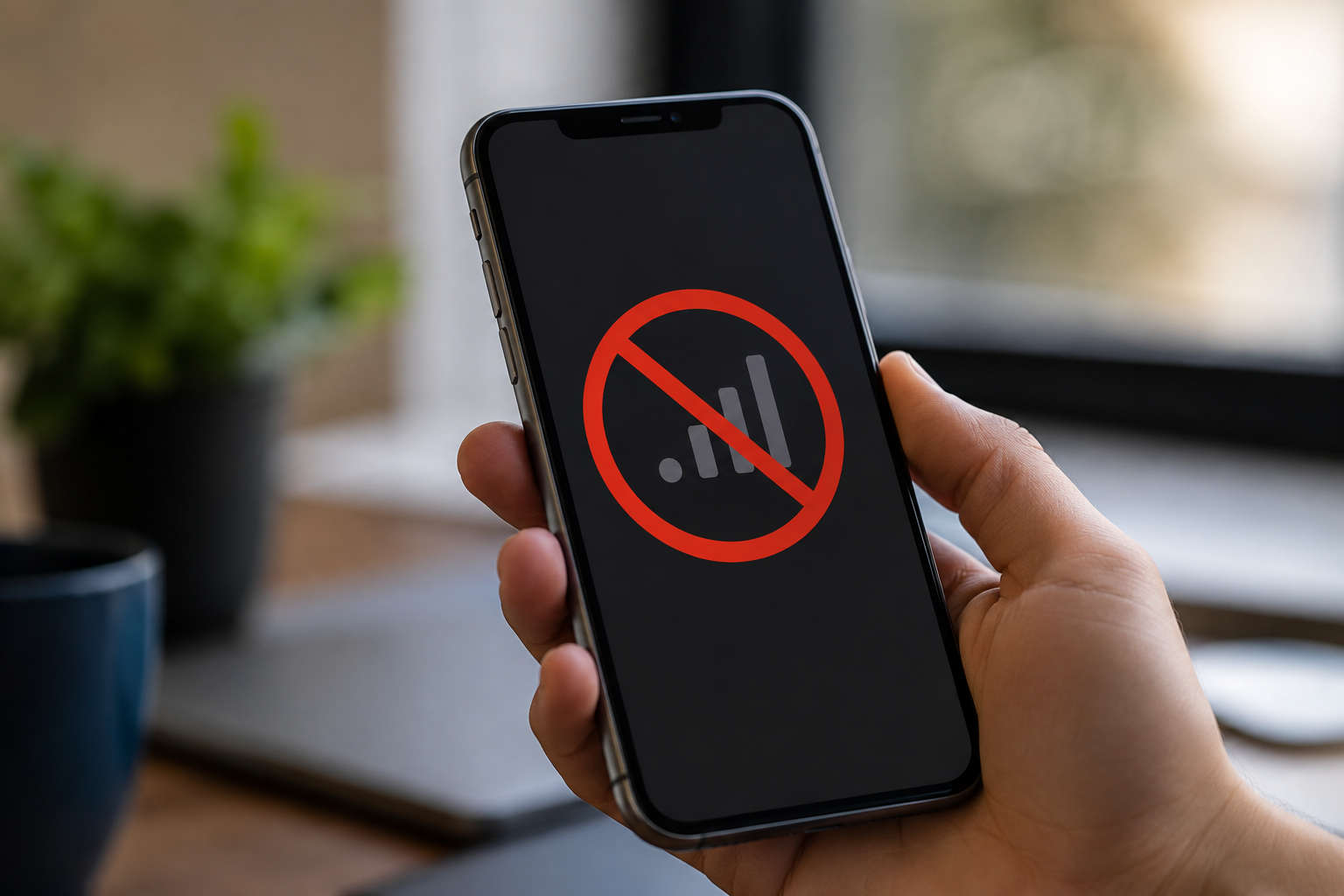
Have you noticed that your phone screen stays on when you hold it near your ear during a call? Or does the display turn off and on unexpectedly while you are talking? These can be signs that the mobile proximity sensor is not working properly.
The proximity sensor is a small but important component found in many smartphones. It detects when an object, such as your face, is close to the phone. During a normal voice call, the sensor helps turn off the display when the phone is held near your ear. This prevents accidental touches and unnecessary screen activity.
A proximity sensor problem can sometimes be caused by something simple, such as dirt or an incorrectly installed screen protector. In other cases, the problem may be related to software, physical damage, a faulty sensor, or an internal connection.
This guide explains the common symptoms, causes, testing methods, and professional repair solutions for a mobile proximity sensor not working.
A proximity sensor is designed to detect nearby objects without requiring physical contact.
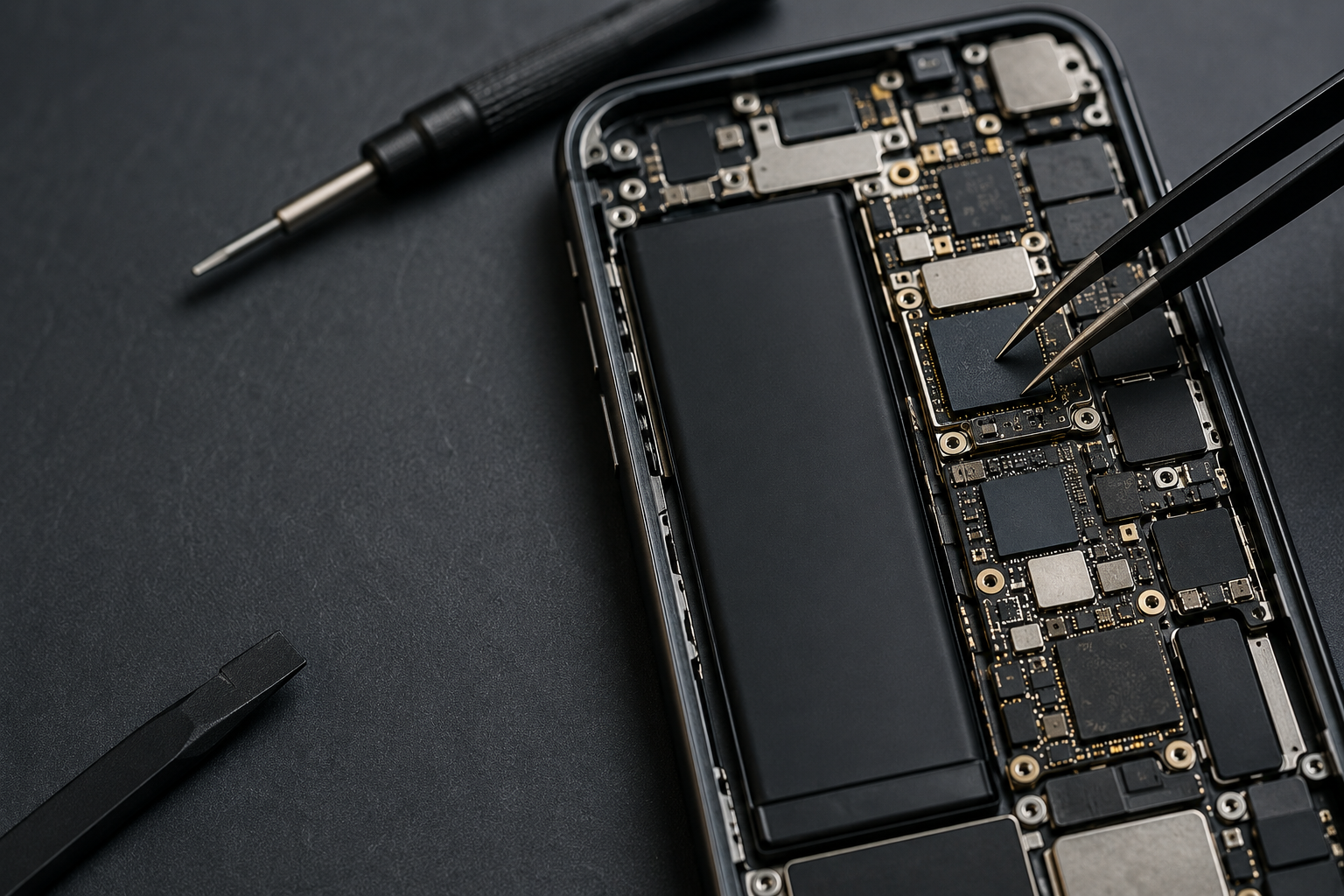
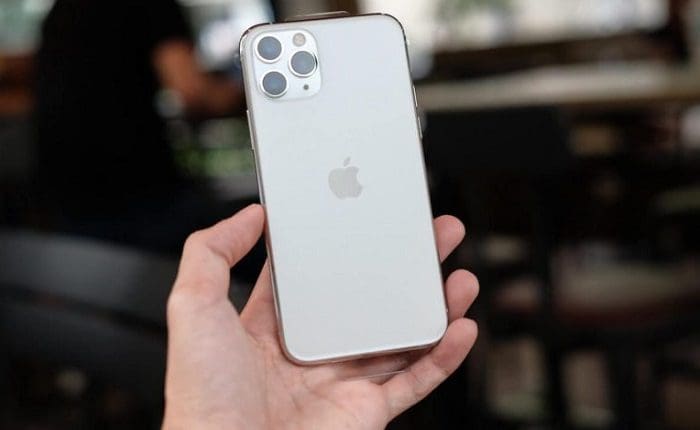
In smartphones, it is generally located around the top section of the device near the earpiece and front-facing camera area. Its primary purpose during phone calls is to detect when the phone is close to your face.
When the sensor detects your face, the phone can turn the display off. When you move the phone away, the display can turn back on.
This simple function helps prevent accidental touches while making calls.
The proximity sensor plays an important role in the normal calling experience.
For example, when you answer a call and hold the phone against your ear:
If the phone proximity sensor is not working, the screen may remain active during a call. Your cheek can then accidentally press buttons, mute the microphone, open applications, or end the call.
A faulty or obstructed sensor can produce several noticeable symptoms.
Common signs include:
The exact symptoms can vary depending on the smartphone model and the cause of the problem.
There are several possible causes of a mobile proximity sensor not working.
Dust and dirt can accumulate around the top portion of the smartphone.
If the sensor area is blocked, its ability to detect nearby objects may be affected.
A simple visual inspection can sometimes reveal dirt around the earpiece or sensor opening.
However, aggressive cleaning should be avoided because the sensor and nearby components can be delicate.
A screen protector that is incorrectly positioned can interfere with the proximity sensor.
Some screen protectors cover the sensor area or leave insufficient space around it. This can prevent the sensor from detecting your face correctly.
If the problem started after installing a new screen protector, its position should be checked.
Not every proximity sensor problem is caused by hardware.
Temporary software problems can affect how the operating system communicates with sensors. A recent update, system error, or application conflict may sometimes cause unusual behavior.
Restarting the phone and checking for available software updates can help rule out basic software problems.
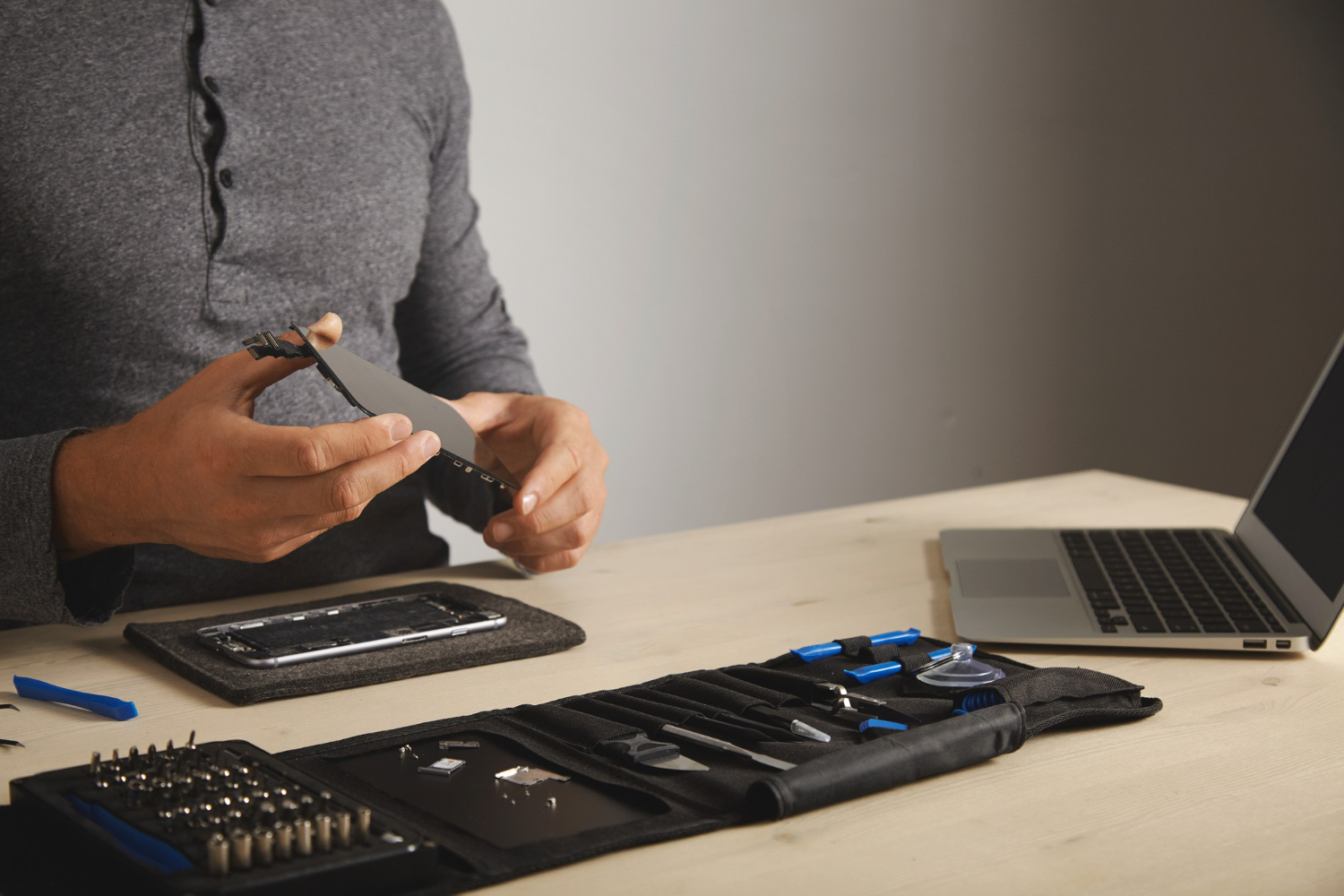
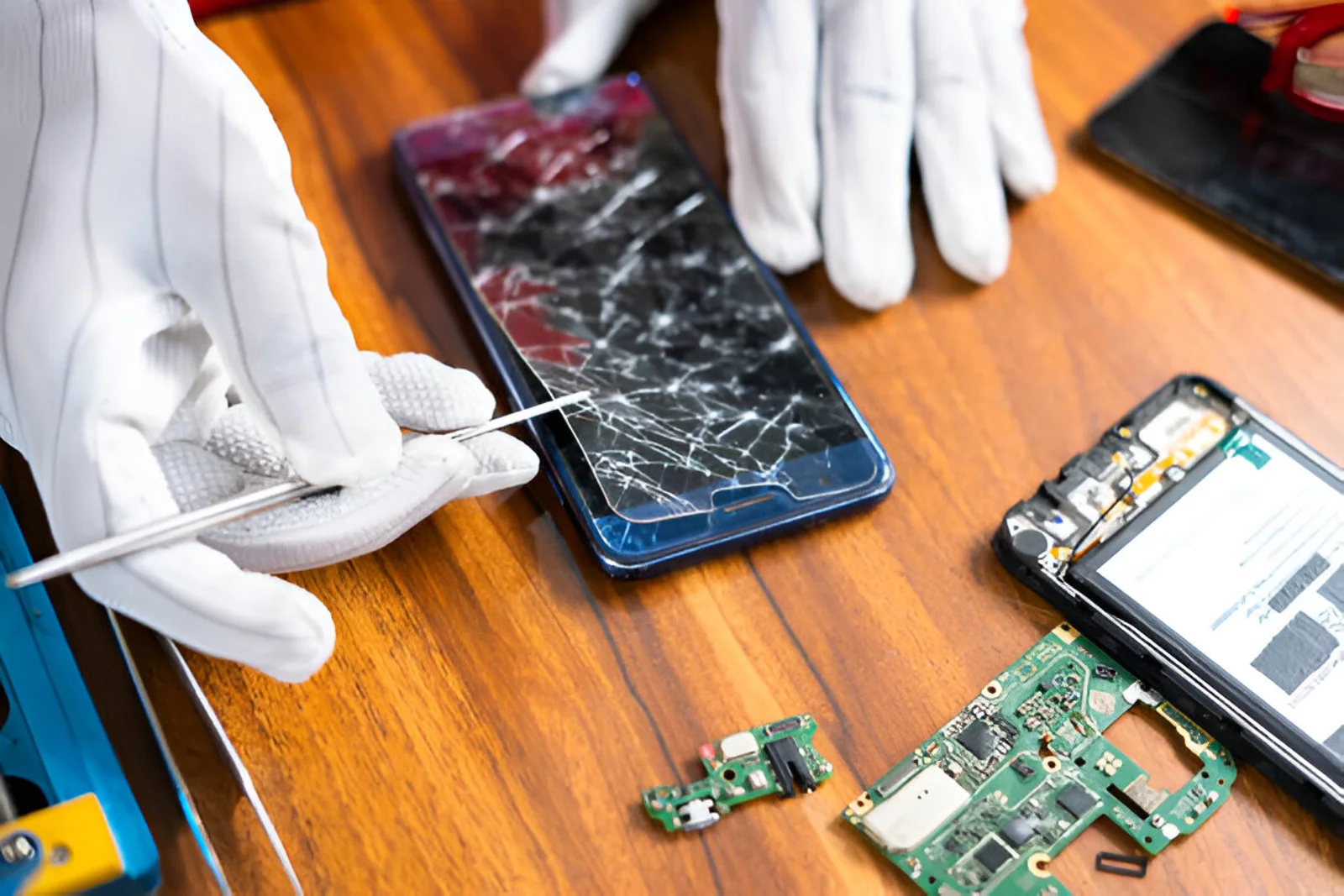
A proximity sensor issue can sometimes appear after a display or screen replacement.
Modern smartphones have tightly arranged components near the top of the display. If the replacement screen, sensor assembly, protective film, or related component is not installed correctly, sensor performance can be affected.
If the sensor worked correctly before a screen replacement but stopped afterward, the repair history should be considered during diagnosis.
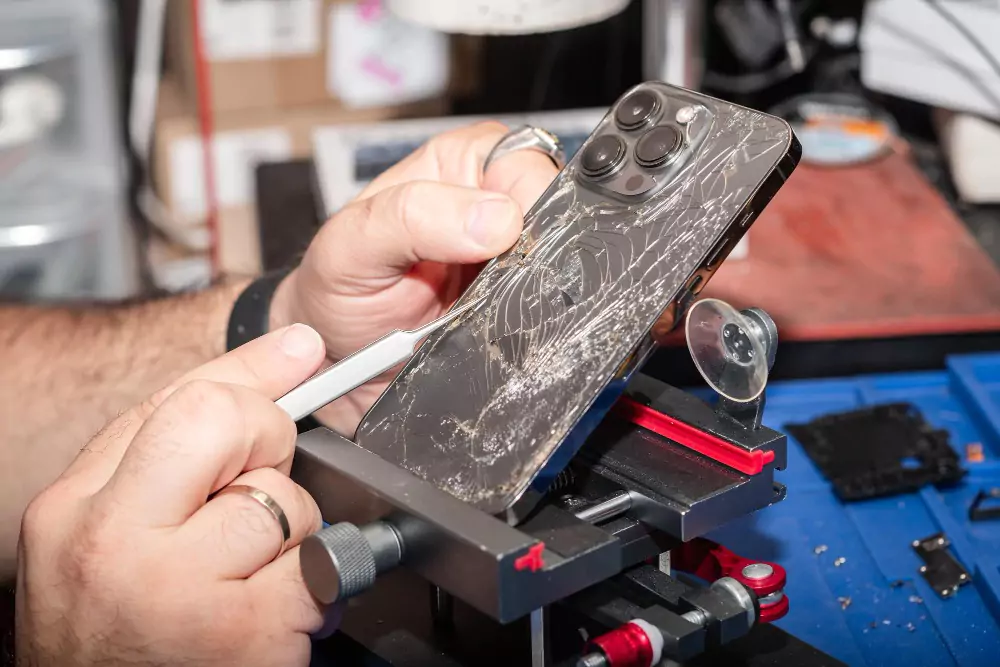
A drop or impact can affect internal components even when there is no obvious external damage.
The impact may affect the sensor itself, its connector, flex cable, or surrounding components.
If the sensor stopped working immediately after the phone was dropped, professional inspection can help determine whether physical damage is involved.
Liquid entering a smartphone can affect small electronic components and connections.
Moisture or corrosion around the sensor assembly may cause intermittent or complete sensor failure.
If the problem appeared after liquid exposure, the device should be inspected rather than repeatedly tested.
Before arranging a repair, you can perform a few basic checks.
Make a normal voice call and place your hand over the top portion of the phone where the proximity sensor is located.
The screen should normally respond by turning off when the sensor detects that something is close.
Move your hand away and observe whether the display becomes active again.
If you recently installed a screen protector, check whether it is covering the sensor area.
A poorly aligned protector may interfere with sensor operation.
Restarting the phone can resolve temporary software or system glitches.
After restarting, make another test call.
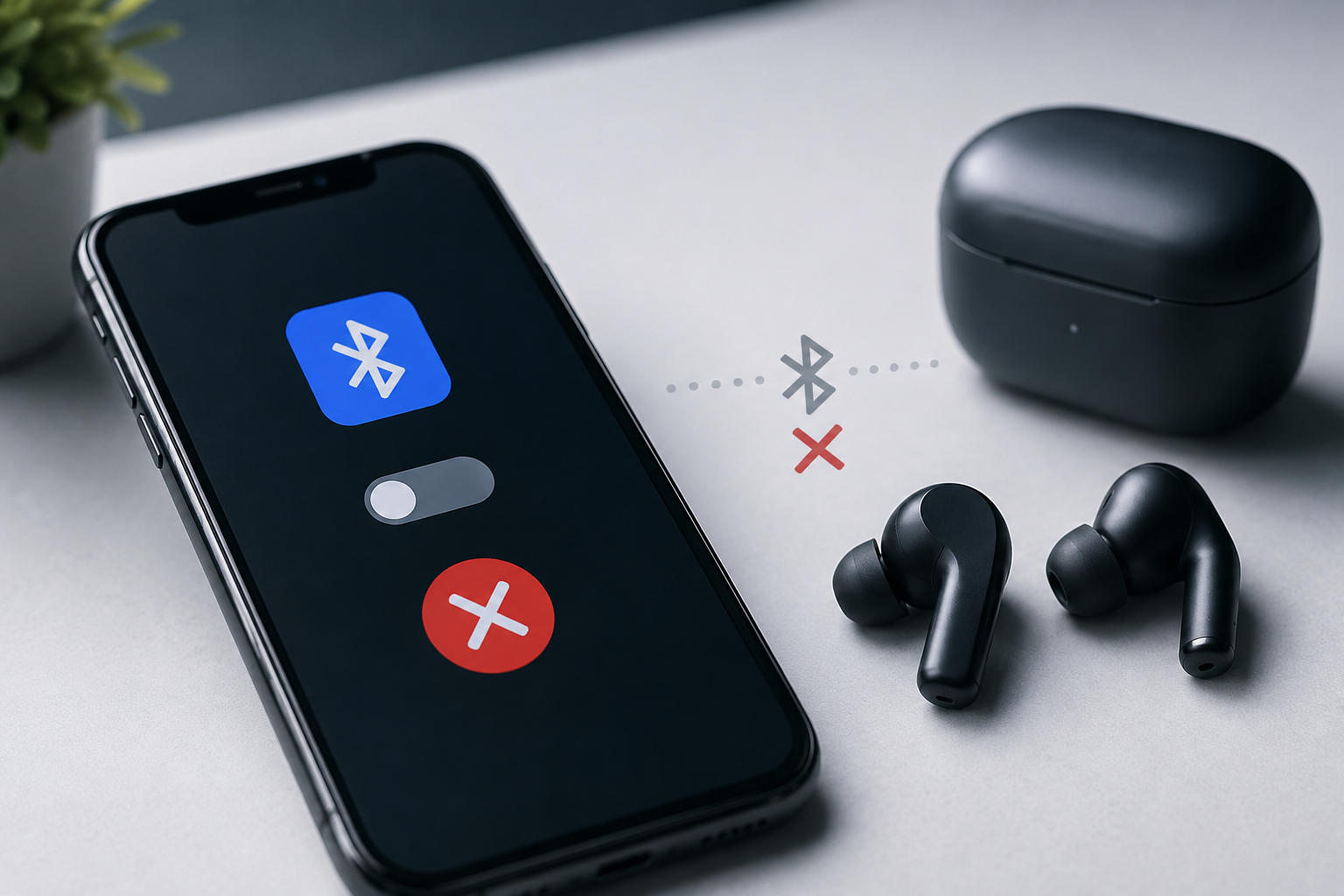
Some connected devices can affect the way calls and audio behave. Disconnect Bluetooth accessories temporarily and test the phone again.
If the sensor continues to malfunction after these basic checks, professional diagnosis may be required.
One common situation is a proximity sensor that stops working after screen repair.
This does not necessarily mean that the sensor itself is defective.
The problem may involve:
For this reason, technicians should inspect the complete sensor assembly instead of immediately replacing individual parts.
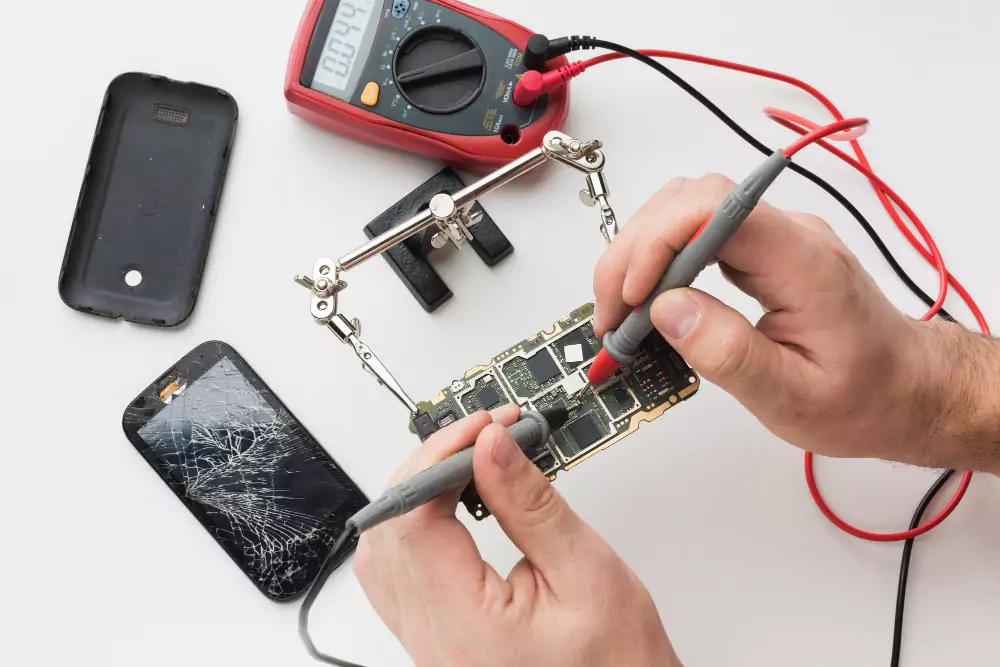
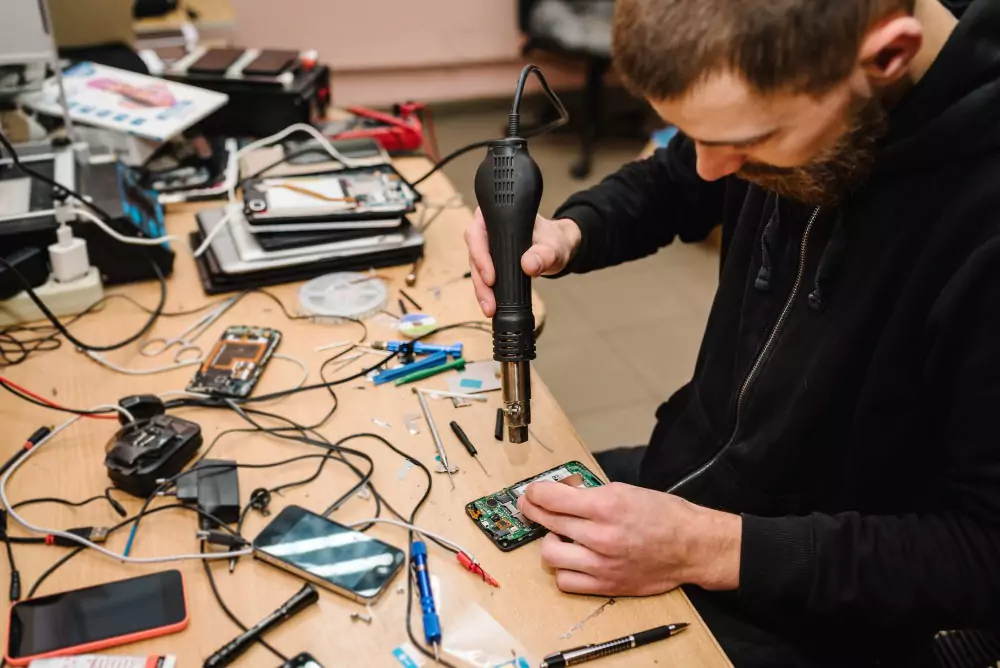
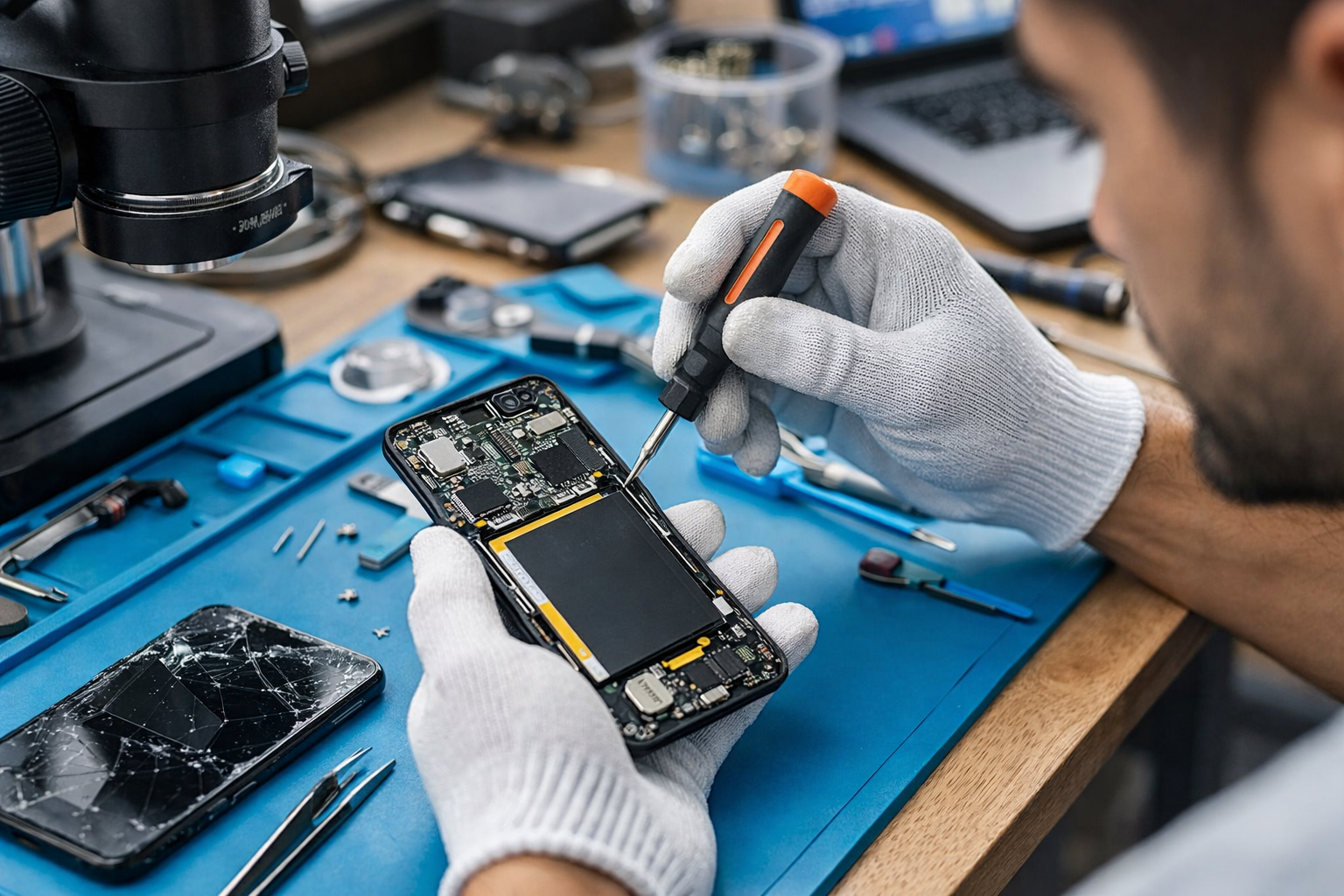
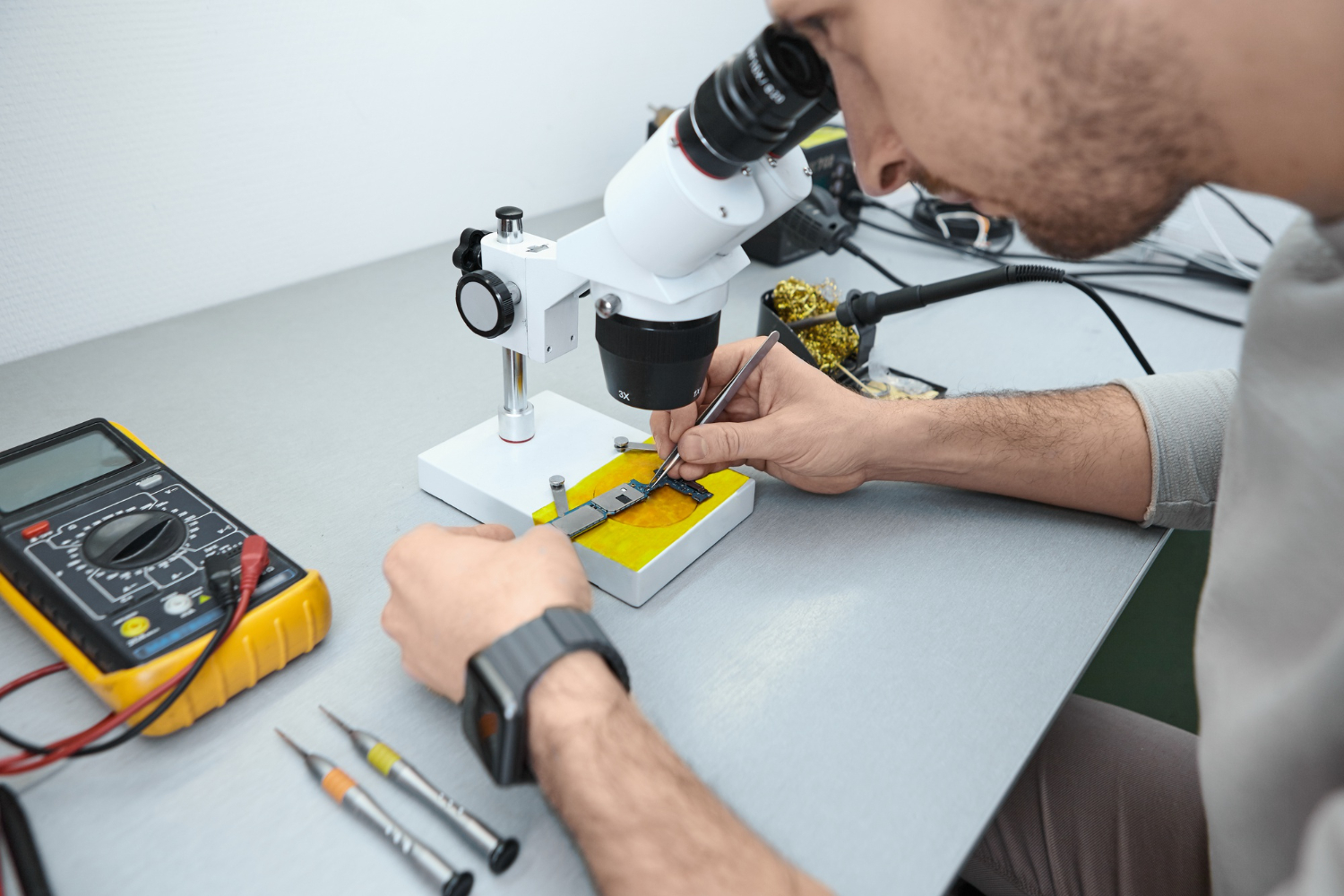
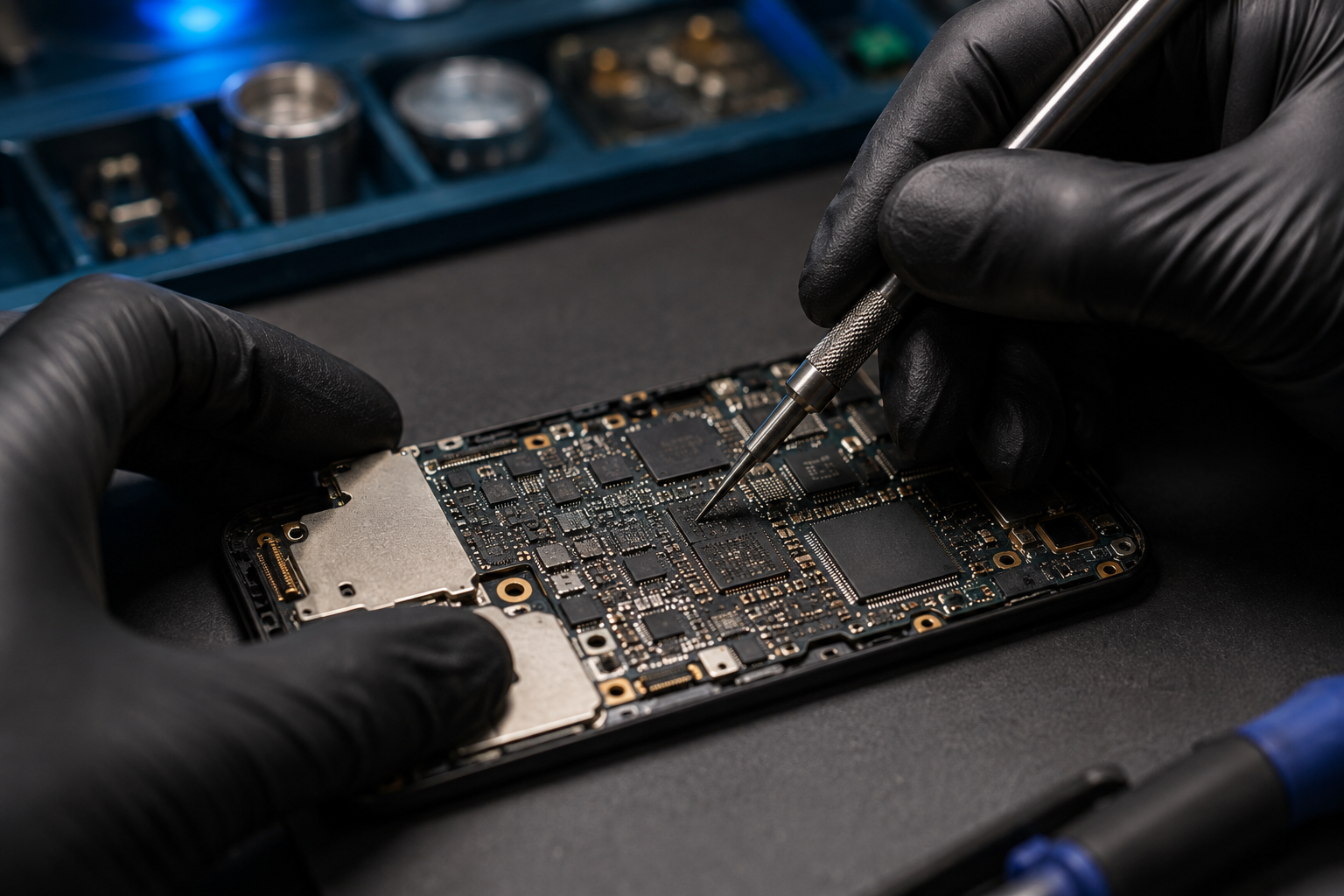
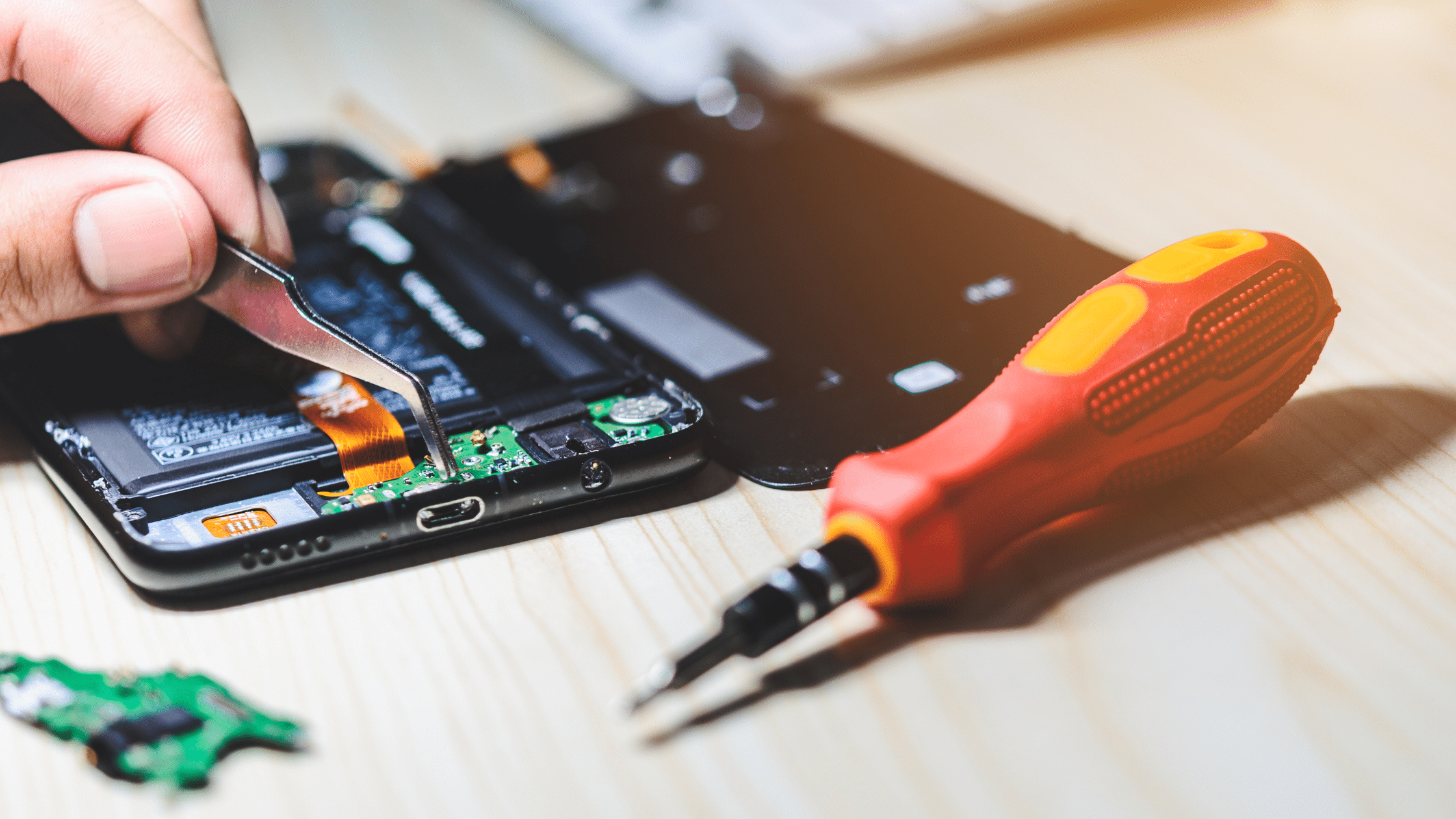
Professional proximity sensor repair starts with systematic diagnosis.
A technician may first ask when the problem began and whether the device was recently dropped, exposed to liquid, or repaired.
The device can then be checked for:
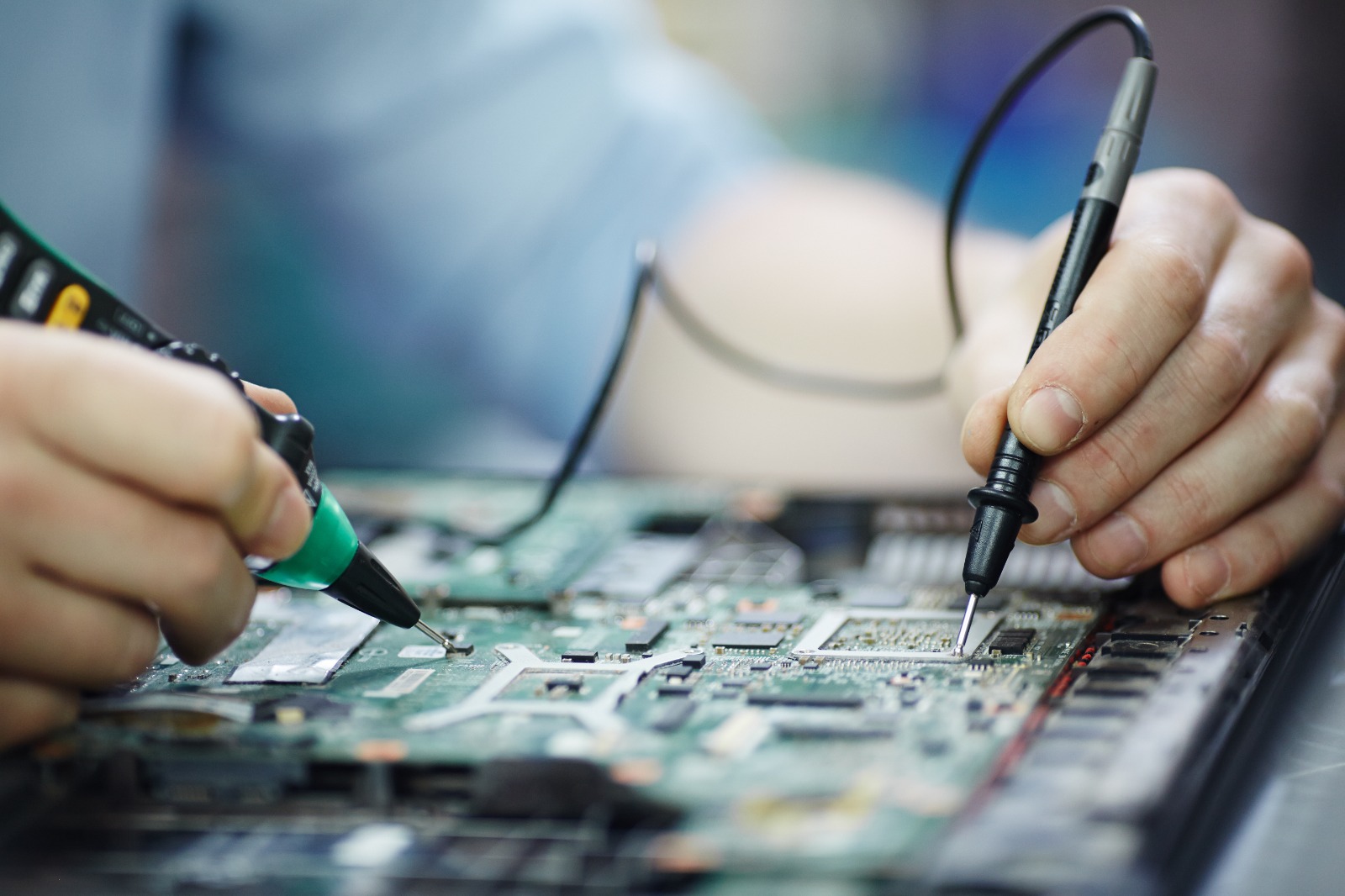
Depending on the phone model, specialized diagnostic tools or built-in hardware testing functions may also be used.
The goal is to determine whether the problem is caused by software, obstruction, installation, component failure, or an internal circuit issue.
Sensor replacement may be considered when testing confirms that the sensor component itself has failed.
Replacement can become necessary after:
However, replacing the sensor should not be the first step in every case.
If the actual problem is caused by a screen protector, software issue, connector, or incorrect installation, replacing the sensor may not solve the problem.
Proper diagnosis helps identify the correct repair.
In many cases, the repair depends on the underlying cause.
If the problem is caused by dirt or a screen protector, a simple correction may be sufficient.
Software-related issues may require appropriate troubleshooting or software maintenance.
If the sensor or its connection has been physically damaged, component-level repair or replacement may be required.
The repair approach therefore depends on the smartphone model and the condition of the device.
A few simple precautions can help reduce the risk of sensor-related problems.
Avoid allowing dust and debris to accumulate around the earpiece and sensor area.
Choose screen protectors that are designed for your specific smartphone model and do not unnecessarily cover sensor openings.
A quality protective case can help reduce damage from accidental impacts.
Keep the phone away from unnecessary moisture and liquids.
If your display needs replacement, proper installation is important. Incorrect placement can affect sensors and other components.
If the proximity sensor continues to malfunction after basic checks, professional diagnosis is recommended.
You should consider getting the phone inspected if:
A trained technician can inspect the sensor, display assembly, connectors, and related circuitry to identify the actual fault.
Sensor problems can appear simple but may have different causes.
For example, a screen that stays on during calls could be caused by a blocked sensor, software issue, screen installation problem, sensor failure, or internal connection problem.
Replacing components without proper diagnosis can result in unnecessary expenses and may not resolve the original fault.
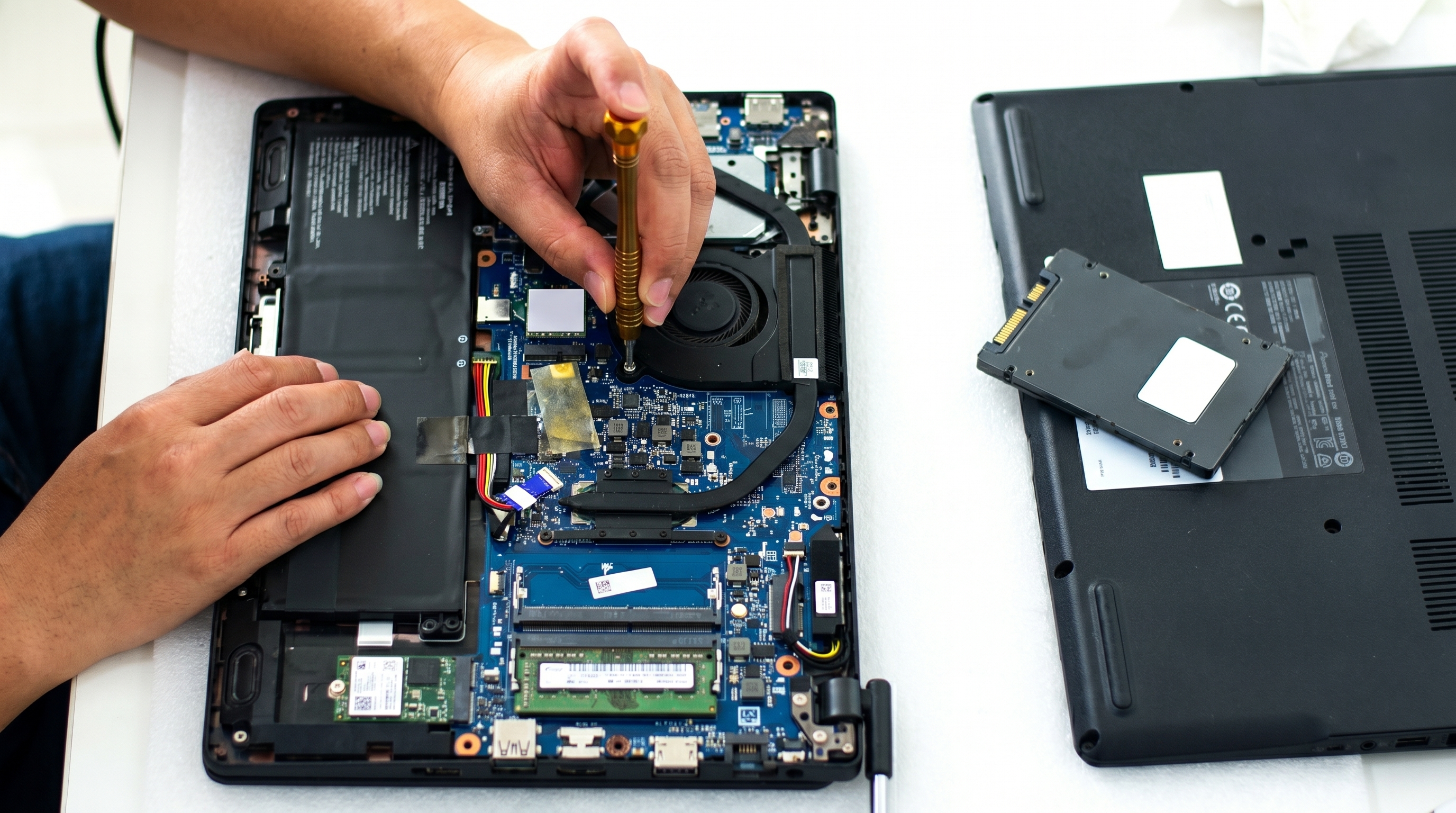
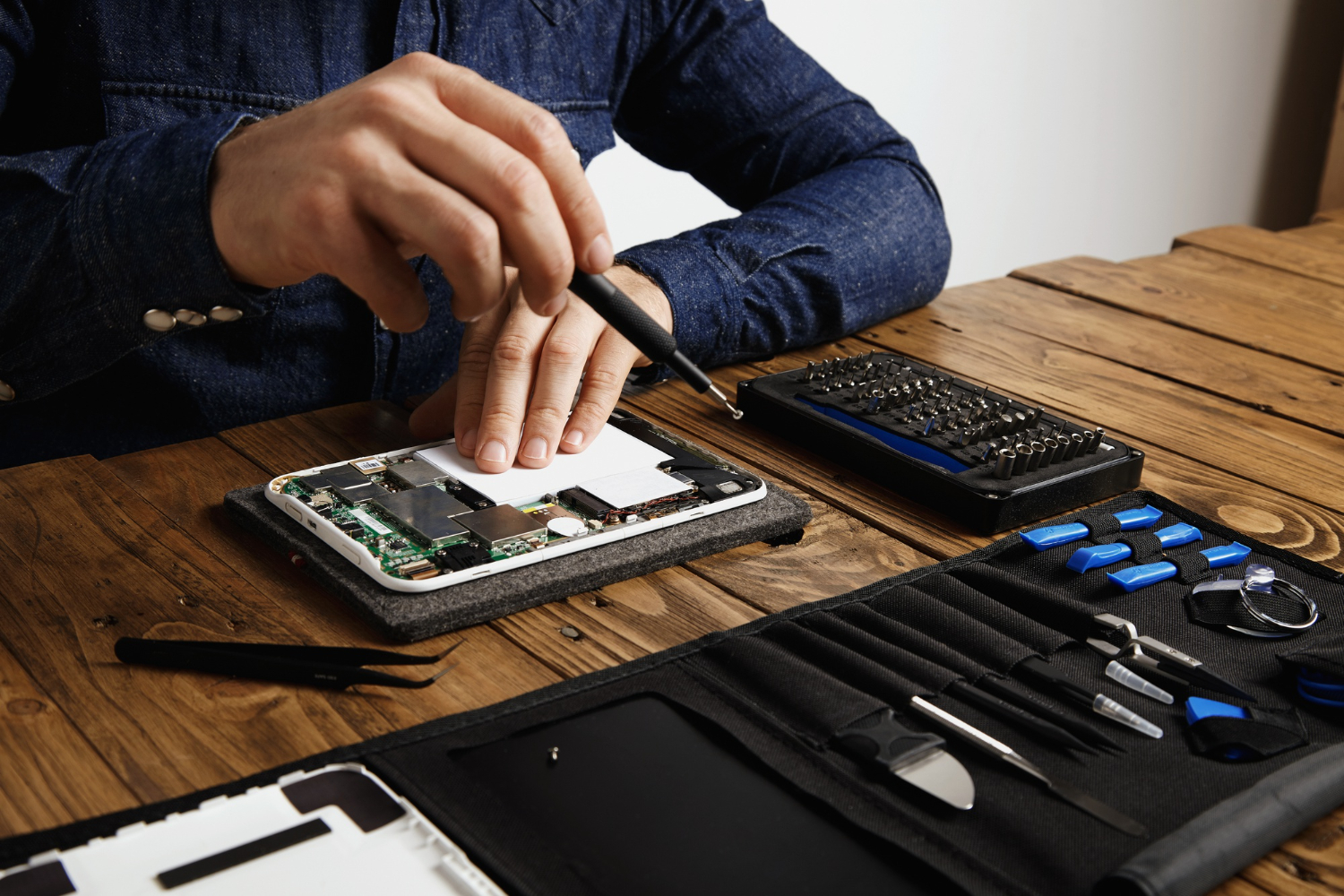
A professional repair process generally involves inspection, diagnosis, repair or component replacement, and functional testing before the device is returned.
B Serve provides smartphone repair services along with repairs for other electronic gadgets. Its current service offering includes smartphone, laptop, tablet, smartwatch, gaming console, and other gadget repair services.
A mobile proximity sensor not working can make everyday phone calls frustrating by allowing the display to remain active when the phone is held near your face.
The problem may be caused by dust, a screen protector, software issues, screen replacement, physical impact, moisture, or a failed sensor component.
Basic checks such as restarting the phone, inspecting the sensor area, and checking the screen protector can help identify simple causes. However, persistent problems require proper diagnosis.
Professional proximity sensor repair can involve cleaning, correcting installation issues, software troubleshooting, connector repair, or sensor replacement depending on the actual fault.
If your smartphone screen remains active during calls or behaves unusually when you hold it near your face, getting the device professionally inspected can help identify the cause and determine the appropriate repair solution.