 Post : bserve | 2026-09-16
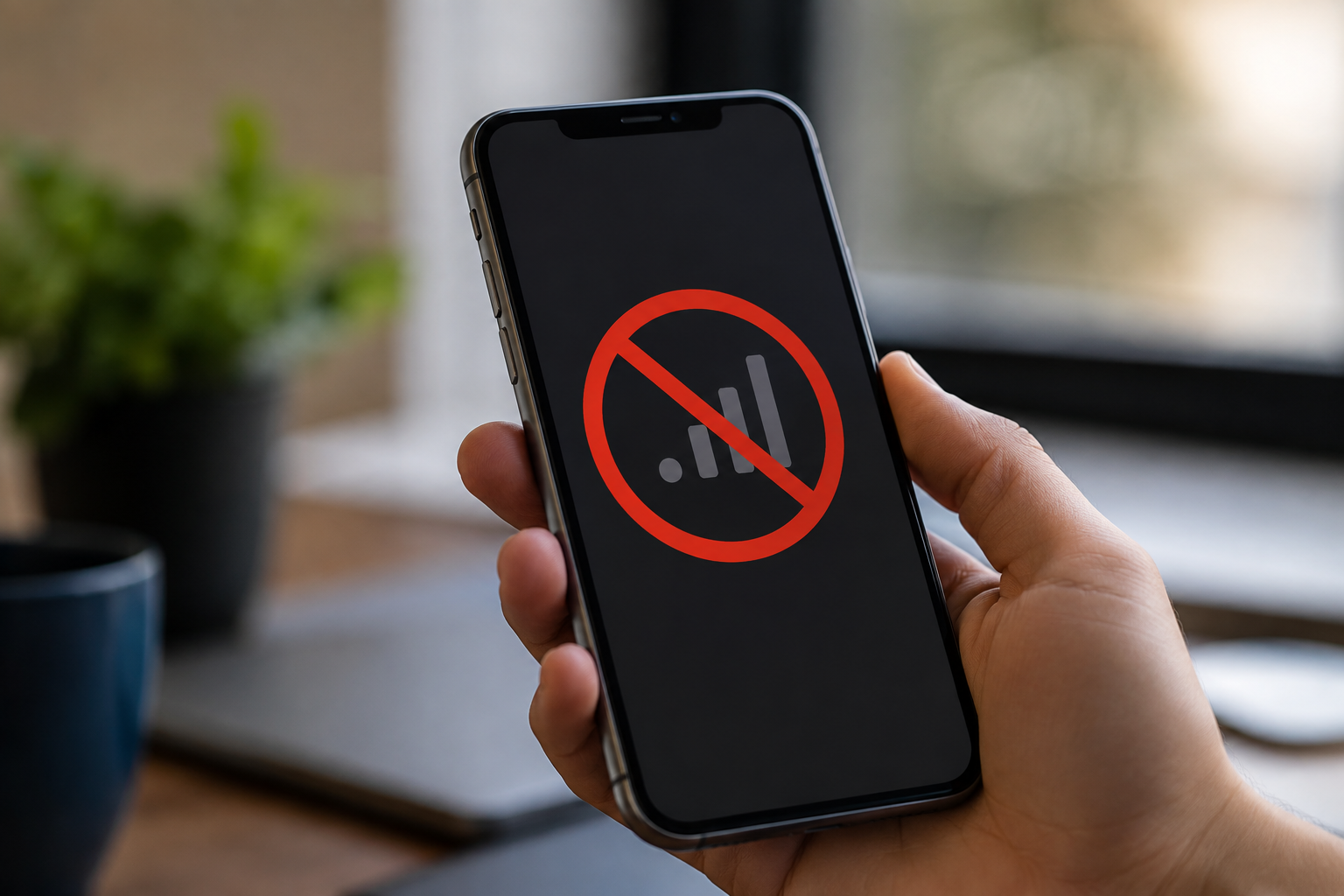
Seeing “No Service” on your phone can be frustrating, especially when you need to make a call, send a message, or access mobile data. A smartphone may show no service because of a SIM card problem, weak network coverage, software issues, incorrect network settings, or hardware damage.
Understanding the reason behind the problem can help you identify whether it is something you can fix yourself or whether you need professional phone network repair.
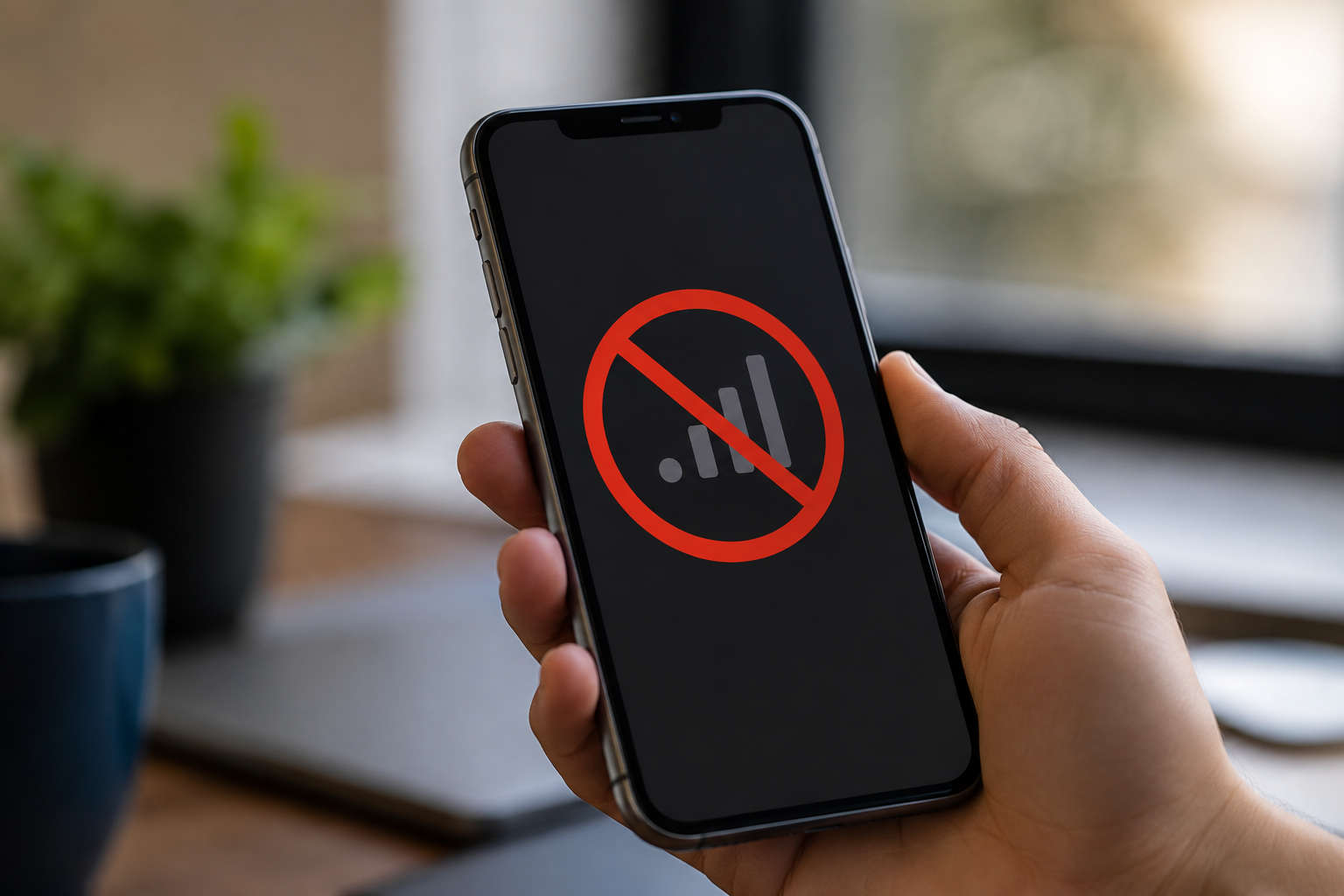
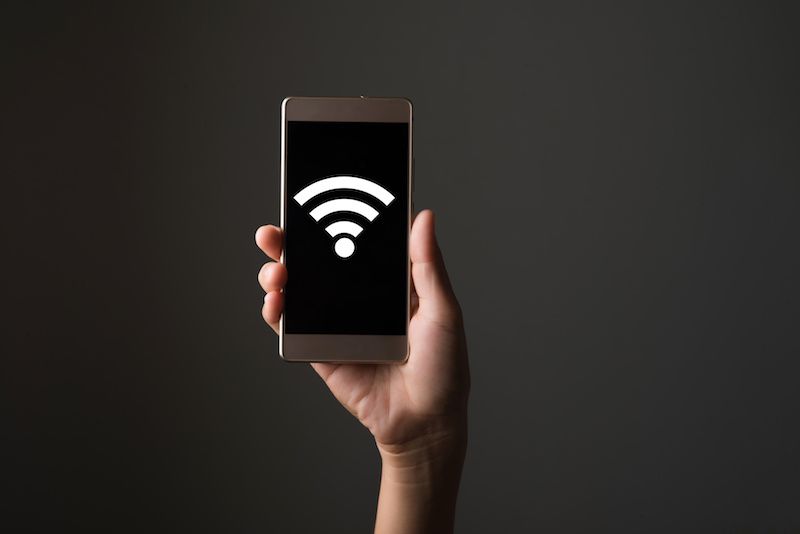
When a phone displays “No Service,” it means the device is unable to connect to your mobile network. You may be unable to make calls, send SMS messages, or use mobile data.
The problem can occur suddenly or after an event such as a software update, physical damage, water exposure, or SIM replacement.
The simplest reason could be poor network coverage. If you are inside a basement, elevator, remote area, or location surrounded by buildings, your phone may struggle to connect to the network.
Try moving to an open area and check whether the signal returns.
A damaged, incorrectly inserted, or dirty SIM card can prevent your phone from connecting to the network.
Remove the SIM card carefully, check it for visible damage, clean it gently if necessary, and insert it again properly.
If possible, test the SIM card in another compatible phone.
Airplane Mode disables mobile network connections. Sometimes it may be switched on accidentally.
Turn Airplane Mode on for a few seconds and then turn it off. Your phone may reconnect to the network automatically.
Incorrect network settings can cause mobile connectivity problems.
Check your phone's network settings and make sure the correct network mode and carrier settings are selected. You can also try resetting network settings if basic troubleshooting does not work.
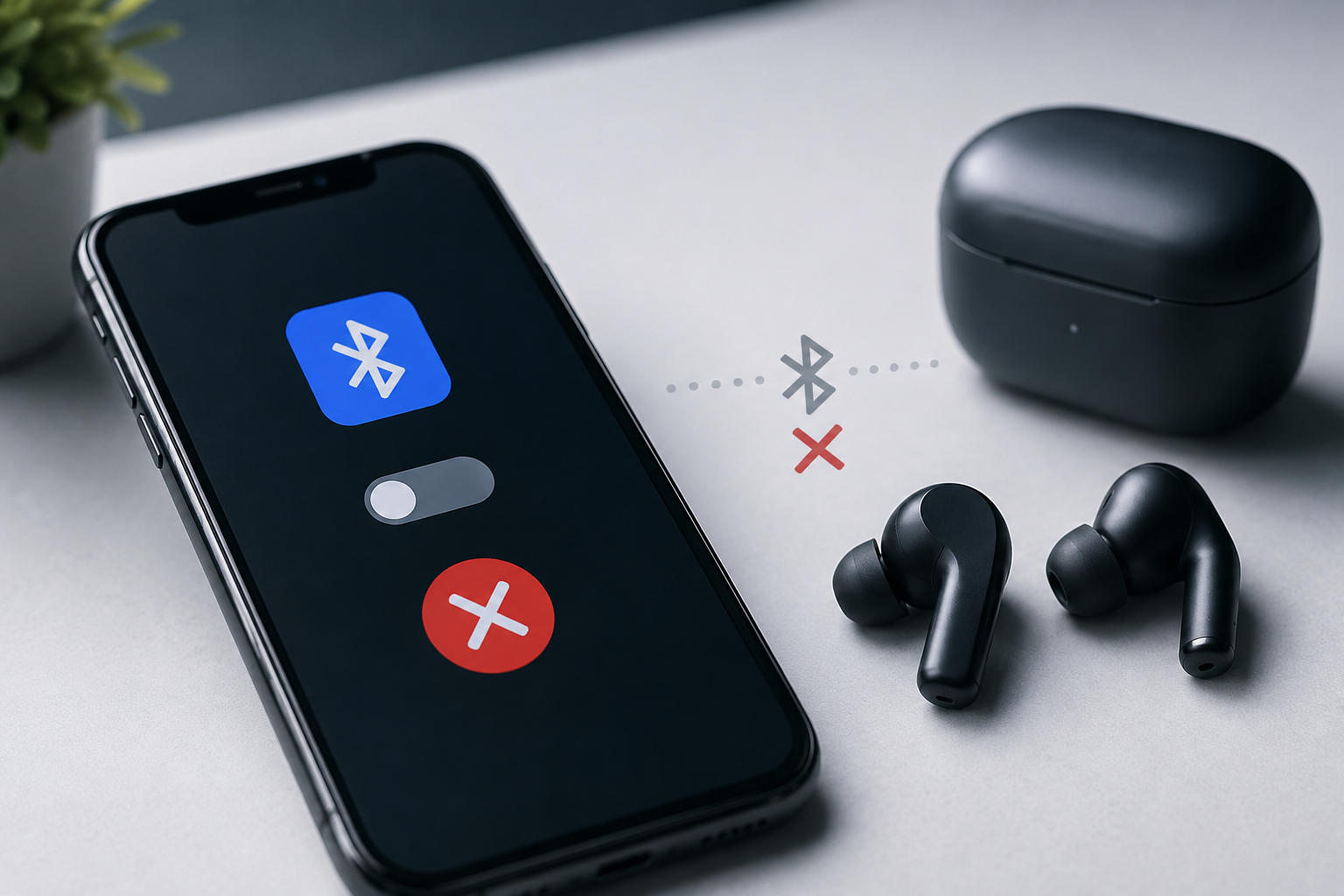
Remember that resetting network settings may remove saved Wi-Fi and Bluetooth connections.
A software bug or incomplete system update can sometimes affect mobile network connectivity.
Restarting the phone and installing available system updates may resolve minor software-related network problems.
If the problem continues after an update or reset, professional diagnosis may be required.
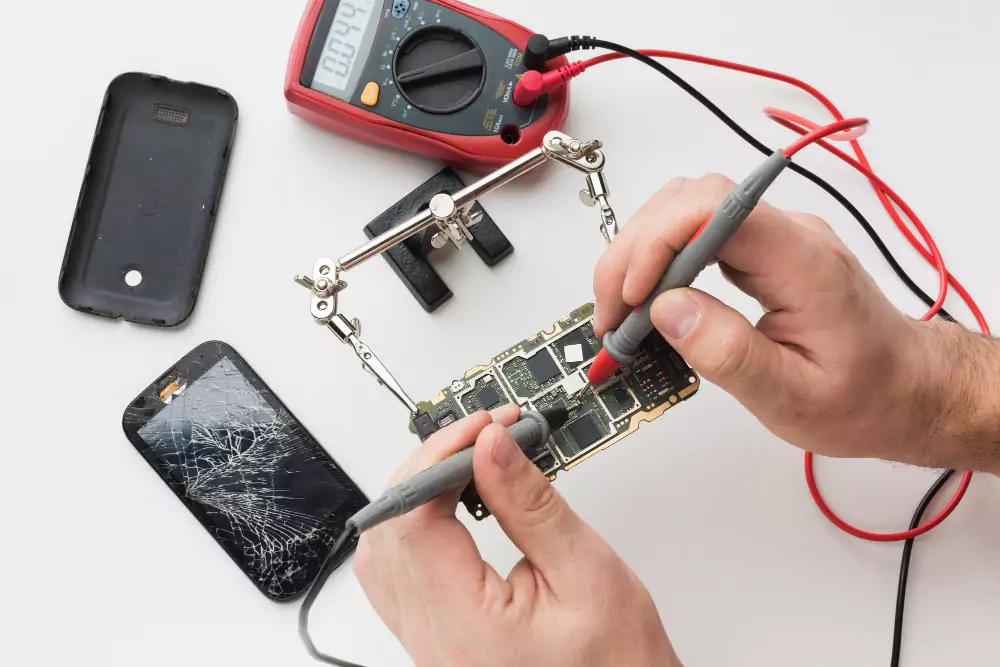
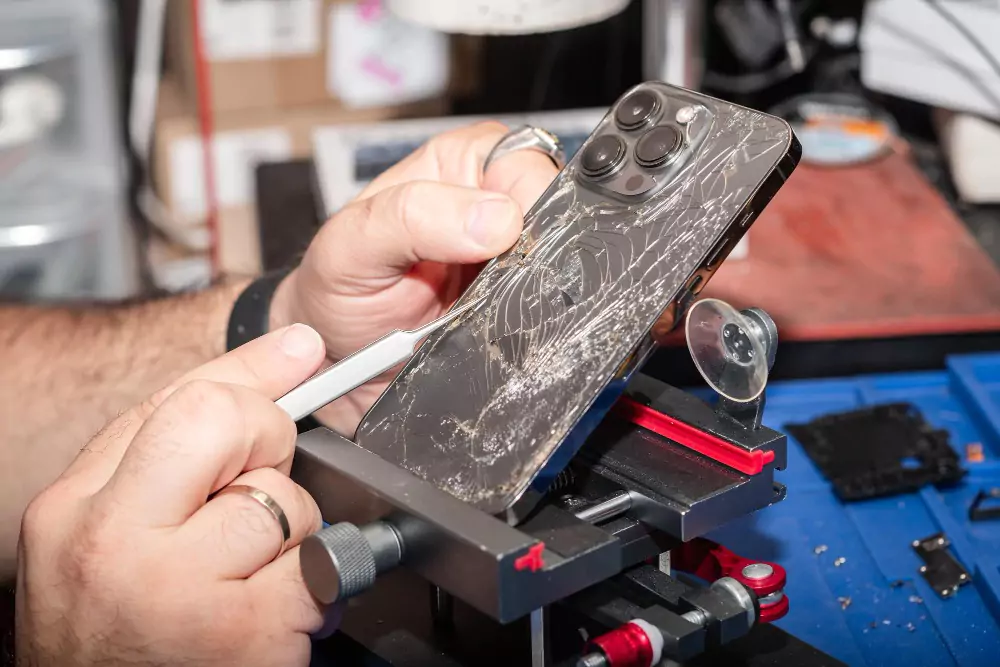
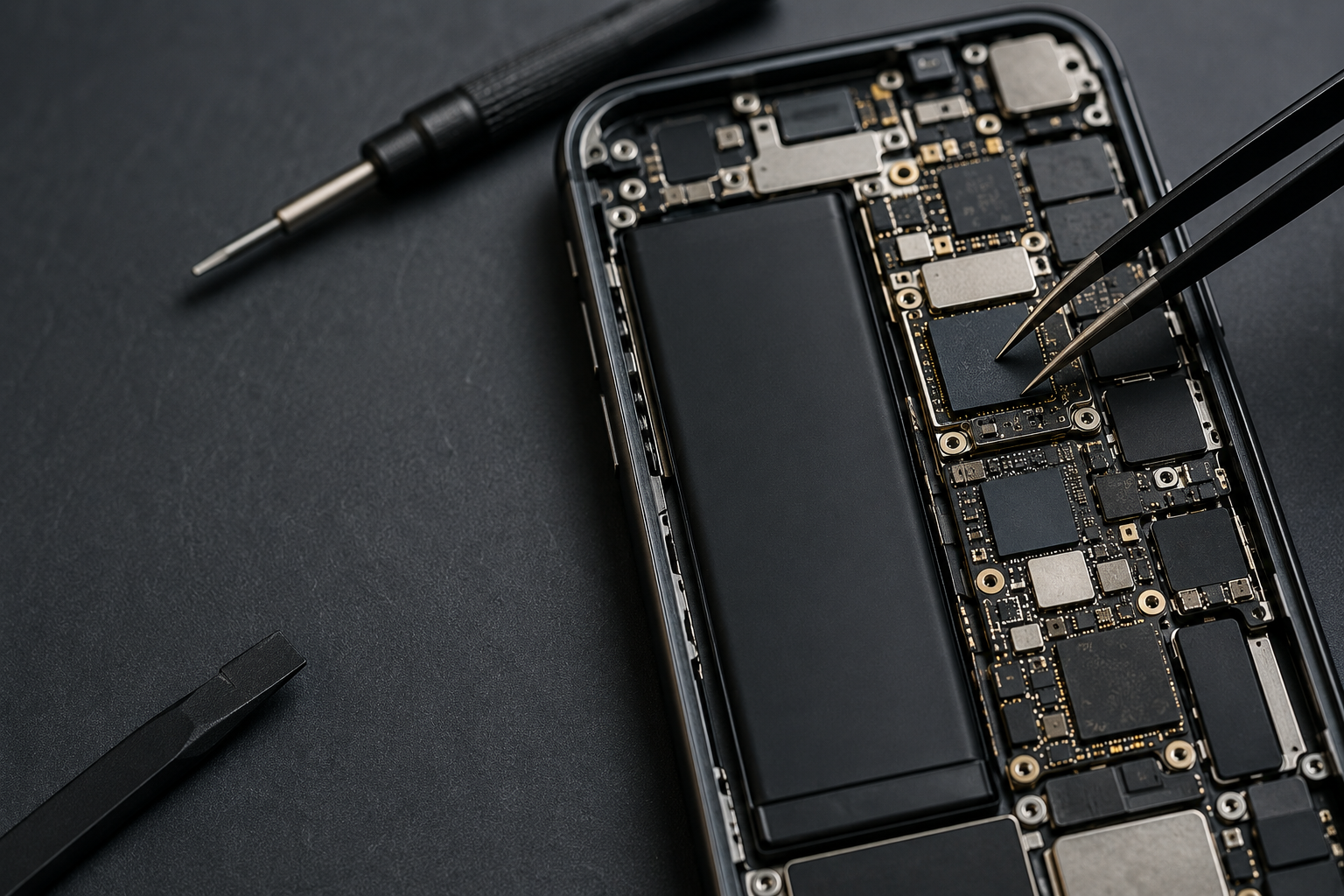
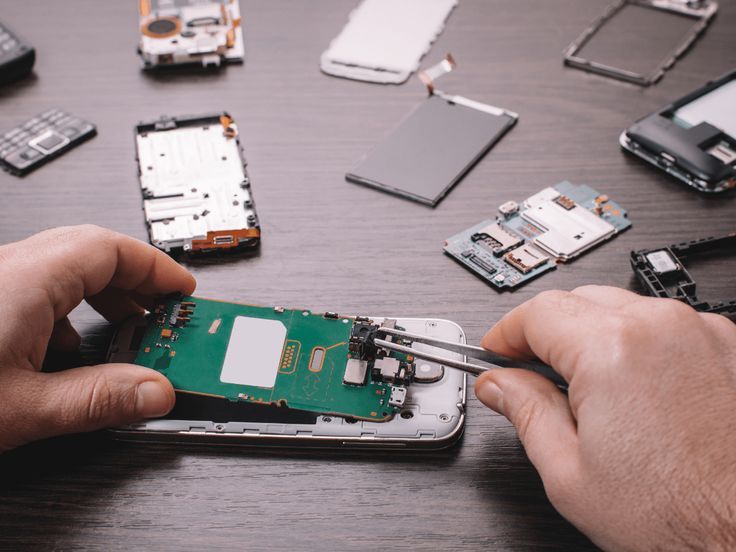
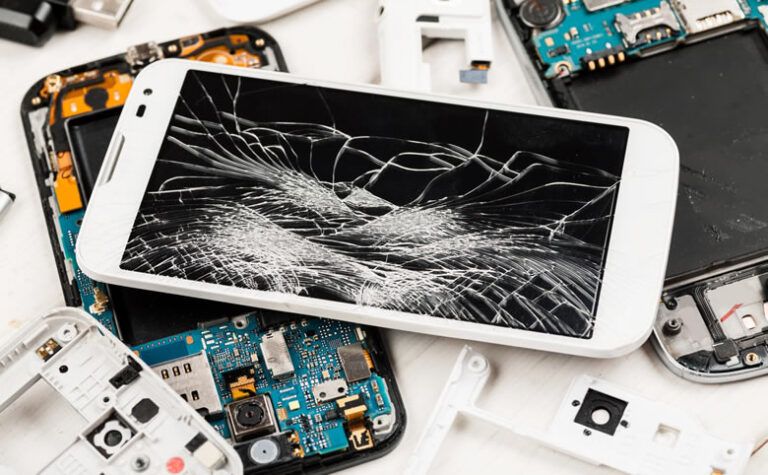
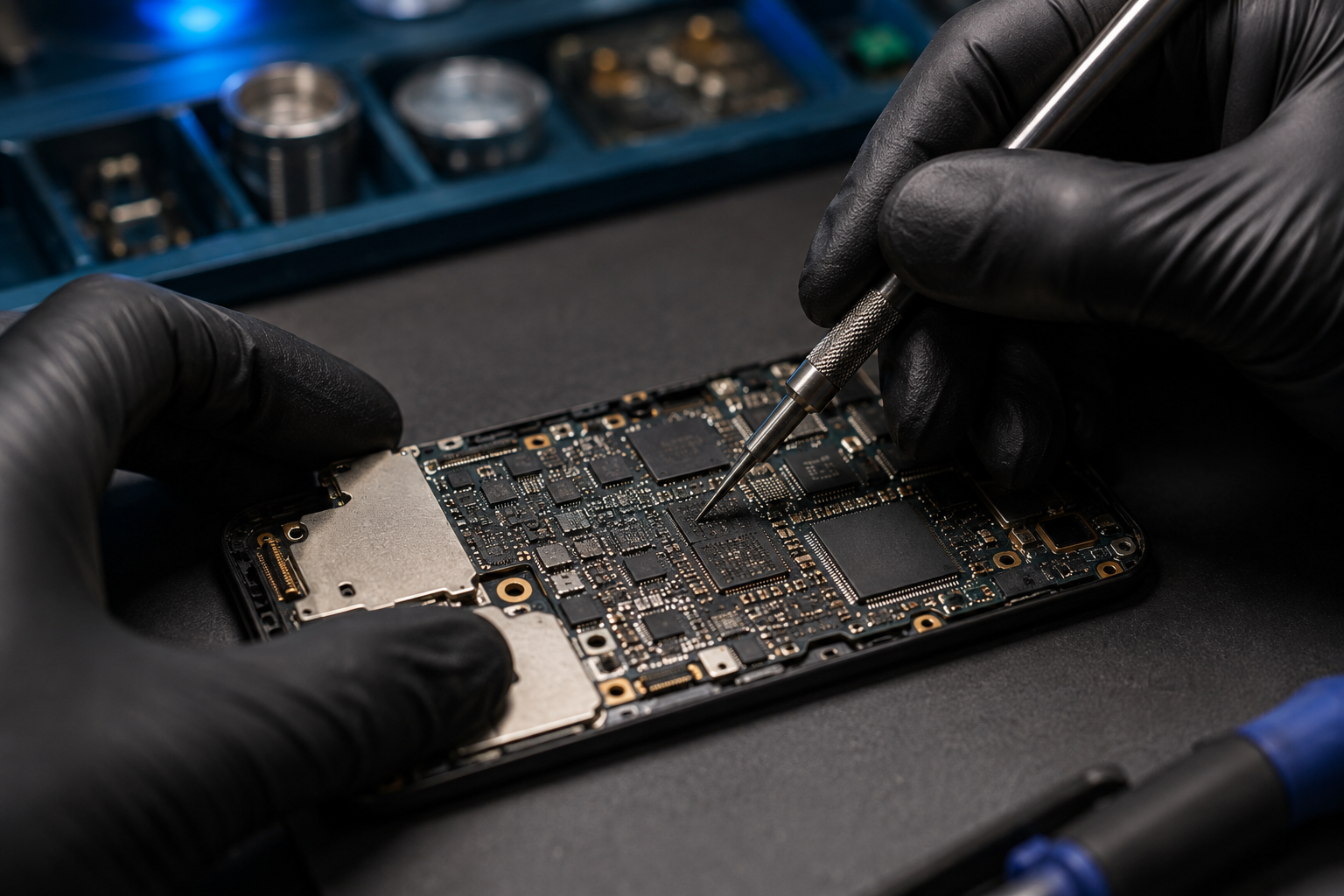
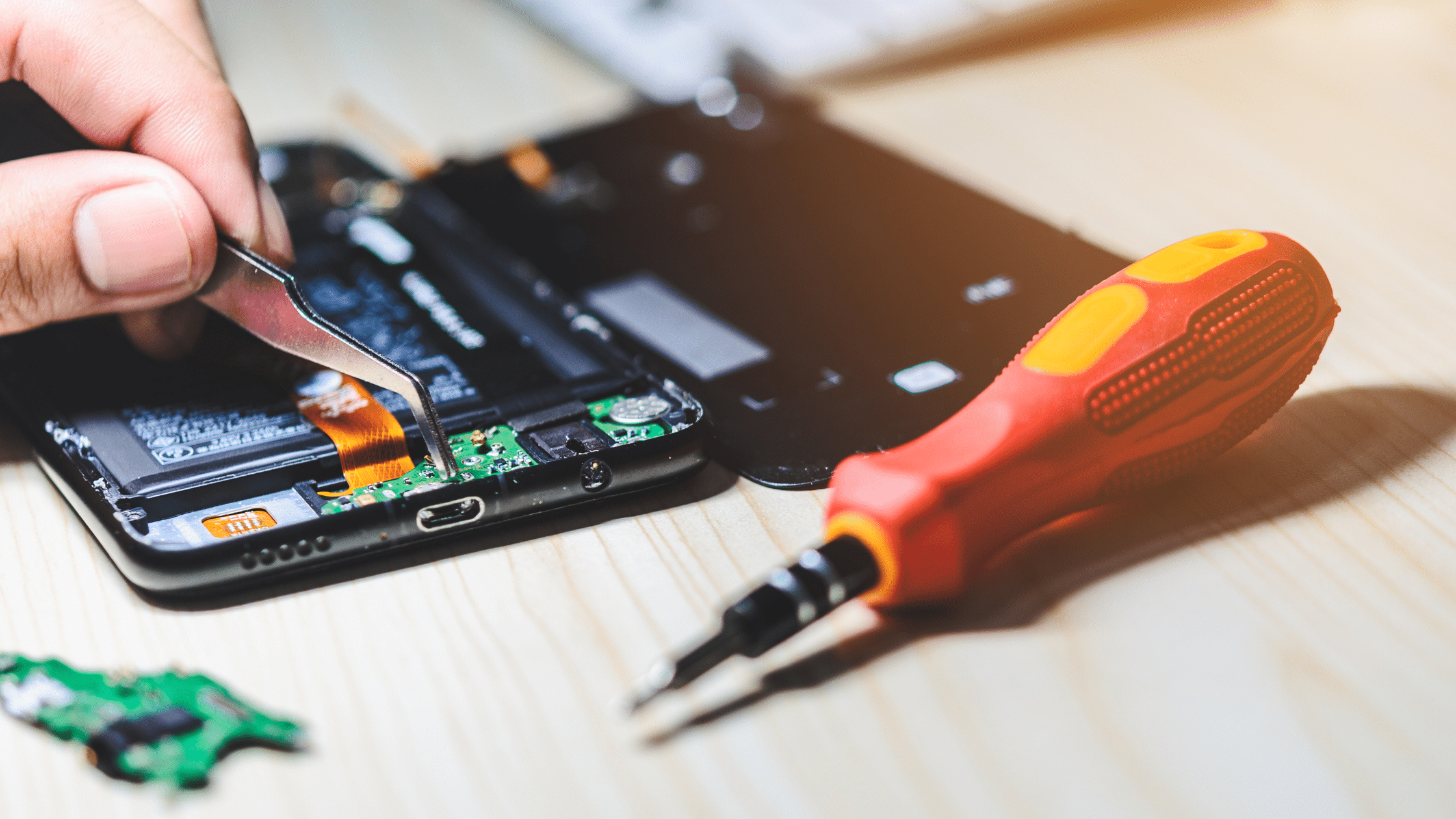
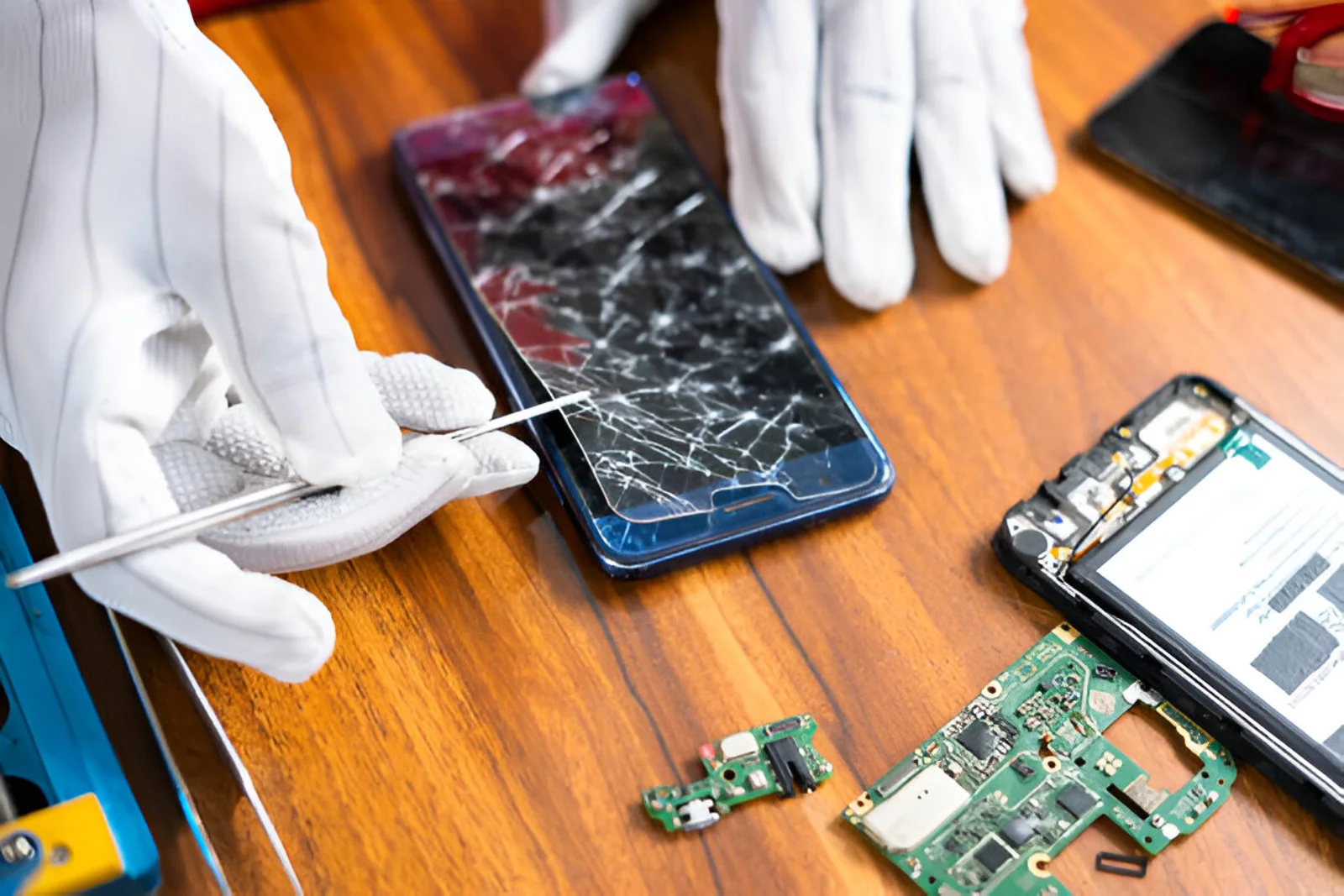
If your phone has been dropped or physically damaged, internal components responsible for network connectivity may be affected.
A damaged antenna, connector, or motherboard component can cause symptoms such as:
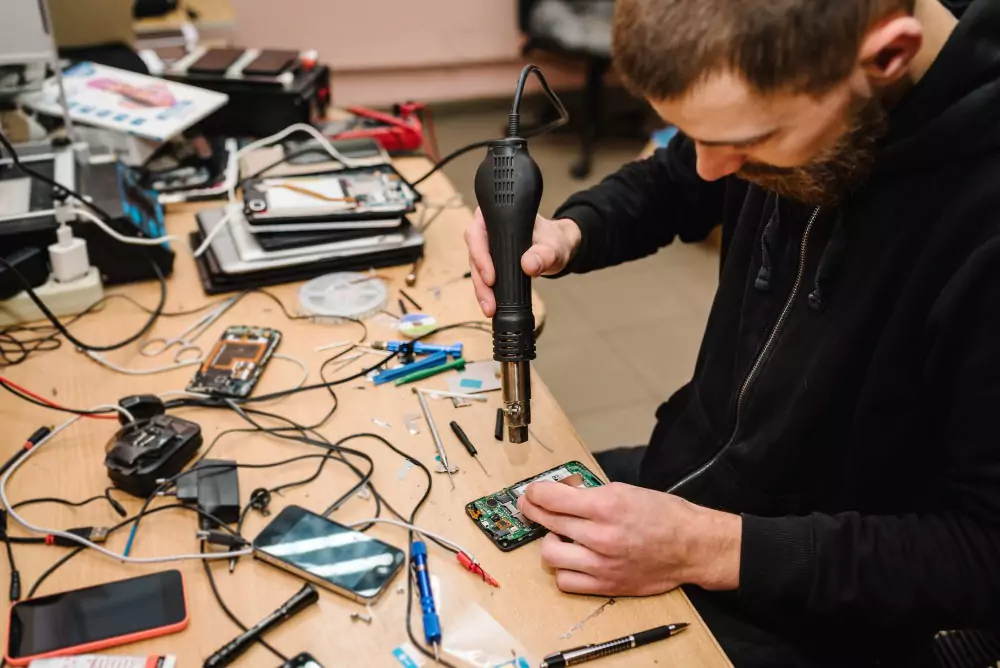
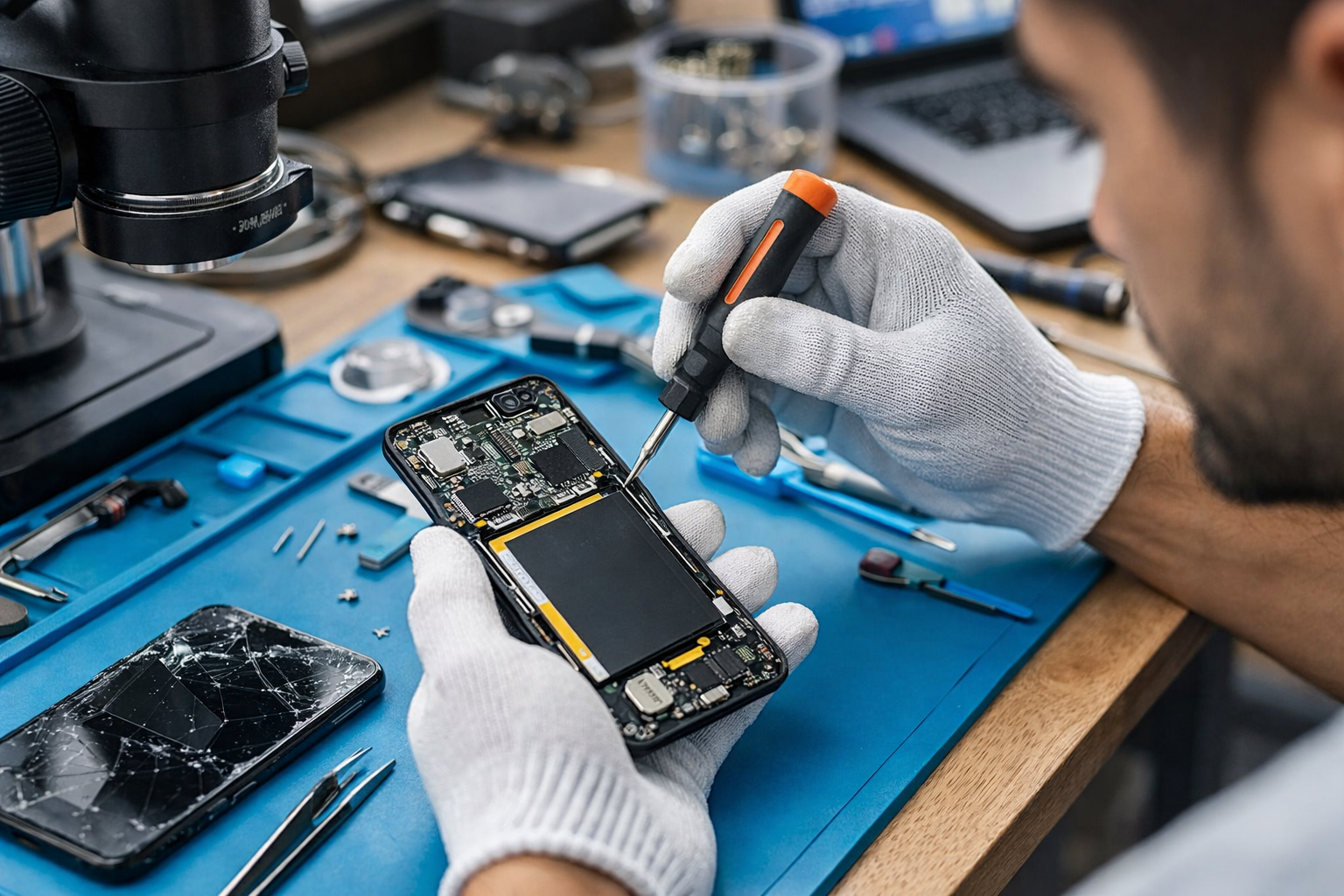
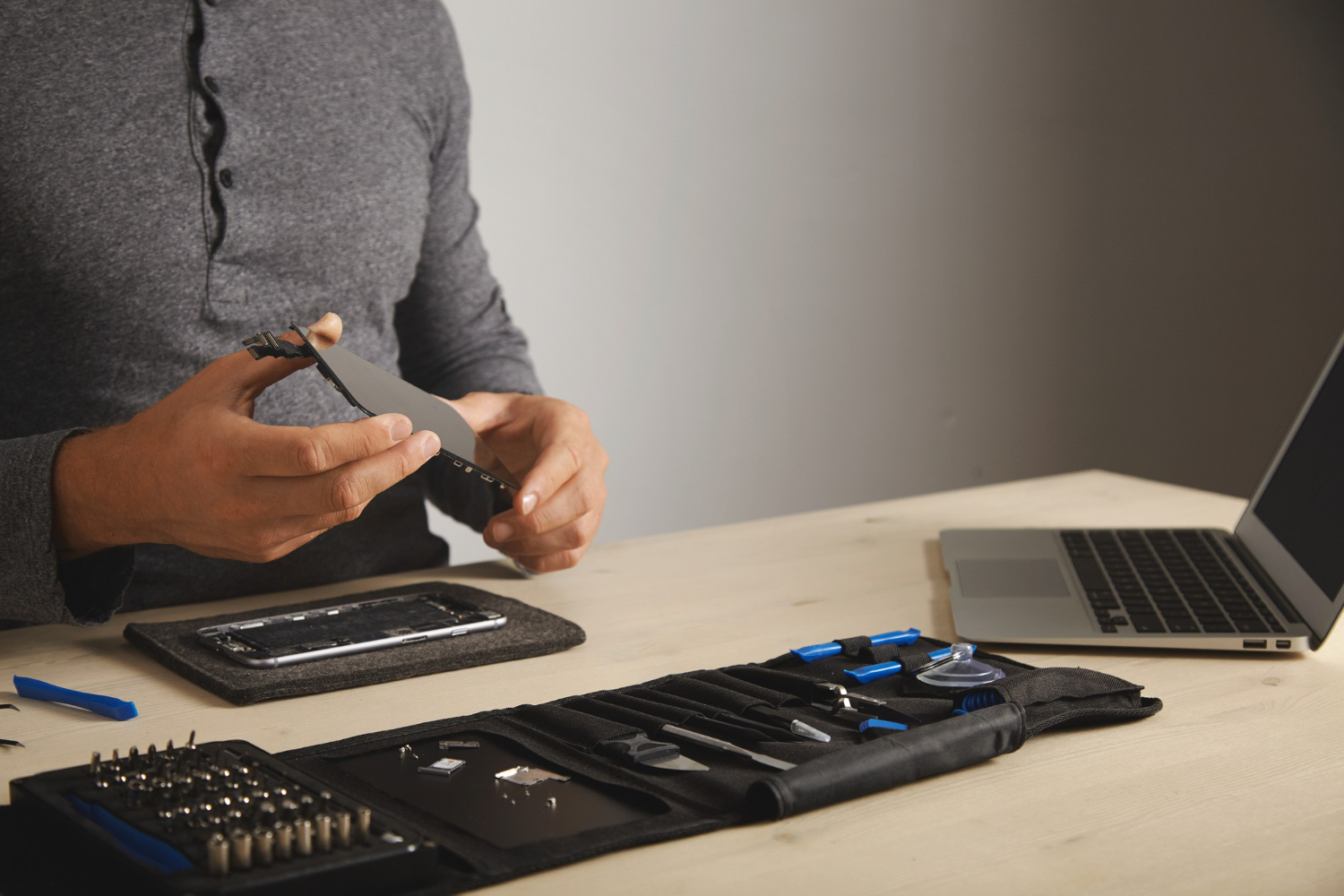
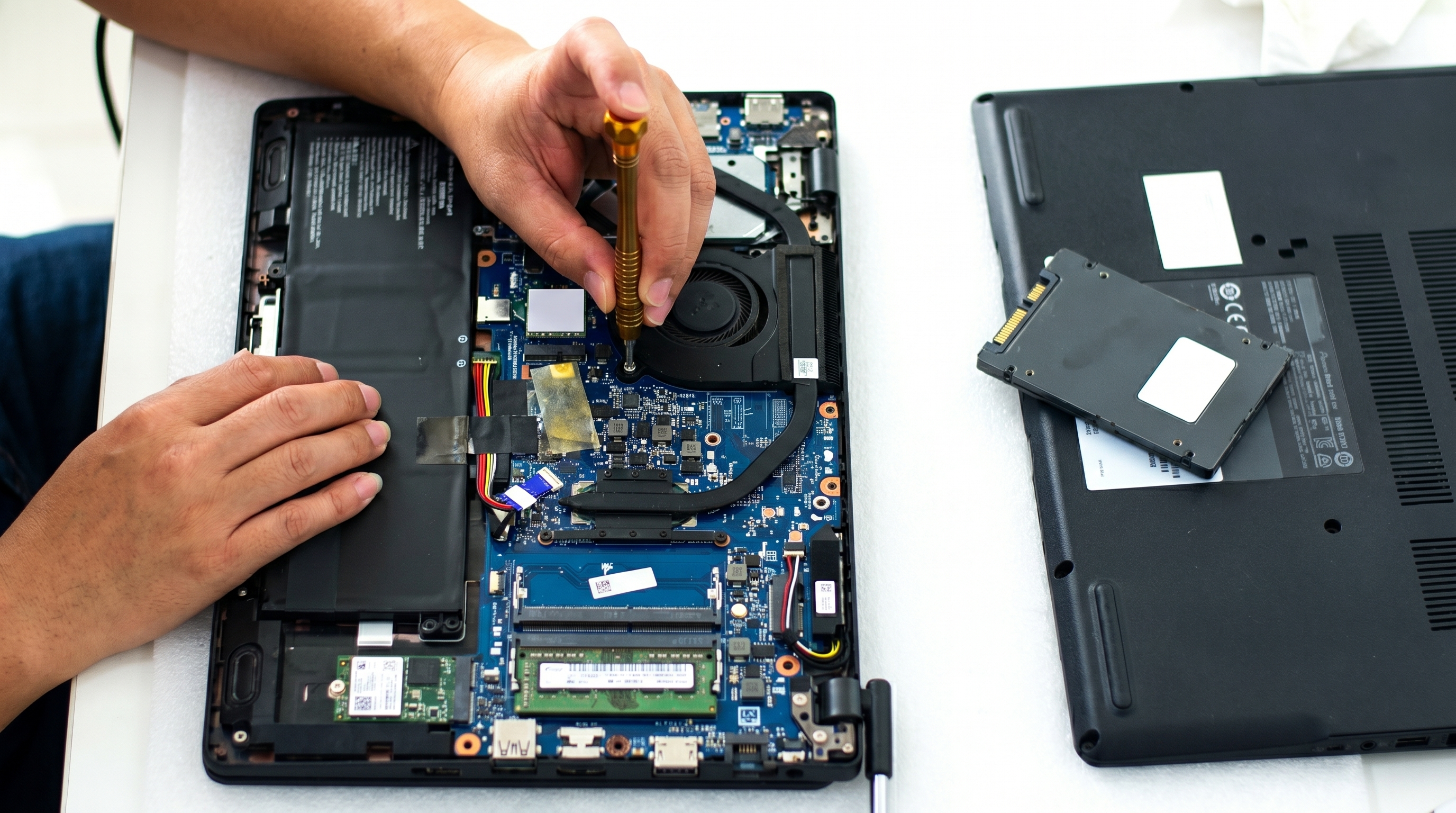
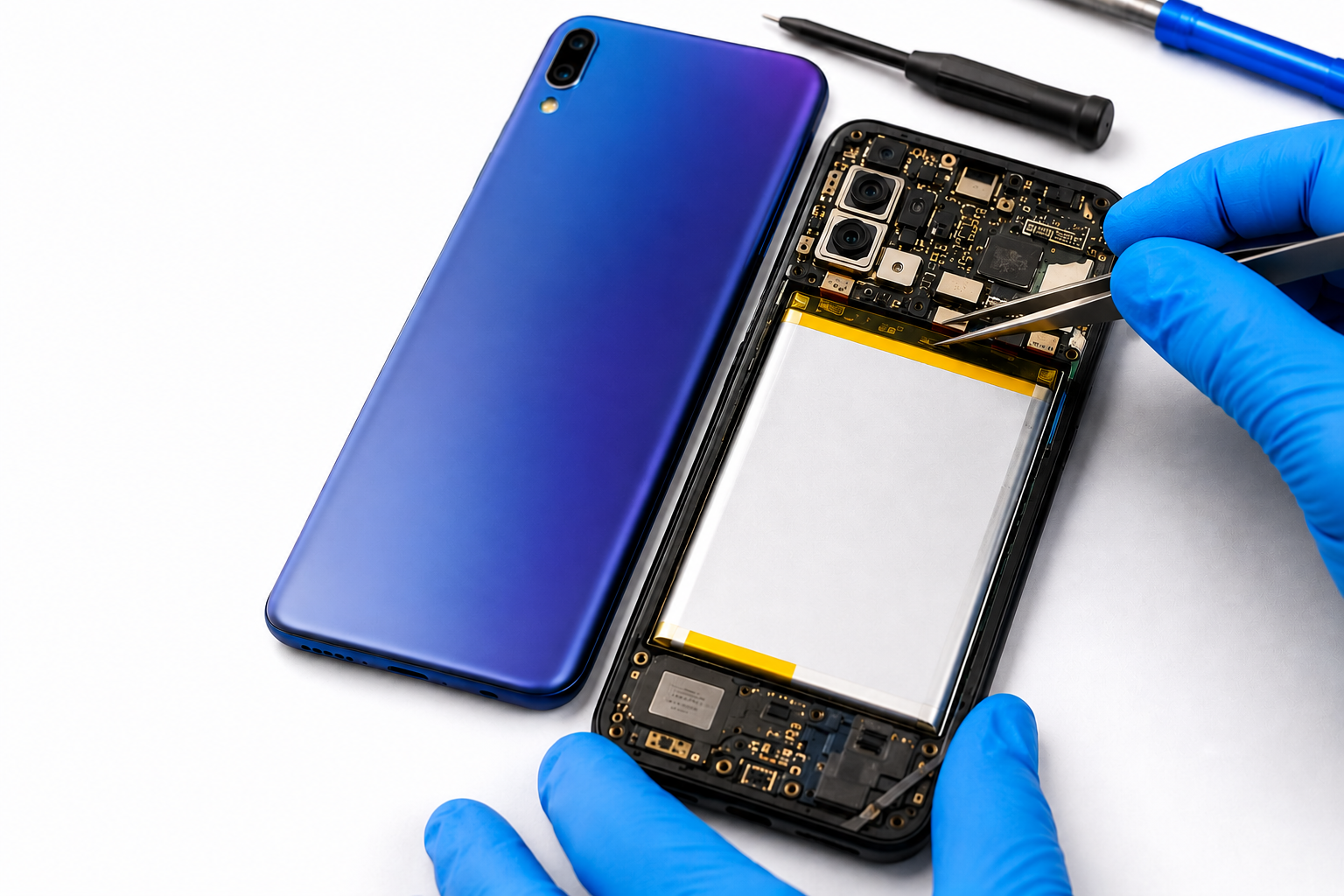
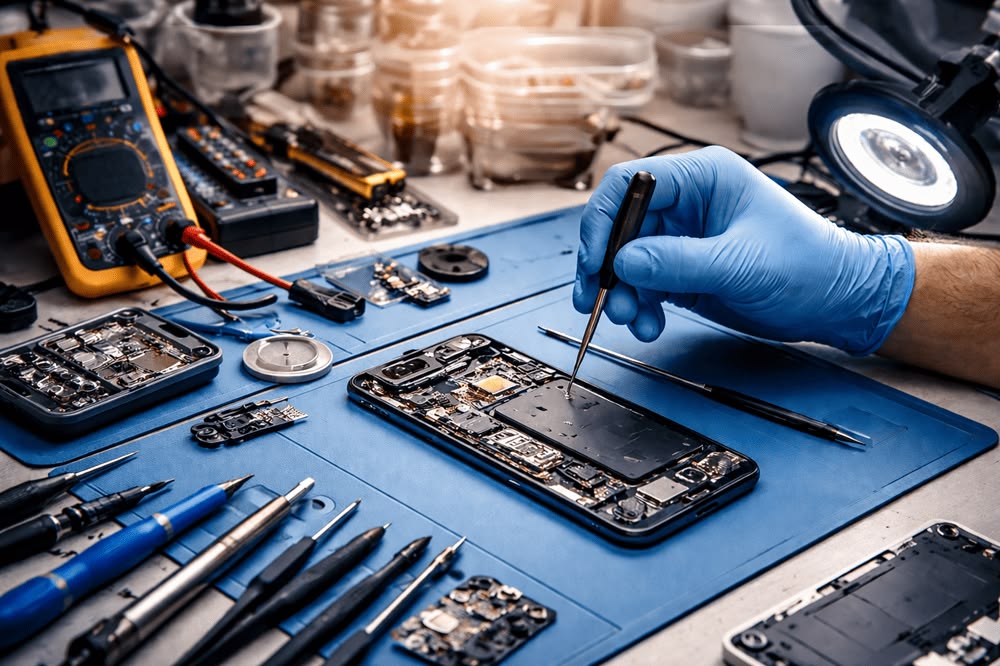
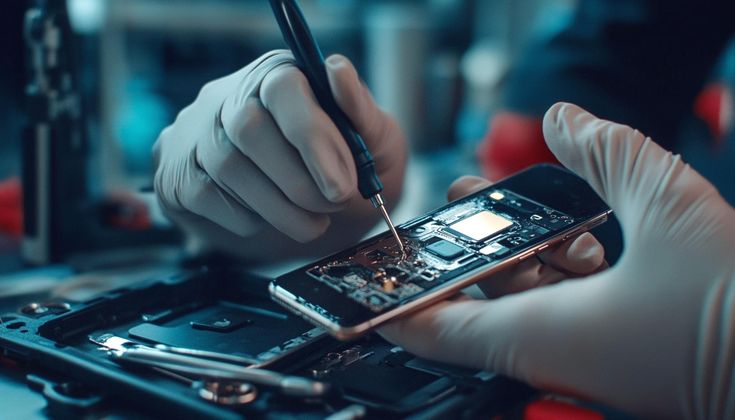
In such situations, opening the phone yourself can cause additional damage. A professional technician can inspect the device and identify the faulty component.
Liquid exposure can affect internal components and connectors. Even if the phone appears to work normally after getting wet, corrosion may develop inside the device and eventually cause network problems.
If your phone has recently been exposed to water and starts showing no service, professional inspection is recommended.
Before visiting a repair center, you can try these basic steps:
If none of these steps solve the problem, the issue may be related to the phone's hardware.
You should consider professional assistance if:
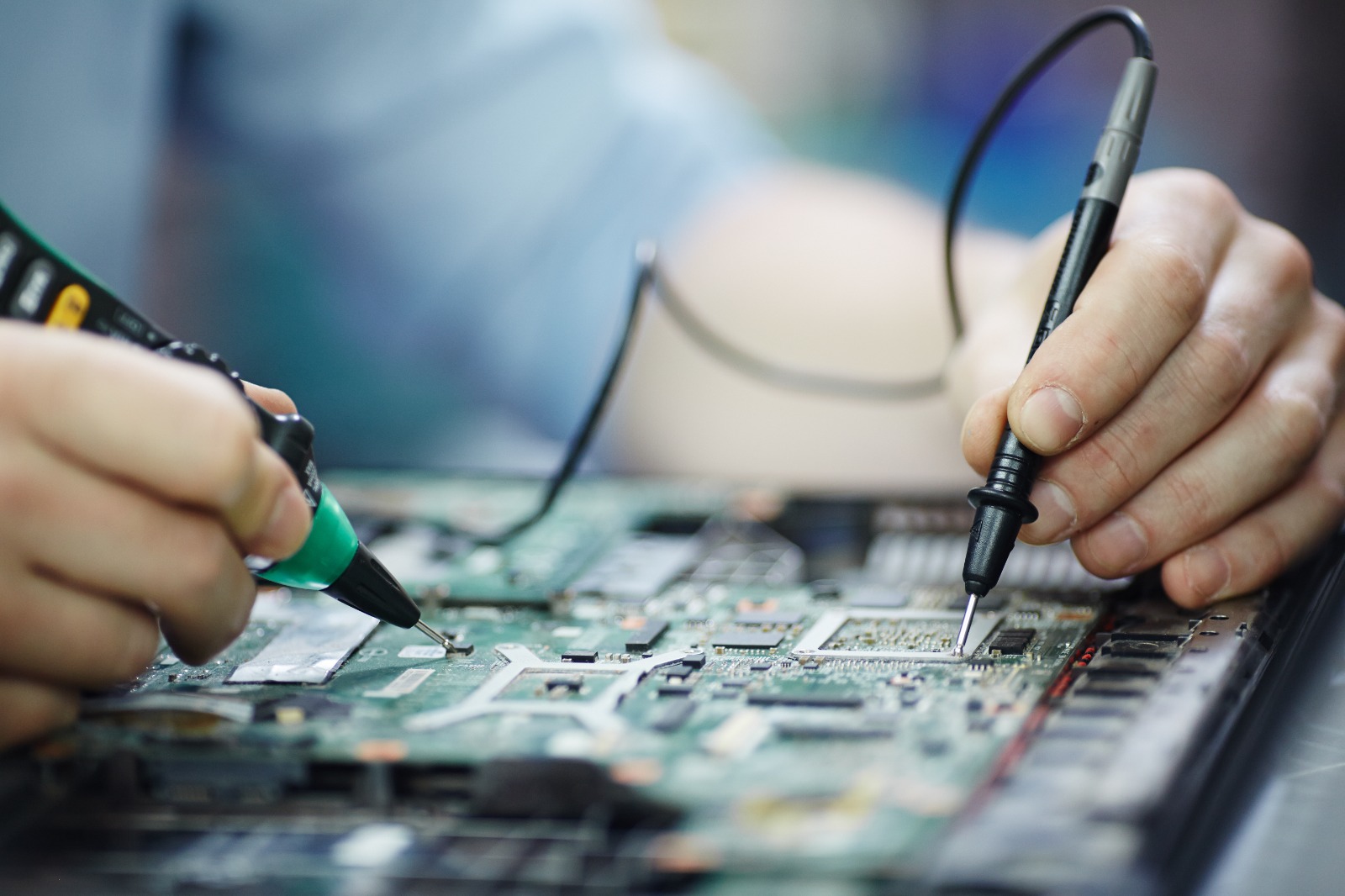
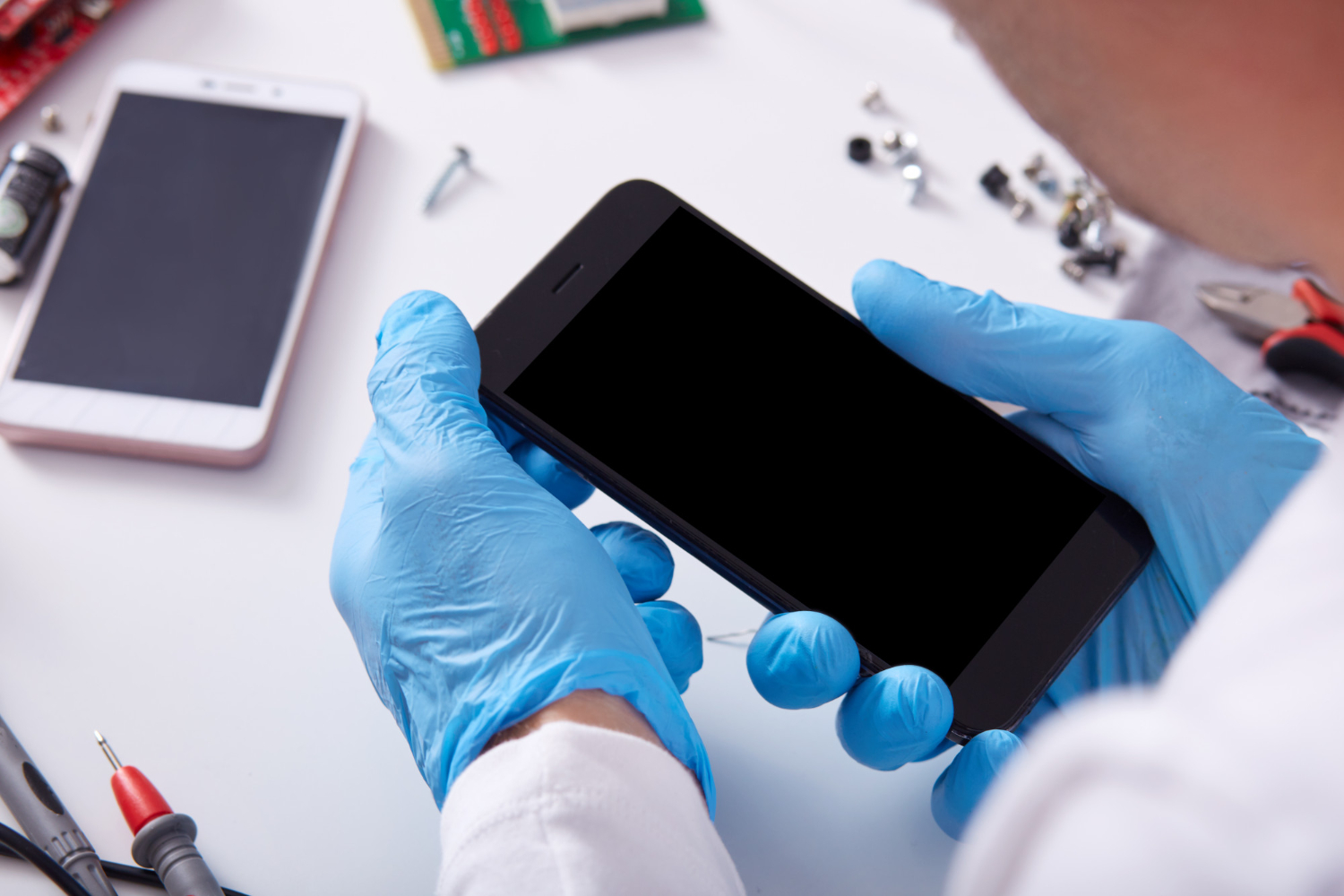
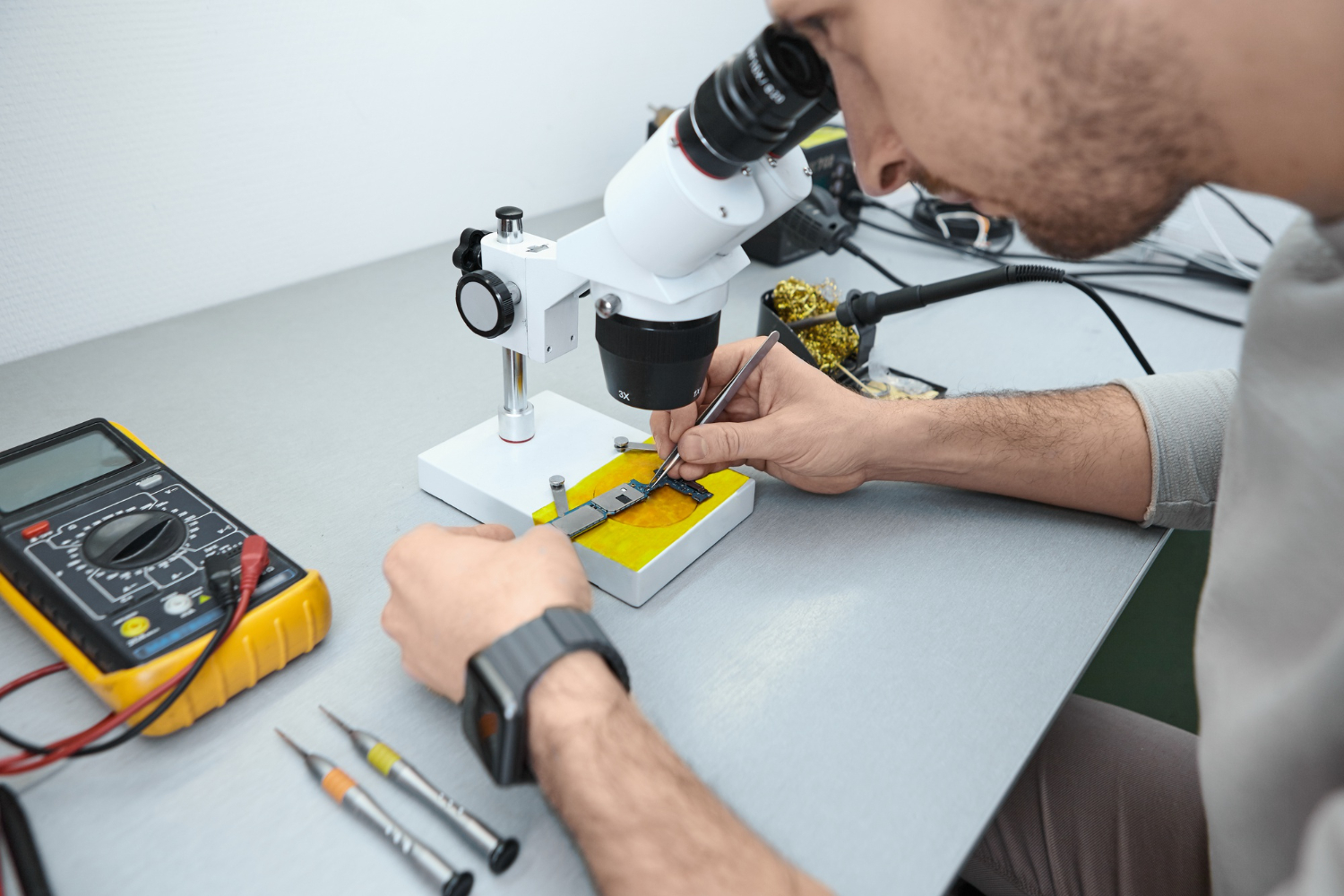
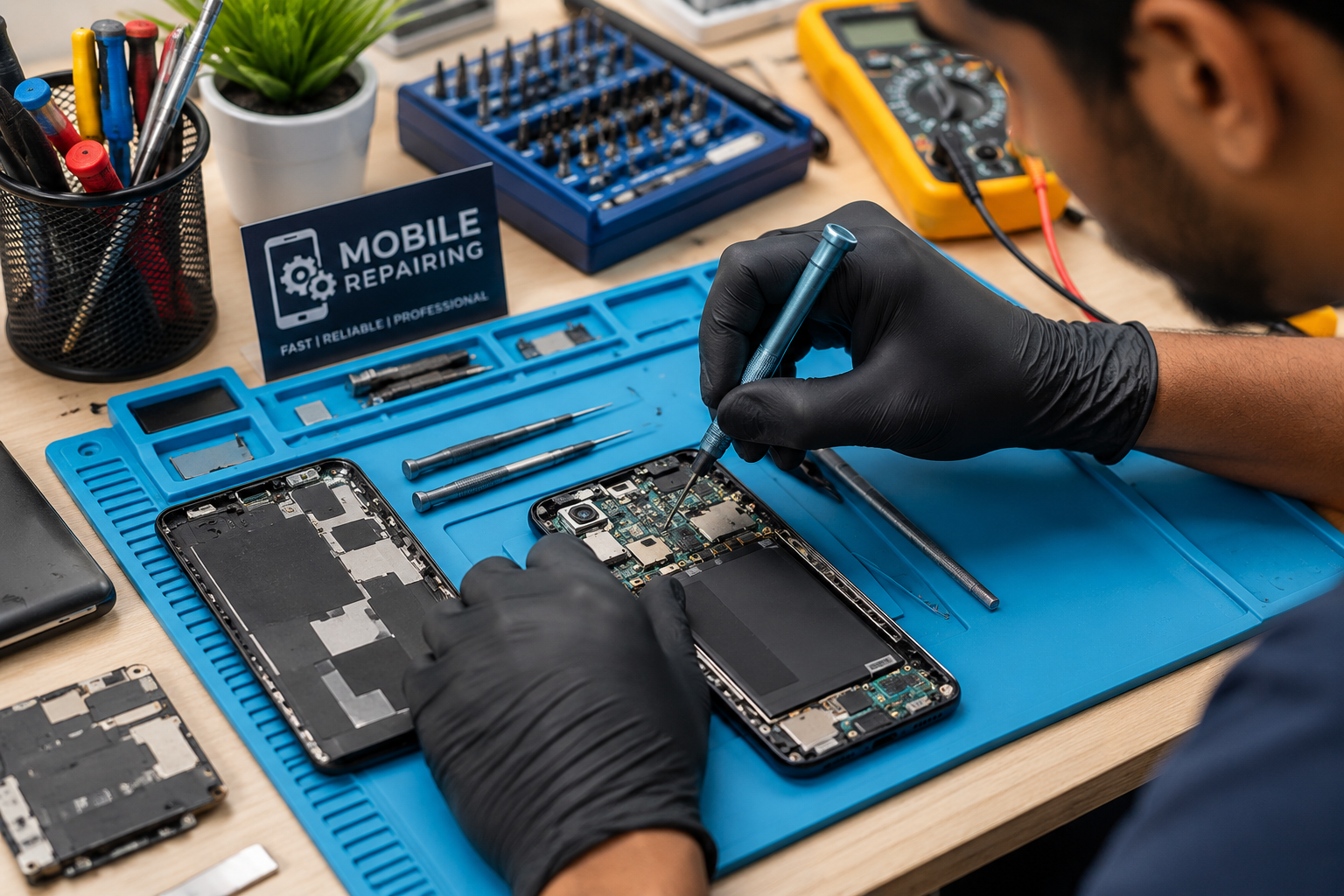
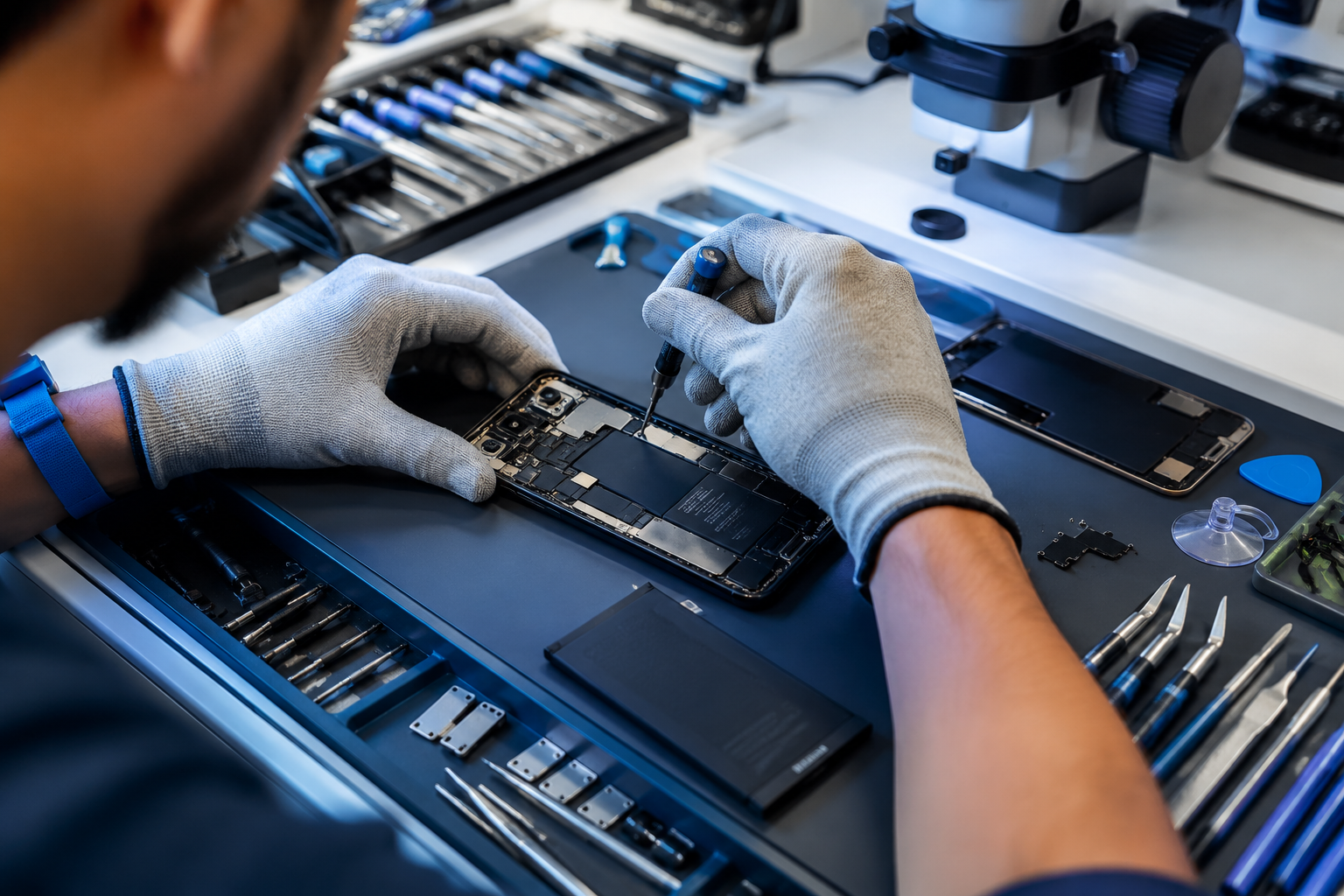
A technician can perform diagnostic tests to determine whether the issue is related to the SIM, software, antenna, connector, or motherboard.
Mobile network problems are not always caused by the SIM card or network provider. Hardware faults can sometimes require detailed inspection and specialized diagnostic equipment.
Professional technicians can identify the actual cause before replacing components unnecessarily. This can help avoid unnecessary repair costs and prevent additional damage to the device.
A phone showing no service can result from several different causes, ranging from simple SIM problems to more complicated hardware faults. Basic troubleshooting can solve minor issues, but persistent network problems may require professional diagnosis.
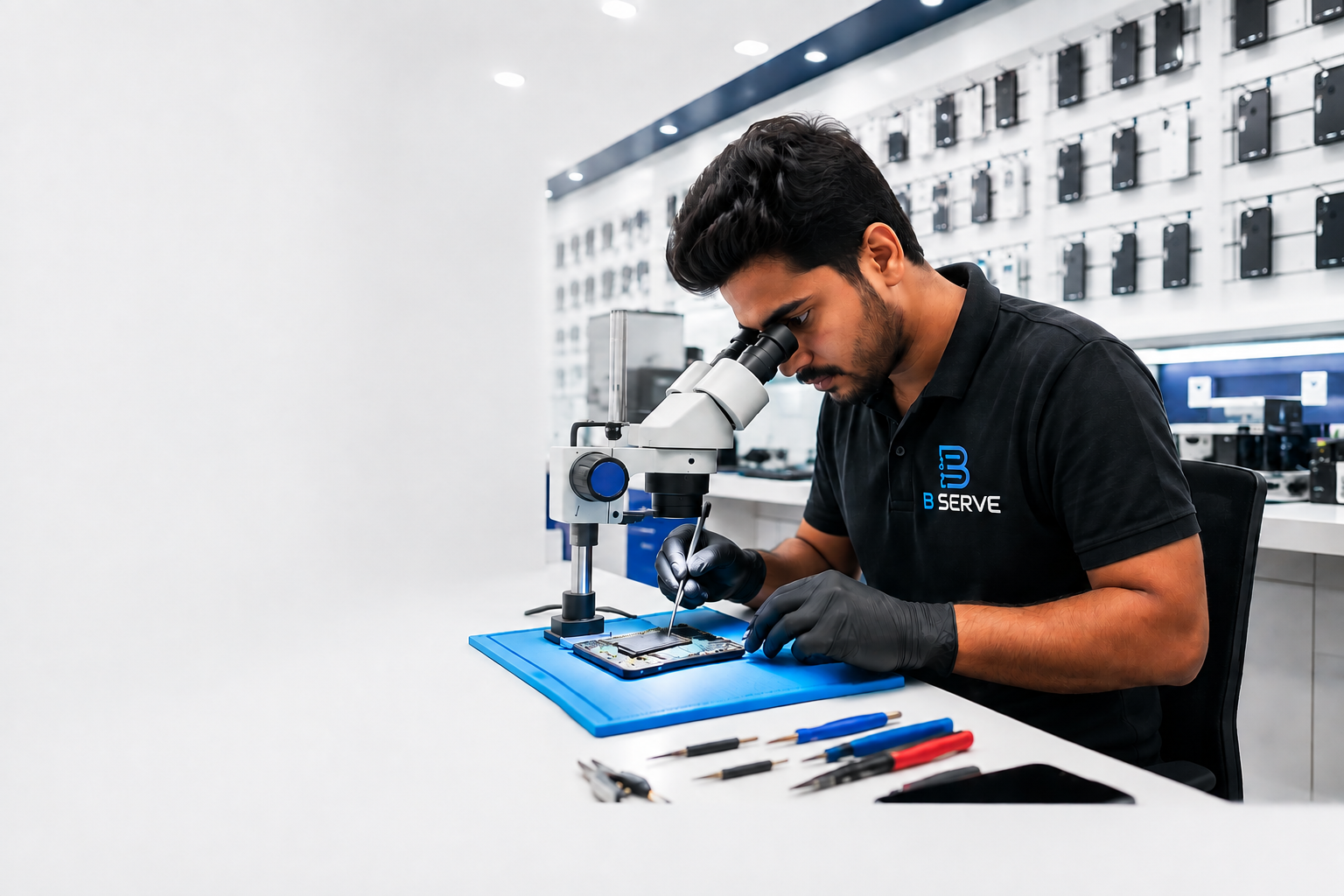
B Serve provides professional repair services for smartphones and other electronic devices in Malappuram and nearby areas, including Tirur, Perinthalmanna, and Kottakkal. The company offers smartphone, laptop, tablet, smartwatch, MacBook, and other gadget repair services.
If your smartphone continues to show no service even after basic troubleshooting, getting the device professionally inspected can help identify the actual problem and the appropriate repair solution.