 Post : bserve | 2026-09-18
A phone speaker not working can be frustrating, especially when you cannot hear calls, videos, music, notifications, or other sounds properly. Sometimes the problem is caused by a simple software setting, while in other cases, the speaker may have physical damage or require professional repair.
Understanding the possible causes can help you identify the problem and decide whether you can fix it yourself or need help from a professional mobile repair technician.
There are several reasons why a smartphone speaker may stop producing sound or become noticeably quieter. The most common causes include software settings, blocked speaker openings, water damage, hardware faults, and damaged internal components.
One of the simplest reasons for a phone speaker not working is that the device is in silent mode or Do Not Disturb mode.
Check the volume buttons and make sure the media, ringtone, and notification volumes are turned up. Also check whether your phone has enabled a silent profile or Do Not Disturb mode.
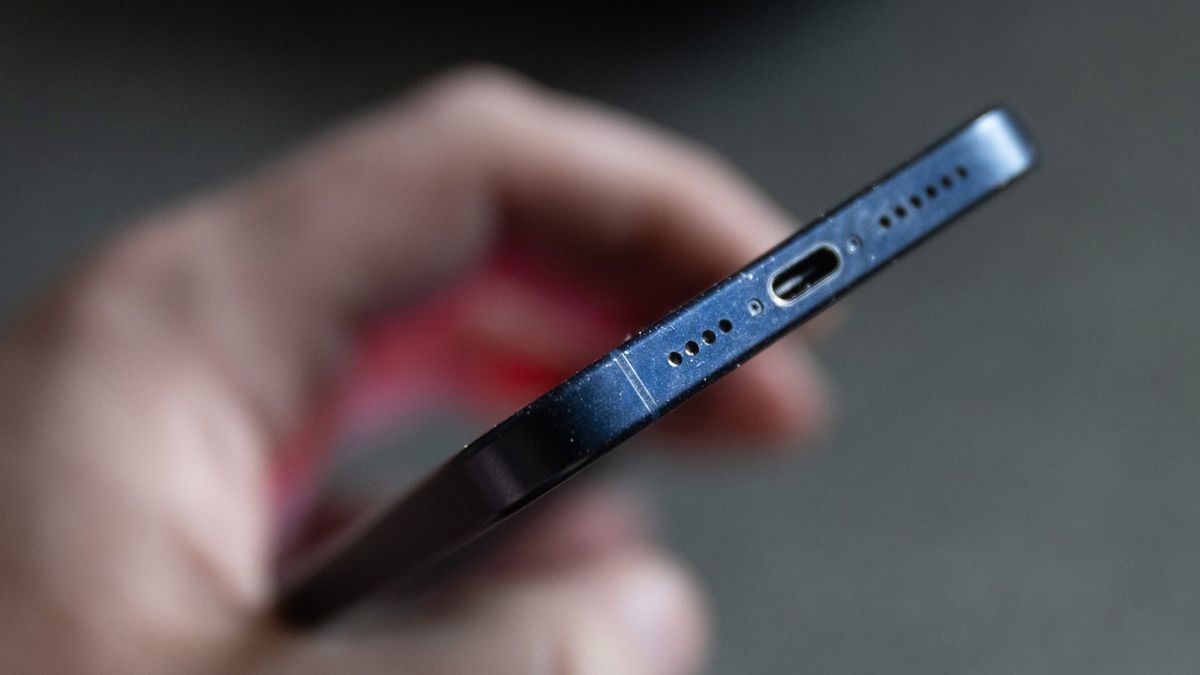
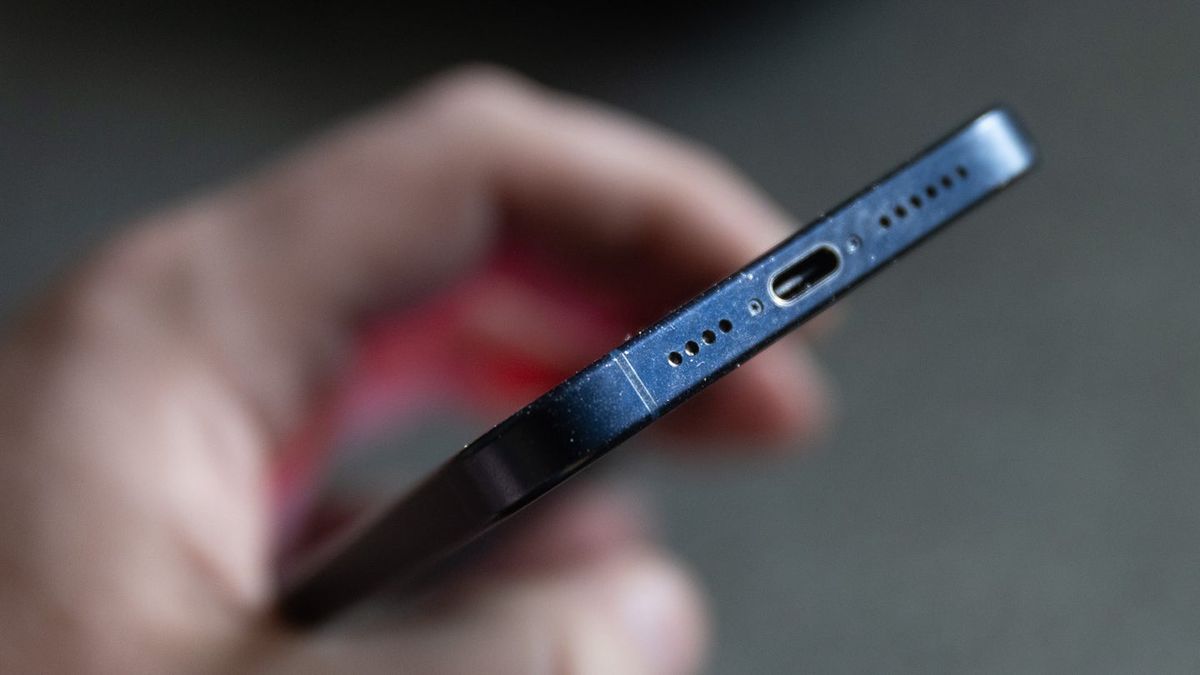
Dust, dirt, lint, and other particles can accumulate around the speaker grille over time. This can block the sound and make your phone speaker sound very low or distorted.
You can carefully clean the external speaker area using a soft, dry brush. Avoid inserting sharp objects into the speaker openings because they can damage the speaker or internal components.
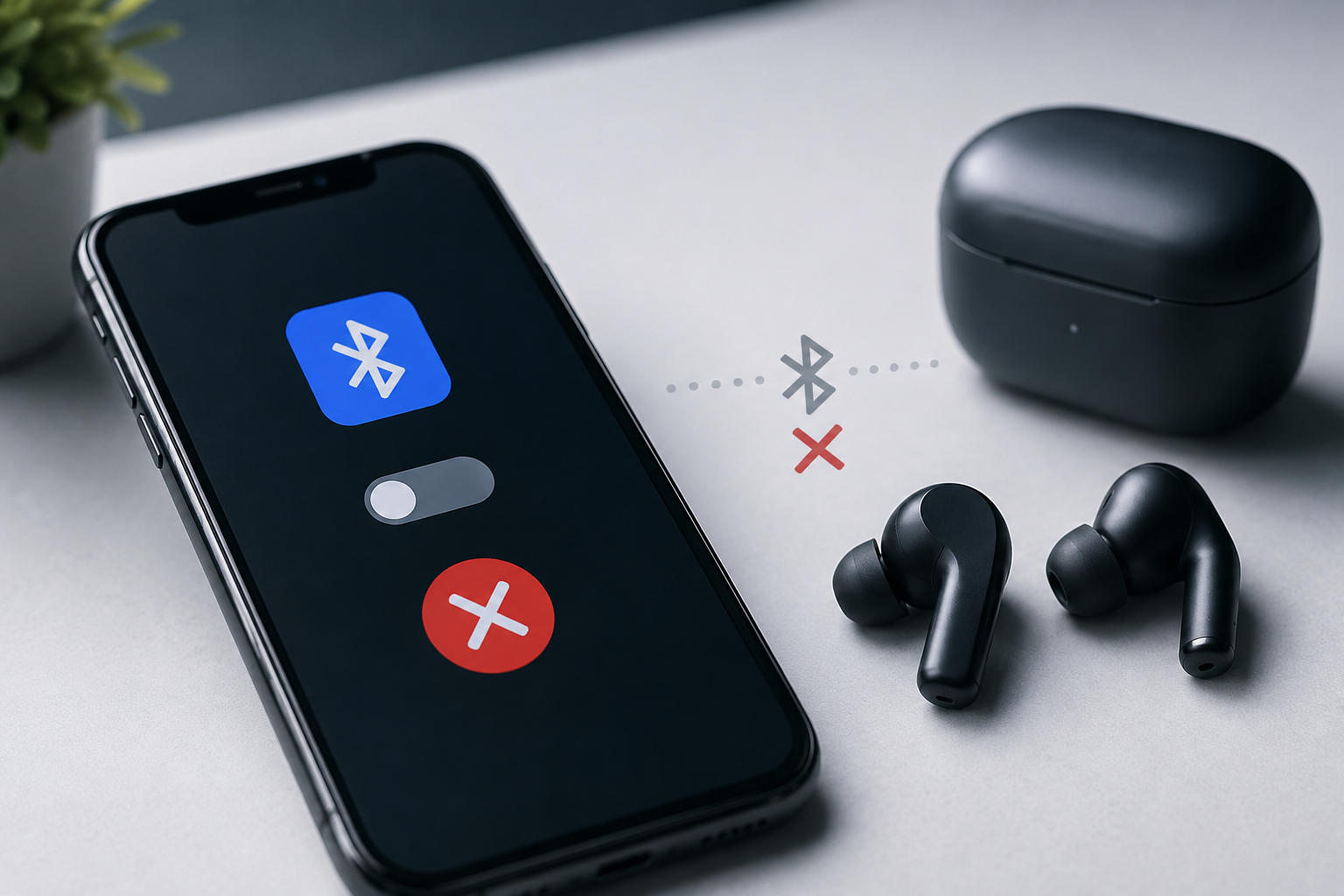
Your phone may appear to have a speaker problem when the audio is actually being sent to another device.
Check whether your smartphone is connected to Bluetooth headphones, wireless earbuds, a car audio system, or another Bluetooth speaker. Turn off Bluetooth temporarily and test the phone's built-in speaker again.
Temporary software problems can sometimes affect audio output. If your mobile speaker is not working, try restarting the phone.
A restart can resolve temporary system errors and restore normal audio functionality. You should also check whether your phone has any pending software updates.
If the speaker works normally for calls or notifications but does not work inside a particular application, the issue may be related to that app.
Try playing audio through another application. If sound works elsewhere, update or reinstall the affected application and check its audio settings.
Water is one of the common causes of smartphone speaker problems. Even when the phone continues to work after getting wet, liquid can affect the speaker and other internal components.
If your phone has recently been exposed to water and the sound has become distorted, weak, or completely silent, professional inspection may be necessary.
Avoid using excessive heat to dry the phone, as high temperatures can damage internal components.
The physical speaker itself can become damaged due to impact, prolonged use, moisture, or electrical problems.
A damaged speaker may produce distorted sound, very low volume, crackling noises, or no sound at all. In such cases, replacing the faulty speaker may be necessary.
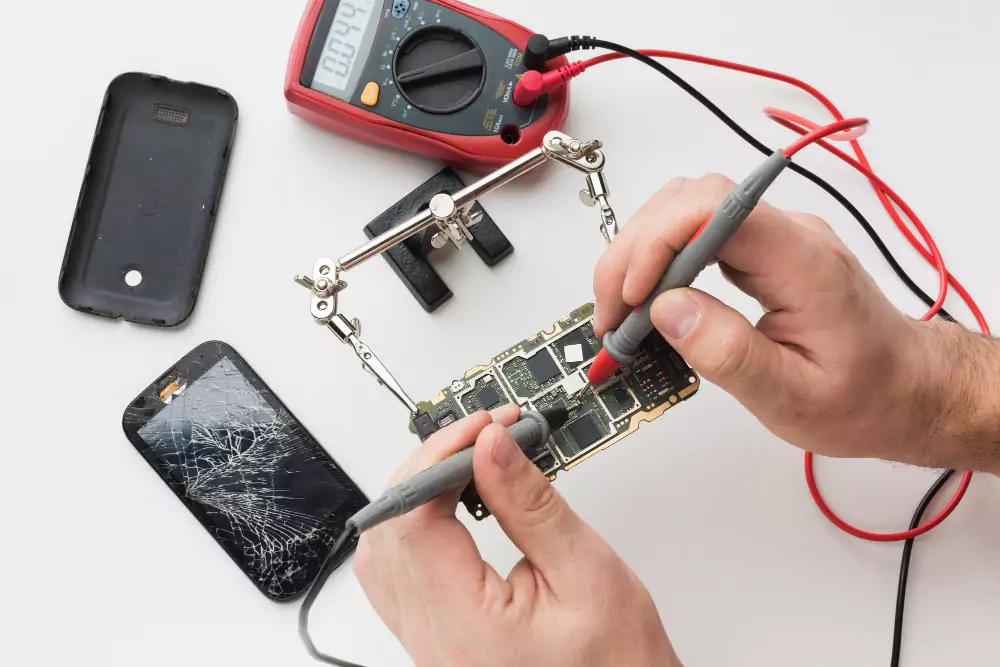
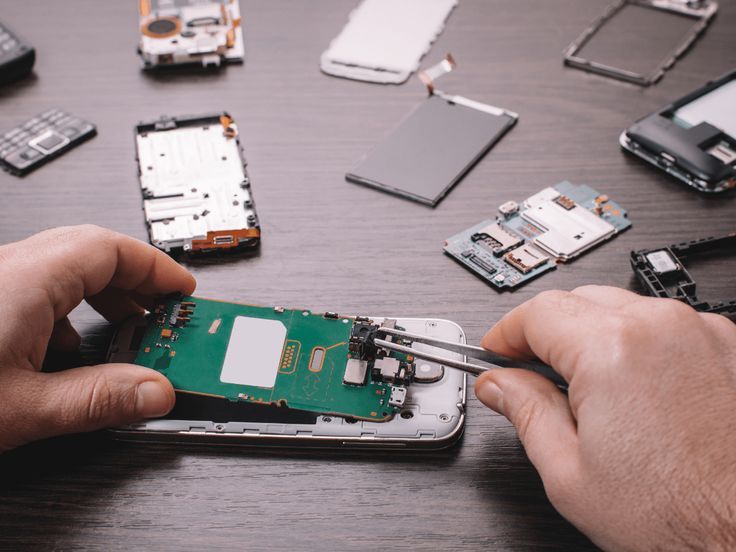
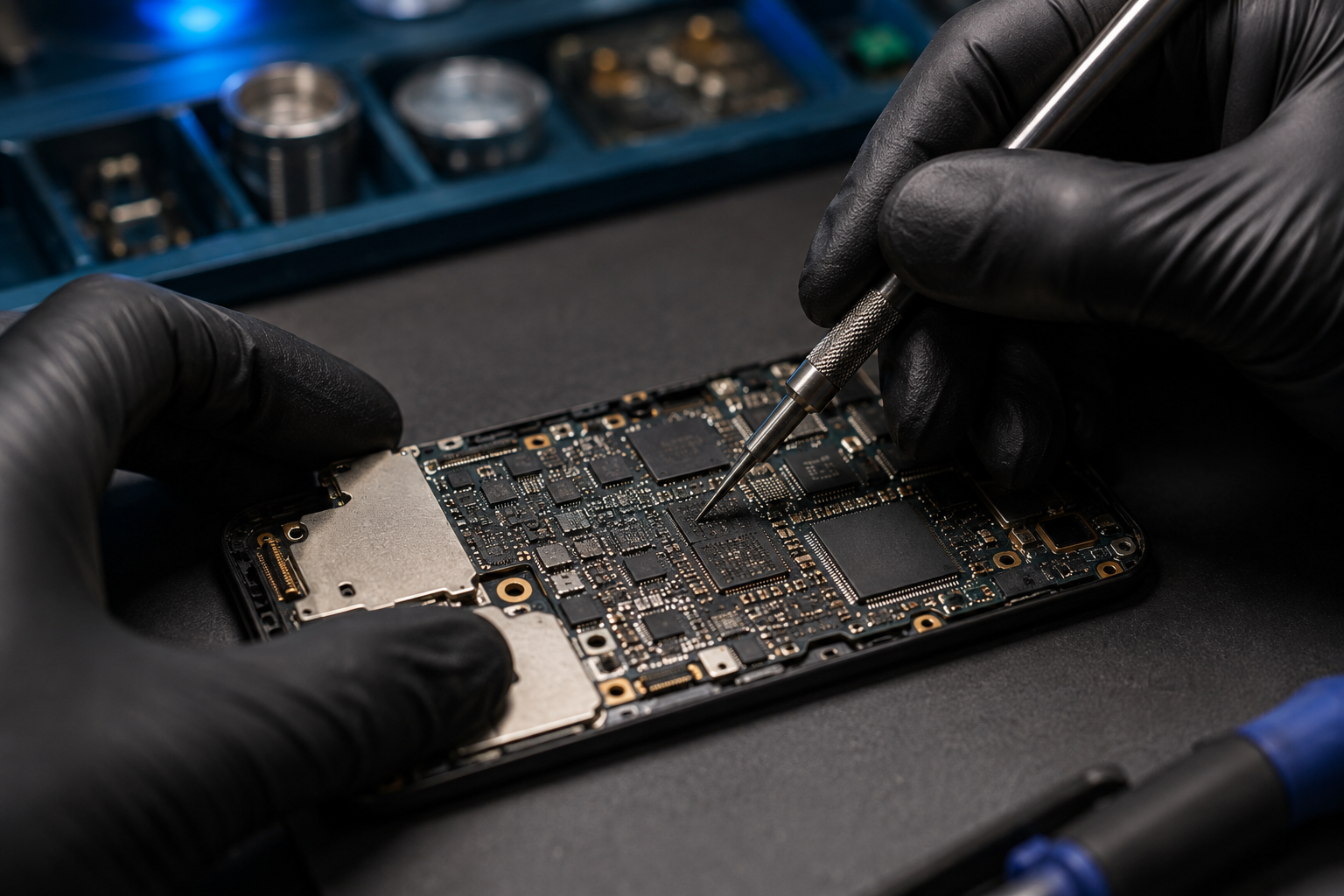
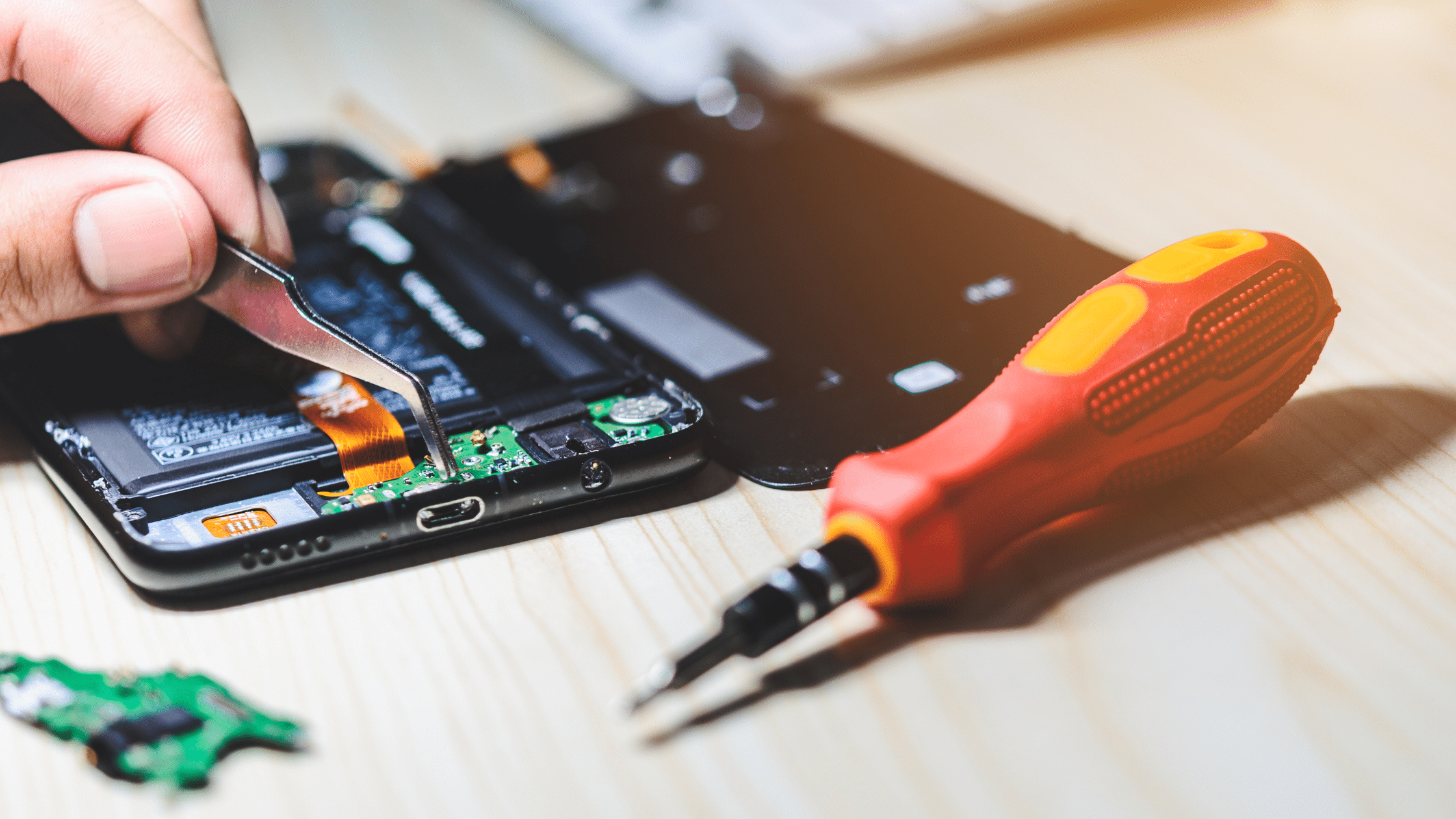
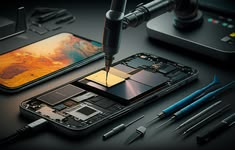
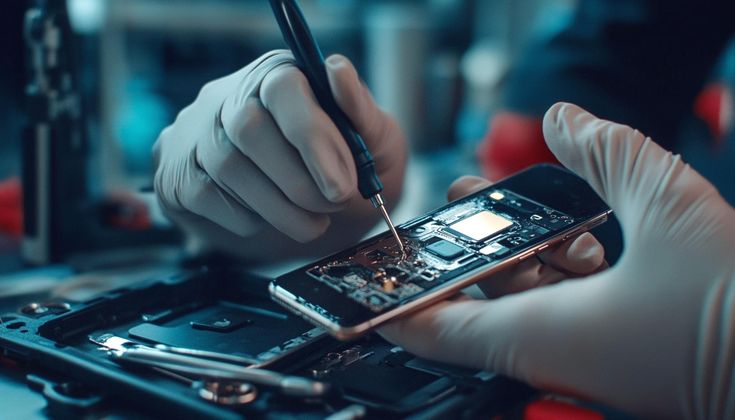
Sometimes the problem is not with the speaker itself. Damage to internal connections, audio circuits, connectors, or motherboard components can also cause sound problems.
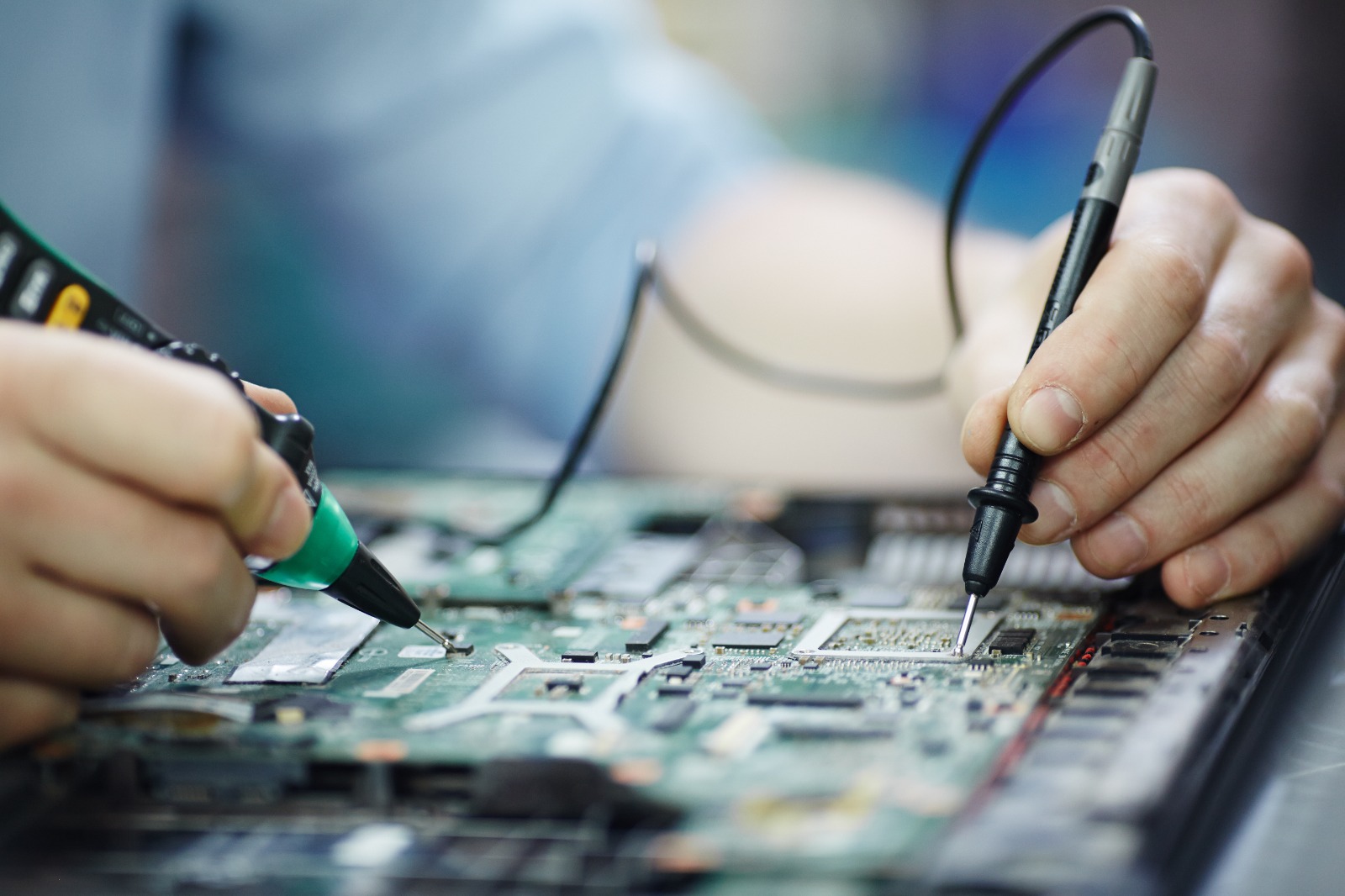
These issues can be more difficult to diagnose and may require professional equipment and technical expertise.
Before visiting a repair centre, you can try a few basic troubleshooting steps.
Increase the media and ringtone volume using your phone's volume controls. Make sure the device is not muted.
Disable Bluetooth and test the speaker again. This helps confirm whether your phone is accidentally sending audio to another device.
Restarting the device can resolve temporary software-related audio problems.
Inspect the speaker grille for visible dust or dirt. Clean it gently using a soft, dry brush.
Play a video, music file, ringtone, and notification sound. This can help determine whether the problem affects all audio or only a specific application.
Install available system updates if your phone is running an outdated software version. Some audio problems may be caused by software bugs.
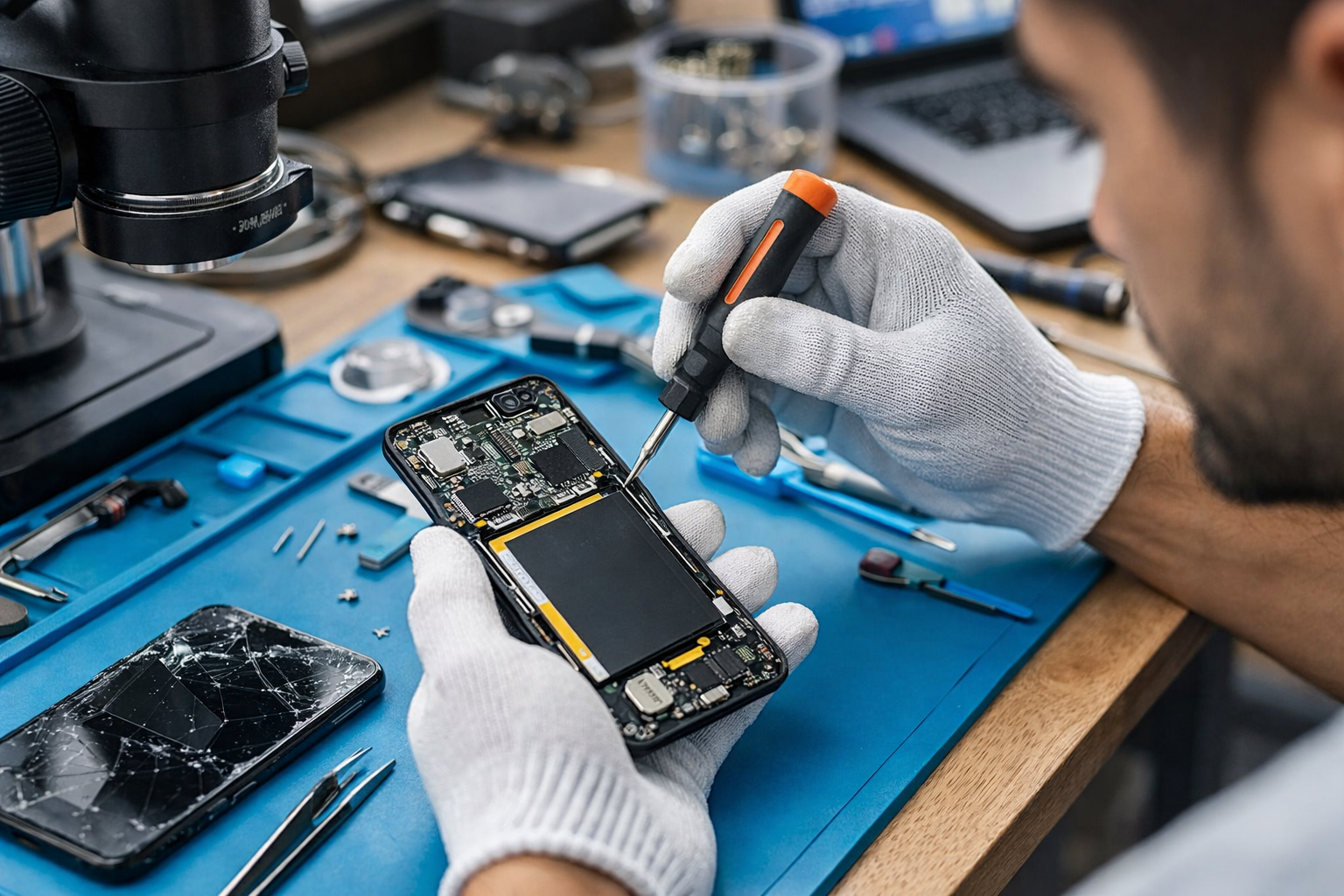
If none of these steps solve the problem, the issue may be hardware-related. A professional technician can inspect the speaker, connectors, audio circuits, and other internal components.
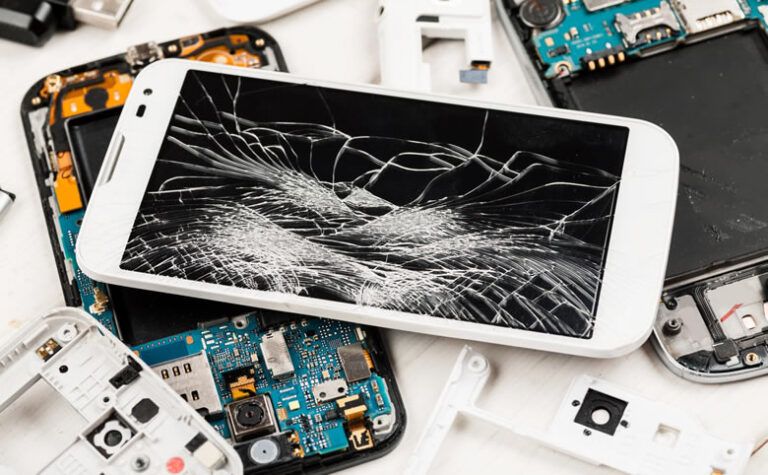
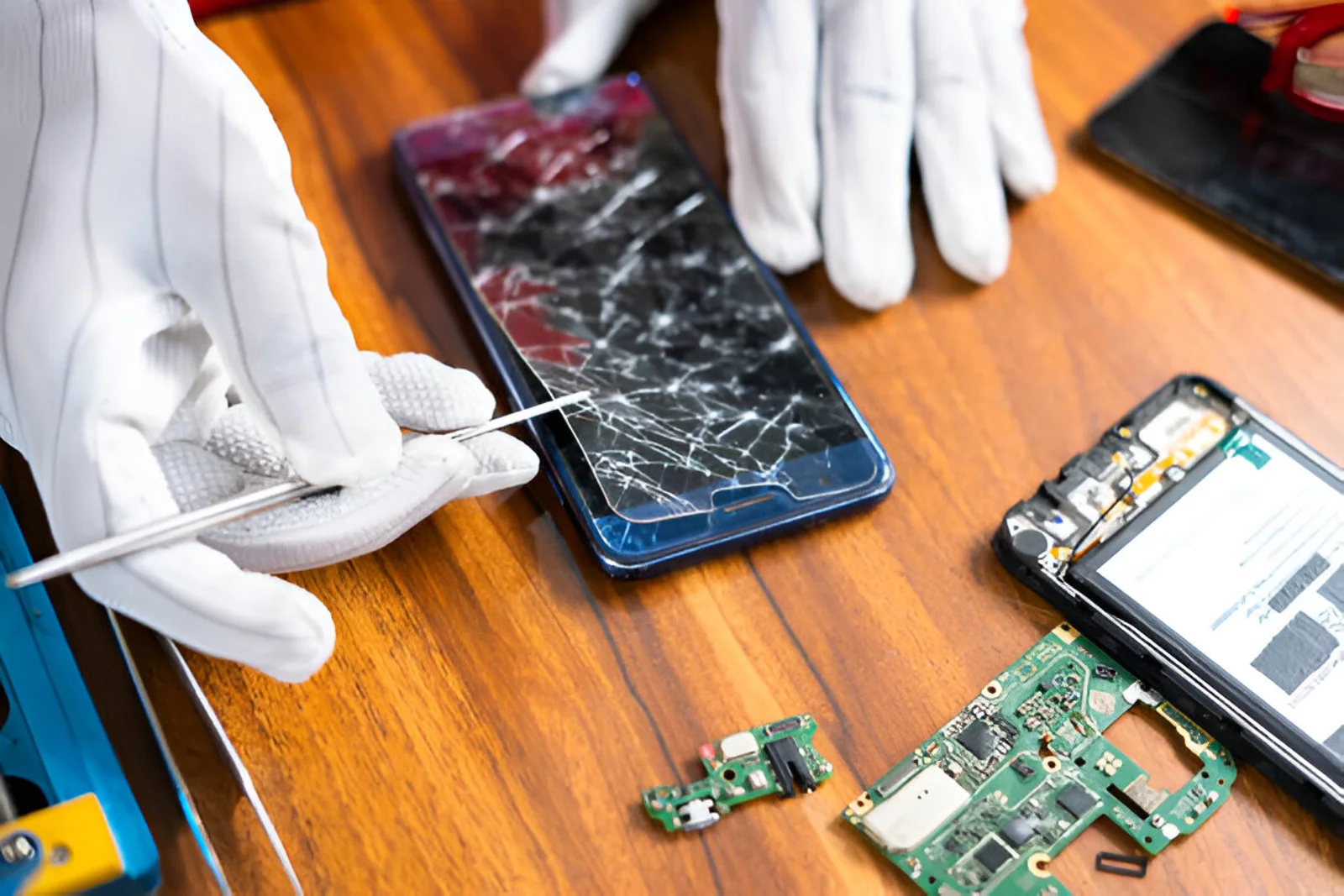
Dropping a smartphone can damage internal components even when there are no visible cracks on the outside.
If the speaker stopped working immediately after the phone was dropped, the speaker module, connector, or internal circuit may have been affected.
In this situation, avoid opening the phone yourself unless you have the necessary technical skills and equipment. Professional diagnosis can help identify the exact fault.
If your phone speaker stopped working after contact with water, do not ignore the problem.
Liquid can cause corrosion and short circuits inside a smartphone. Continuing to use a water-damaged device may sometimes make the damage worse.
A technician can inspect the device and determine whether cleaning, component replacement, or additional motherboard-level repair is required.
Basic troubleshooting can solve many software-related audio problems. However, professional repair is recommended when:
A professional technician can diagnose the problem instead of replacing components unnecessarily.
A phone speaker not working does not always mean that the speaker needs replacement. The actual problem could be related to software, dirt, liquid damage, a damaged connector, or another internal component.
Professional diagnosis helps identify the root cause before repair work begins. This can save time and prevent unnecessary component replacement.
A phone speaker not working can be caused by something as simple as muted volume or Bluetooth connectivity, but it can also indicate a hardware problem. Checking the volume, disabling Bluetooth, restarting the phone, cleaning the speaker grille, and testing different audio sources are useful first steps.
If the speaker problem continues, especially after physical or water damage, professional inspection is the safer option. A qualified mobile repair technician can diagnose the fault and recommend the appropriate repair solution.
For reliable smartphone and electronic gadget repair services, B Serve can help diagnose and resolve a wide range of mobile and device-related problems.