 Post : bserve | 2026-10-08
Laptops are an important part of modern work, education, business and entertainment. Whether you use a laptop for office work, online classes, graphic design, browsing or personal tasks, regular maintenance is essential for keeping it reliable and efficient. However, problems such as overheating, slow performance, battery issues, charging failures and software errors can affect your laptop over time.
When basic troubleshooting does not solve the problem, professional servicing can help identify the actual cause. Choosing a reliable laptop service center Malappuram can also help ensure that hardware and software problems are properly diagnosed before repairs are carried out.
This guide explains common laptop problems, simple maintenance practices and situations where professional laptop repair may be necessary.
Regular maintenance can help improve laptop performance and reduce the possibility of unexpected problems.
Dust can accumulate inside the laptop and restrict airflow. Unnecessary software can consume system resources, while an aging battery can reduce the device's operating time.
Routine maintenance can help with:
Taking care of your laptop does not always require complicated procedures. Simple habits can make a significant difference.
Laptops can develop different problems depending on their age, usage and environment.
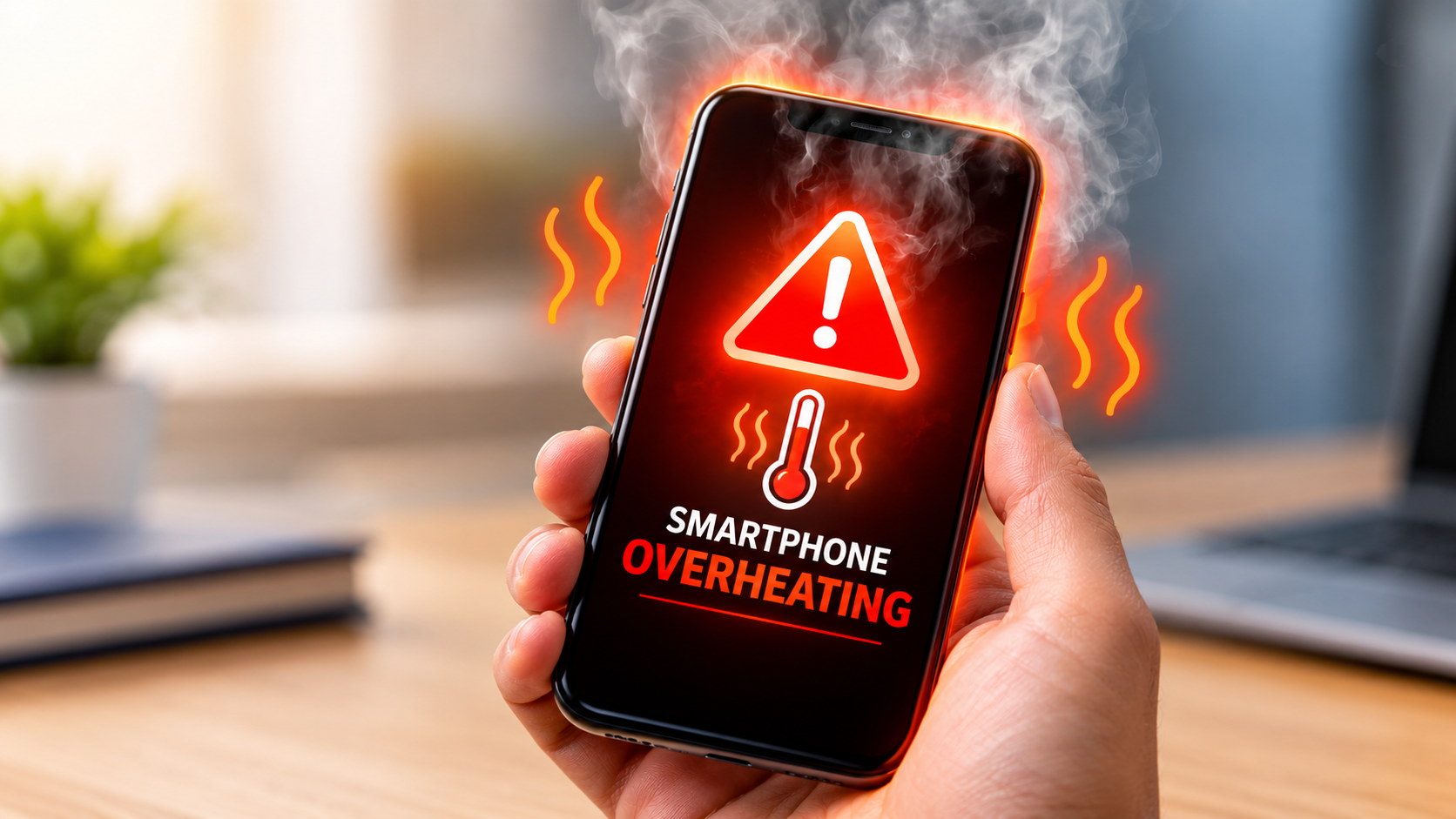
Overheating is one of the most common laptop problems.
A laptop may become hot when the cooling system is blocked by dust or when the device is being used for demanding tasks for extended periods.
Gaming, video editing and other intensive applications can also increase processor and graphics-card temperatures.
If your laptop frequently becomes extremely hot, shuts down unexpectedly or becomes slow under load, professional inspection may be required.
A laptop that was once fast may gradually become slower.
Possible reasons include:
Removing unnecessary applications, managing startup programs and keeping the operating system updated can improve performance.
However, persistent performance problems may indicate a hardware limitation or failing component.
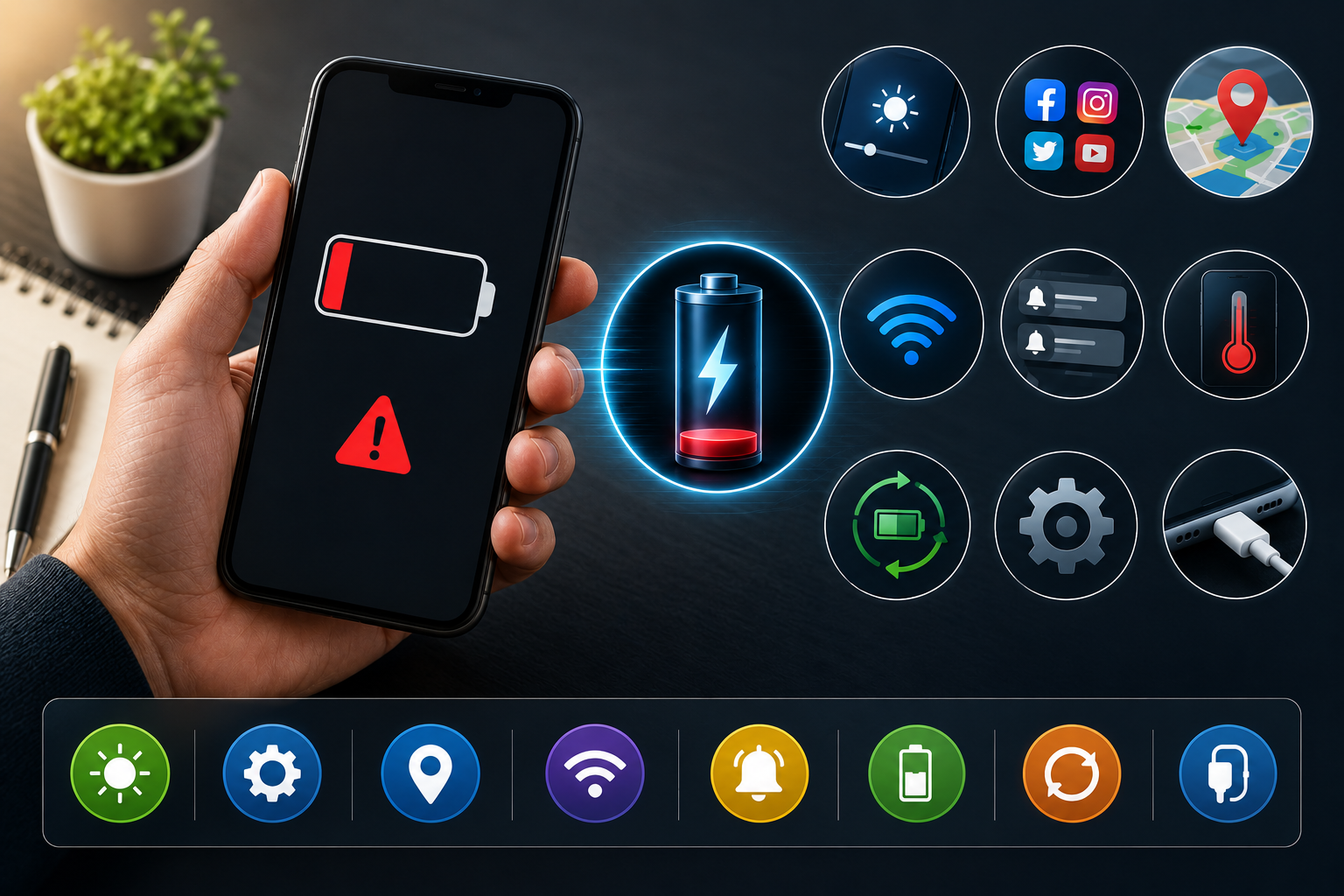
Laptop batteries naturally lose capacity as they age.
If your laptop battery drains much faster than before, switches off unexpectedly or does not hold a charge for long, the battery may need professional testing.
Battery problems can also affect portability because users may need to keep the laptop connected to a charger continuously.
A technician can check the battery condition and determine whether replacement is necessary.
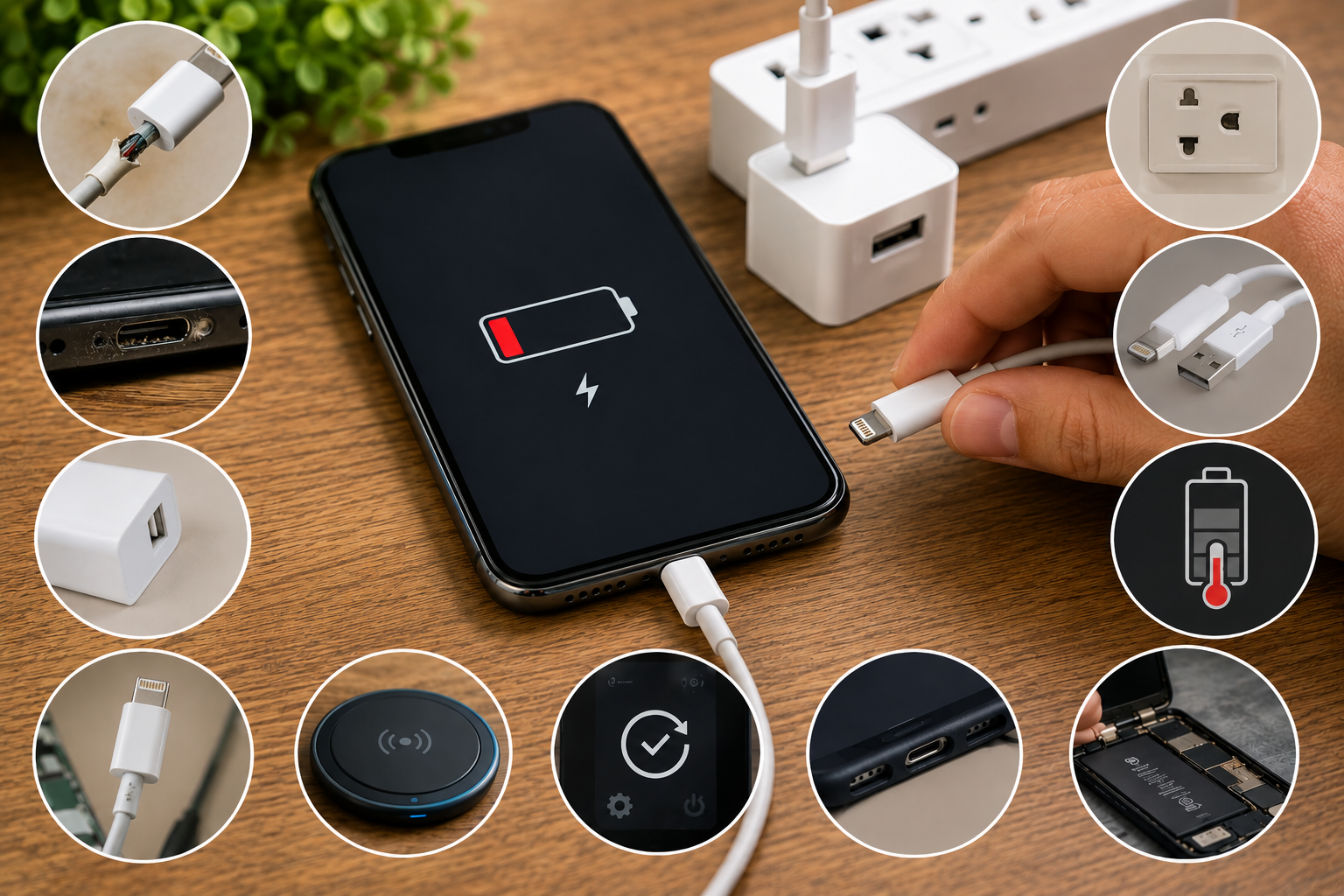
A laptop that does not charge can have several possible causes.
The issue may be related to:
Before assuming that the battery needs replacement, check the charger and power connection.
If the laptop still does not charge, professional diagnosis can help identify the actual fault.
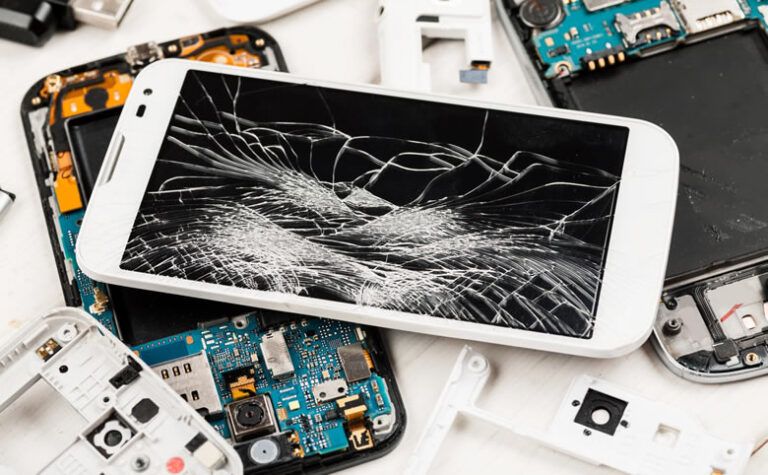
Display problems can range from simple software issues to physical hardware damage.
Common symptoms include:
A damaged screen may require replacement, while flickering or display-related issues can sometimes be caused by internal connections or graphics hardware.
Good maintenance habits can reduce unnecessary wear and help your laptop operate efficiently.
Laptops need proper airflow to remove heat generated by internal components.
Avoid placing the laptop on soft surfaces such as beds, pillows or blankets for long periods because they can block ventilation openings.
Use a flat, stable surface whenever possible.
Dust can accumulate around ventilation openings and internal components.
External vents can be cleaned carefully, but internal cleaning should be performed by someone with appropriate technical knowledge.
Professional cleaning can be particularly useful when a laptop has been operating in a dusty environment for a long time.
Software updates can improve security, compatibility and system performance.
Keep your operating system and important applications updated using official sources.
Unused programs can consume storage space and system resources.
Review installed applications regularly and remove software that you no longer need.
Avoid uninstalling system components unless you know what they are used for.
A nearly full storage drive can affect system performance.
Keep sufficient free space available by removing unnecessary files, clearing temporary data and moving large personal files to appropriate storage.
If the laptop still performs poorly, a hardware upgrade may be worth considering.
Some problems can be resolved with basic troubleshooting, but certain symptoms require professional attention.
Consider visiting a laptop service center Malappuram if your laptop:
Professional diagnosis is particularly important when the issue involves internal hardware.
Liquid exposure can cause serious laptop problems.
Even a small amount of liquid can potentially reach sensitive internal components. Corrosion may also develop over time and cause additional damage.
If liquid is accidentally spilled on your laptop, avoid repeatedly switching it on to check whether it works.
Instead, disconnect the power source and seek professional assistance as soon as possible.
A technician can inspect the internal components and determine whether cleaning, component repair or replacement is required.
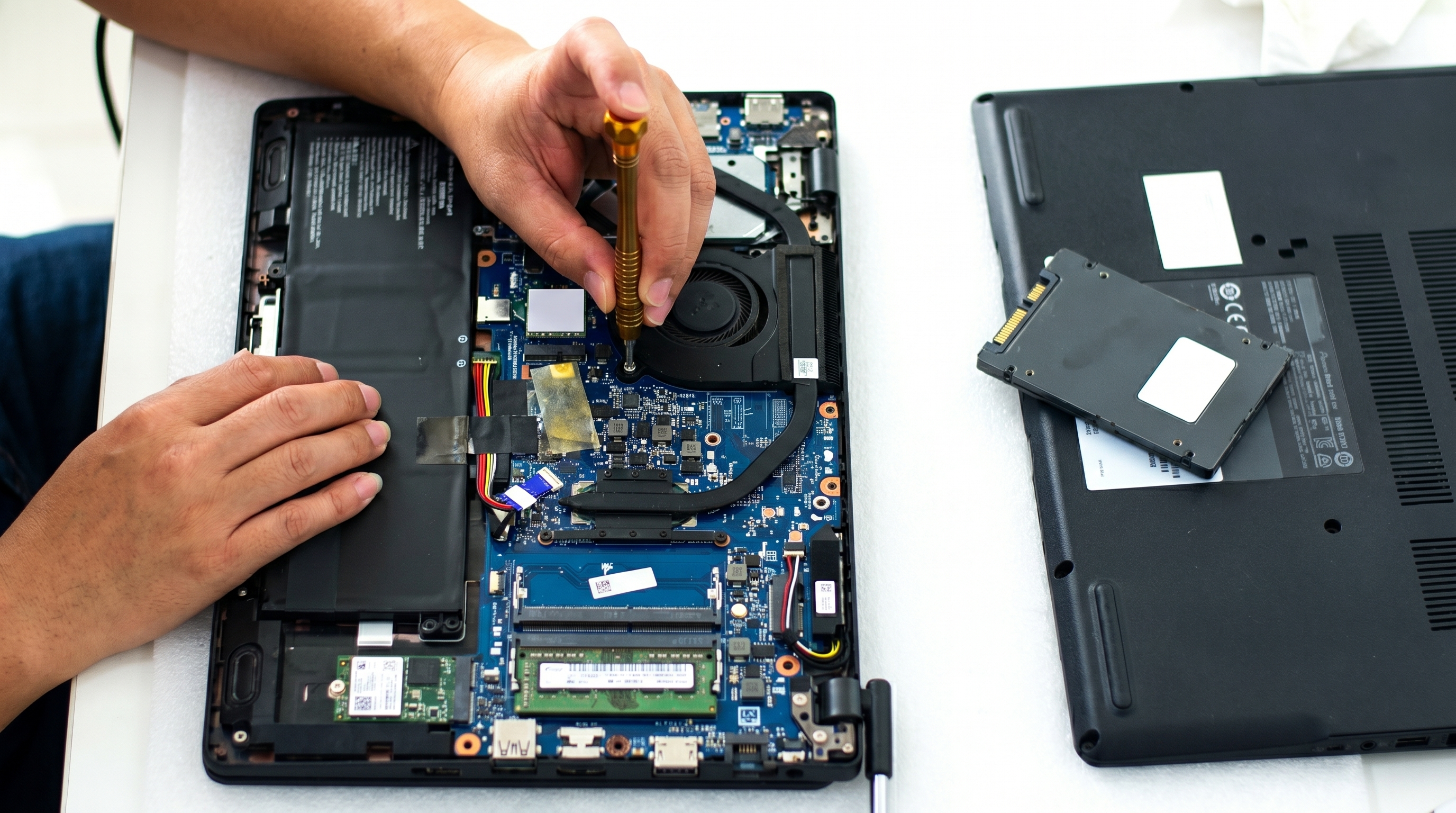
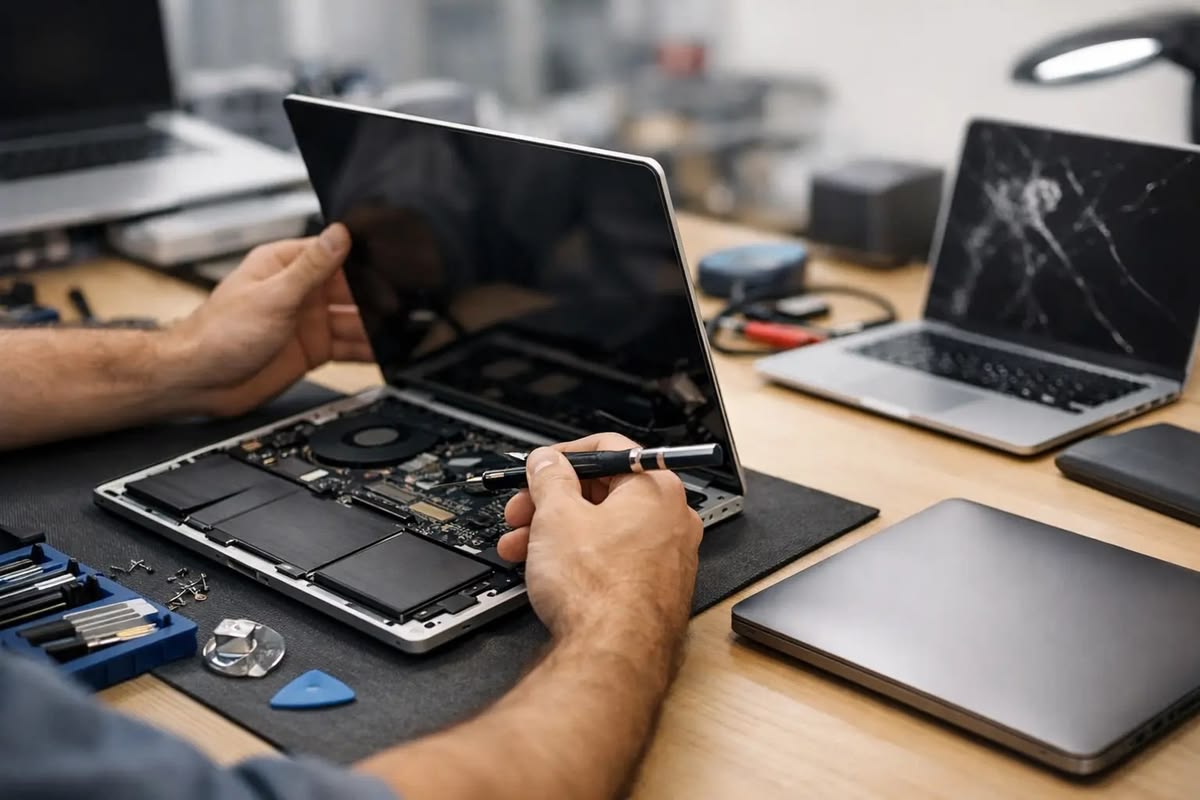
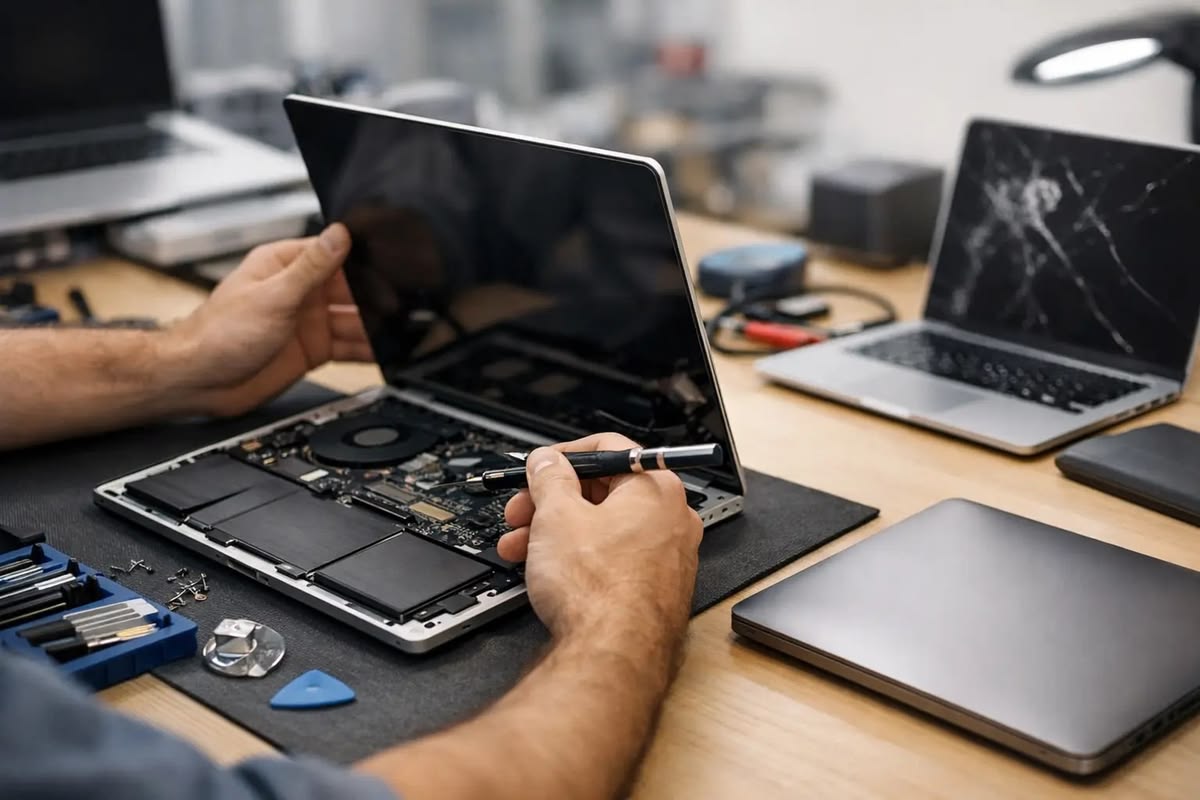
Laptop hardware contains several interconnected components, including the motherboard, processor, memory, storage drive, cooling system, display and charging circuit.
A single symptom can have multiple possible causes.
For example, a laptop that refuses to turn on could have a battery problem, charger issue, power-circuit fault, motherboard problem or another hardware failure.
Replacing parts without proper diagnosis can increase repair costs unnecessarily.
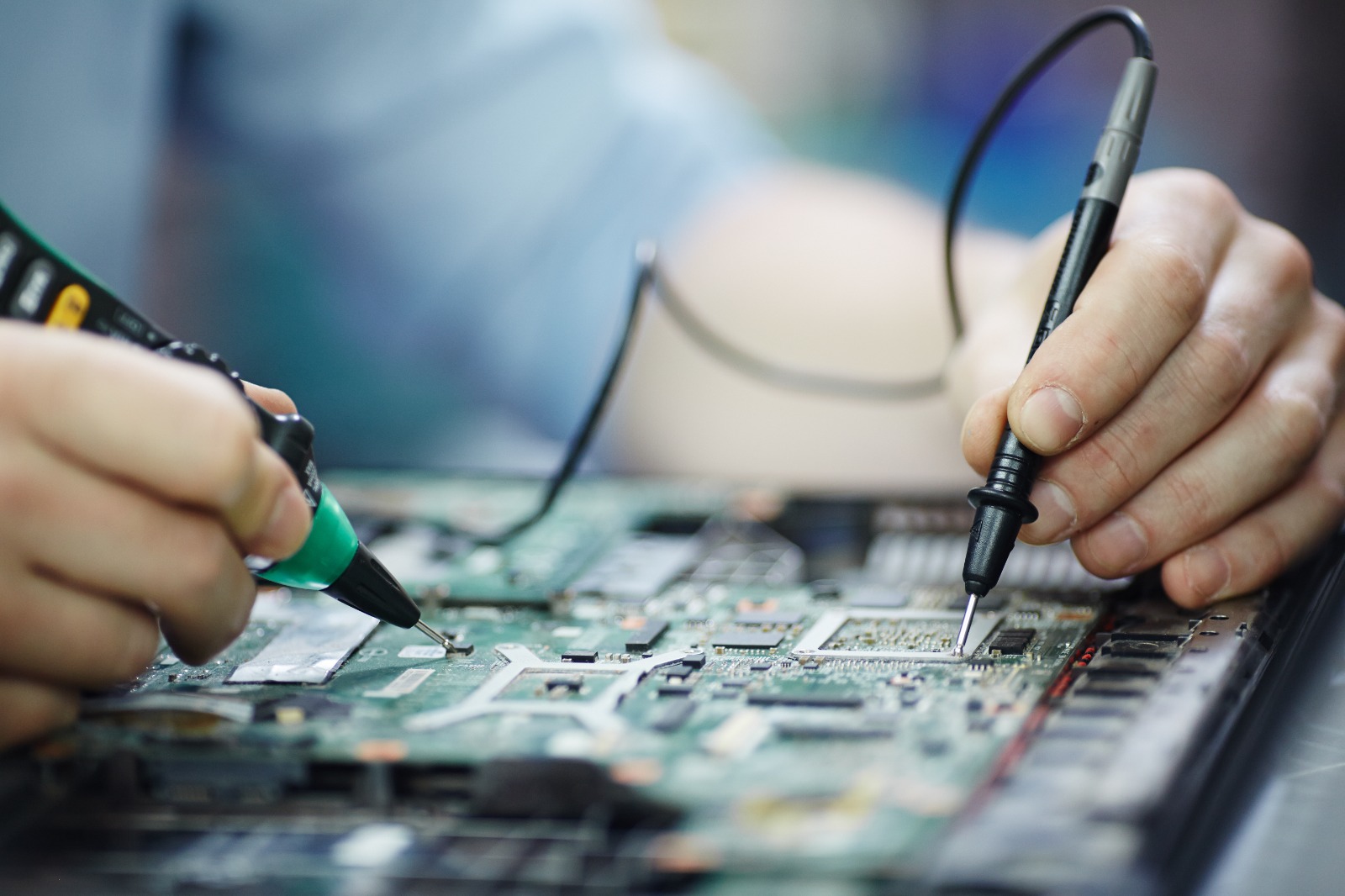
A professional technician can inspect the device, identify the underlying problem and recommend the appropriate repair.
When searching for a laptop service center Malappuram, consider several factors before handing over your device.
Choose a service provider with technicians who understand different laptop models and common hardware and software problems.
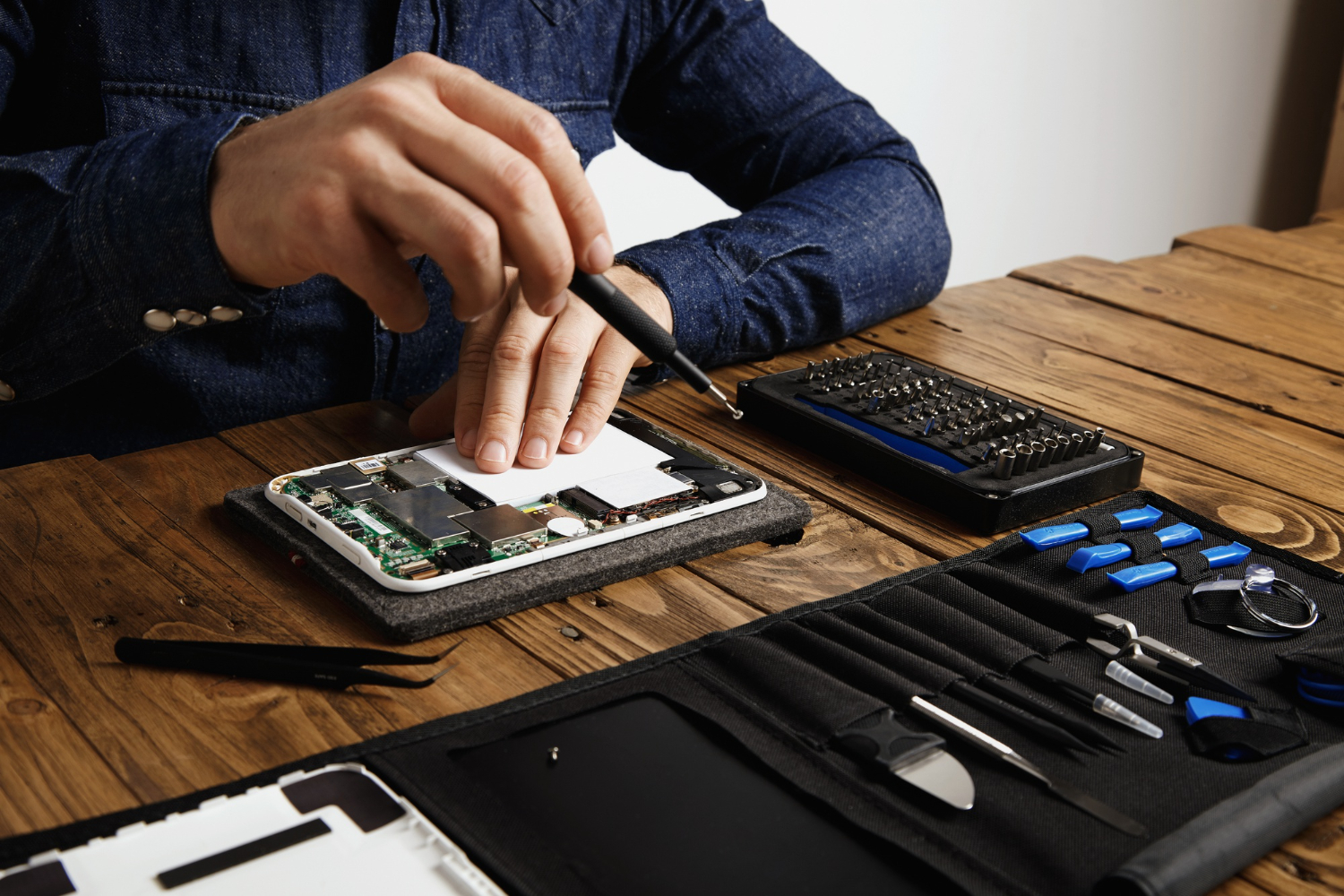
Modern laptops require appropriate tools for accurate diagnosis. A service center with suitable diagnostic equipment can identify problems more efficiently.
If a component needs replacement, the quality of the replacement part matters. Ask about the type and quality of parts being used for the repair.
A reliable repair provider should explain the problem and expected repair cost clearly before proceeding with major work.
It is useful to choose a repair center that can handle multiple types of laptop problems rather than focusing on only one type of repair.
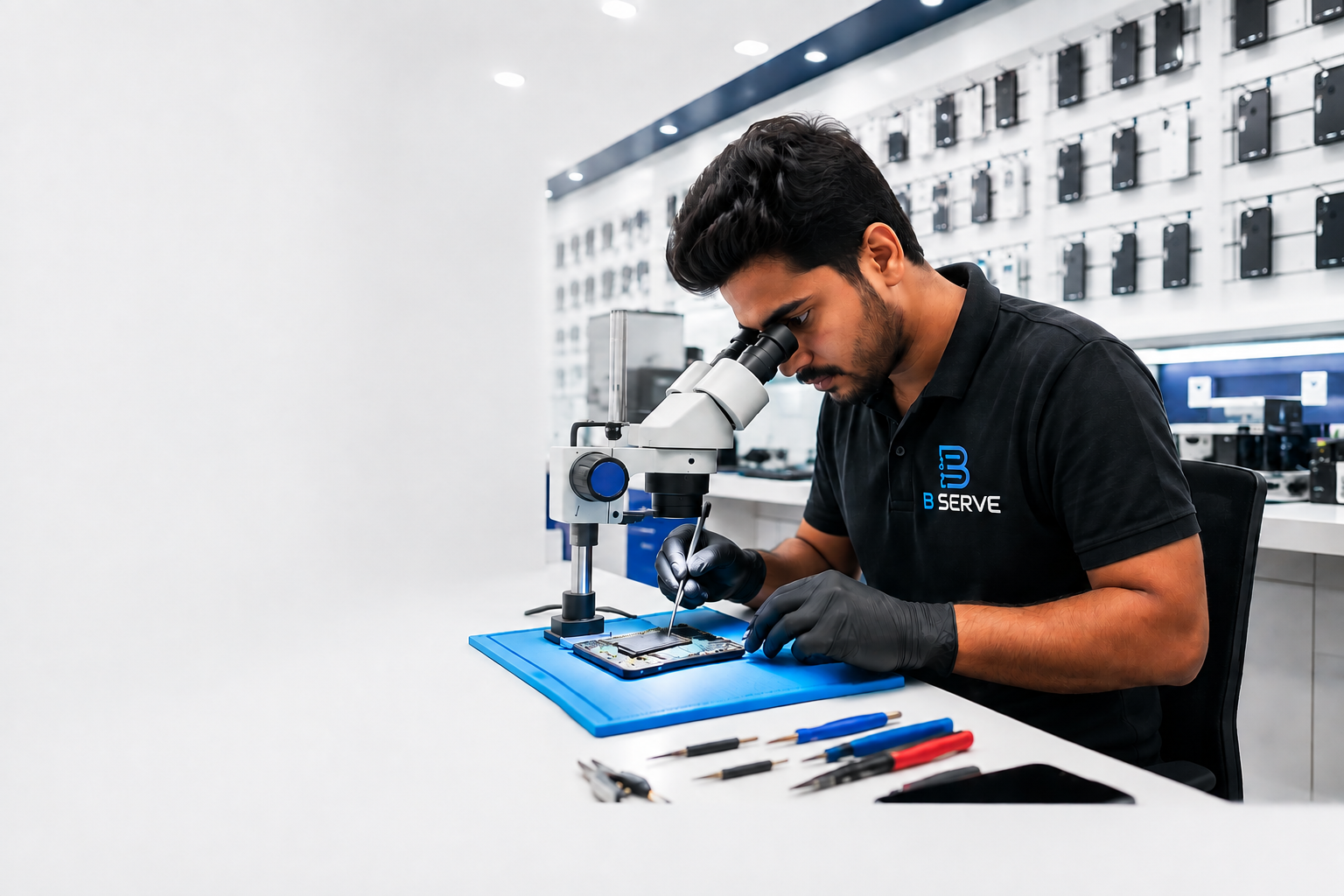
B Serve provides professional repair solutions for laptops and other electronic devices. Its services cover different types of hardware and software problems, helping customers get their devices diagnosed and repaired by experienced technicians.
For customers looking for a laptop service center Malappuram, B Serve can be considered for laptop-related troubleshooting, maintenance and repair requirements.
The company also provides repair services for smartphones, tablets, iPhones, MacBooks, smartwatches and other electronic gadgets.
Prevention is often easier and less expensive than dealing with major hardware failure.
Follow these simple practices:
These habits can help extend the useful life of your laptop.
The required service frequency depends on the laptop's age, usage and environment. A laptop used heavily or in a dusty environment may require more frequent cleaning and inspection.
Overheating can be caused by blocked ventilation, dust accumulation, demanding applications, cooling-system problems or other hardware issues.
Battery aging is one common reason. Background applications, high screen brightness and heavy workloads can also increase battery consumption.
In many cases, professional inspection and repair may be possible. The extent of damage depends on how much liquid entered the laptop and which components were affected.
The decision depends on the laptop's age, condition, repair cost and hardware specifications. A professional diagnosis can help you determine whether repair is practical.
Regular laptop maintenance is essential for maintaining good performance and reducing the risk of unexpected hardware and software problems. Issues such as overheating, slow performance, battery drain, charging failure and display problems should not be ignored when they continue or become worse.
Simple habits such as keeping ventilation areas clear, maintaining sufficient storage, updating software and protecting the laptop from liquid and physical damage can help extend its lifespan.
When troubleshooting does not solve the problem, choosing a reliable laptop service center Malappuram can provide the professional diagnosis and repair your device needs.
B Serve offers laptop repair along with services for smartphones, tablets, iPhones, MacBooks, smartwatches and other electronic gadgets, making it a useful option for customers looking for professional device repair services in Malappuram and surrounding areas.