 Post : bserve | 2026-05-19
Laptops are essential for students, professionals, gamers, and businesses. But many users face common problems like laptop overheating, slow performance, and hanging/freezing issues. These problems reduce productivity and can even damage your device permanently if ignored.
In this detailed guide, you will learn why laptops heat, slow down, and hang, plus easy fixes and professional solutions to keep your laptop running like new.
Modern laptops are thinner, more powerful, and used for longer hours than ever before. Heavy apps, online meetings, gaming, and multitasking push laptops to their limits. Without proper maintenance, performance drops quickly.
The 3 most common complaints from laptop users are:
• Laptop heating
• Laptop slowness
• Laptop hanging / freezing
Let’s fix them one by one.
Laptop overheating happens when internal heat cannot escape properly. Heat buildup damages the CPU, GPU, battery, and motherboard over time.
Dust is the biggest enemy of laptops. Over time, dust blocks the fan and air vents, trapping hot air inside.
Symptoms:
Thermal paste transfers heat from the CPU/GPU to the heatsink. After 1–2 years, it dries out and loses effectiveness.
Soft surfaces block air vents and prevent airflow. This is a very common mistake.
Heavy software running in the background forces the CPU to work harder → more heat.
High-performance tasks generate massive heat if cooling is weak.
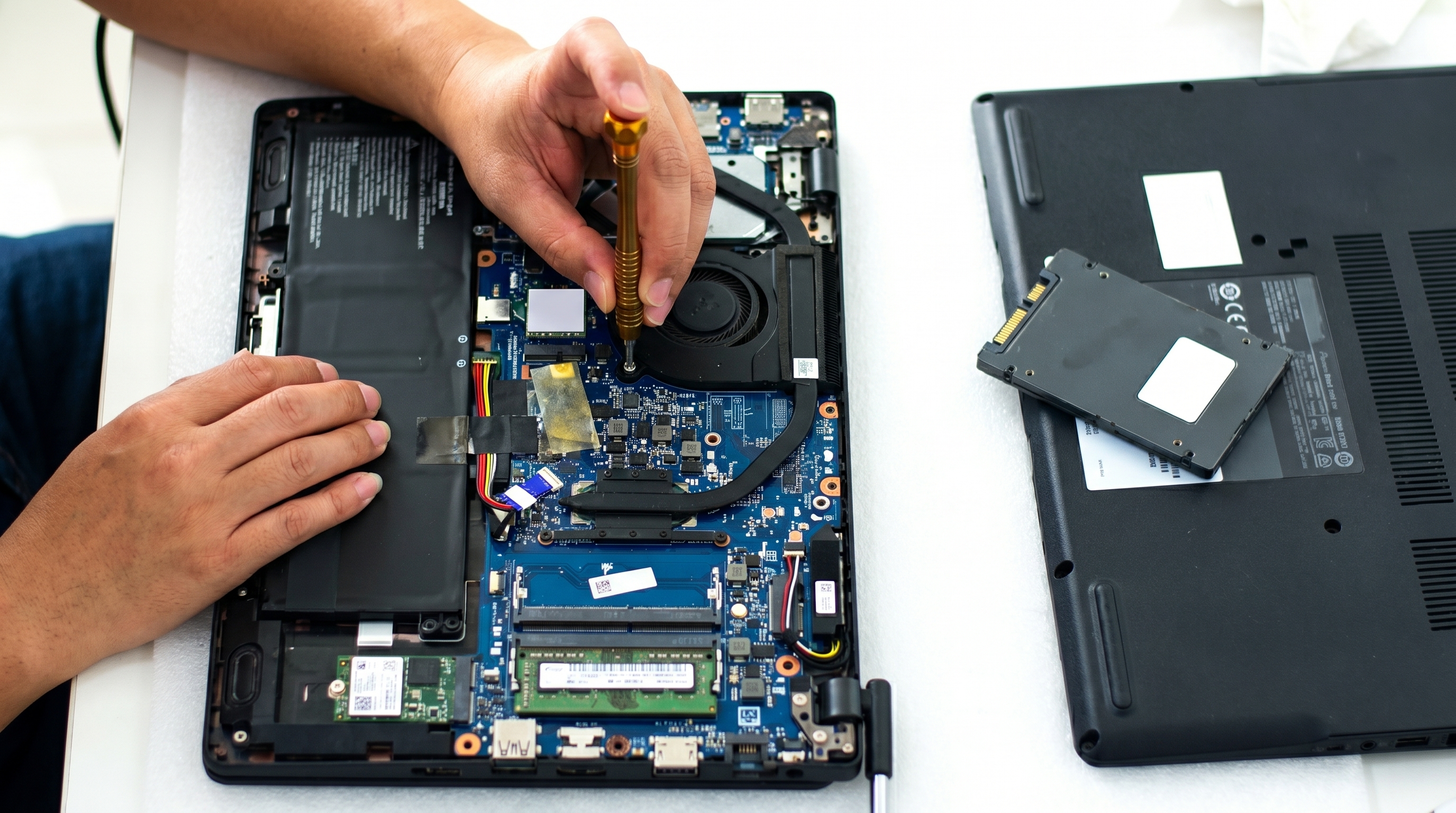
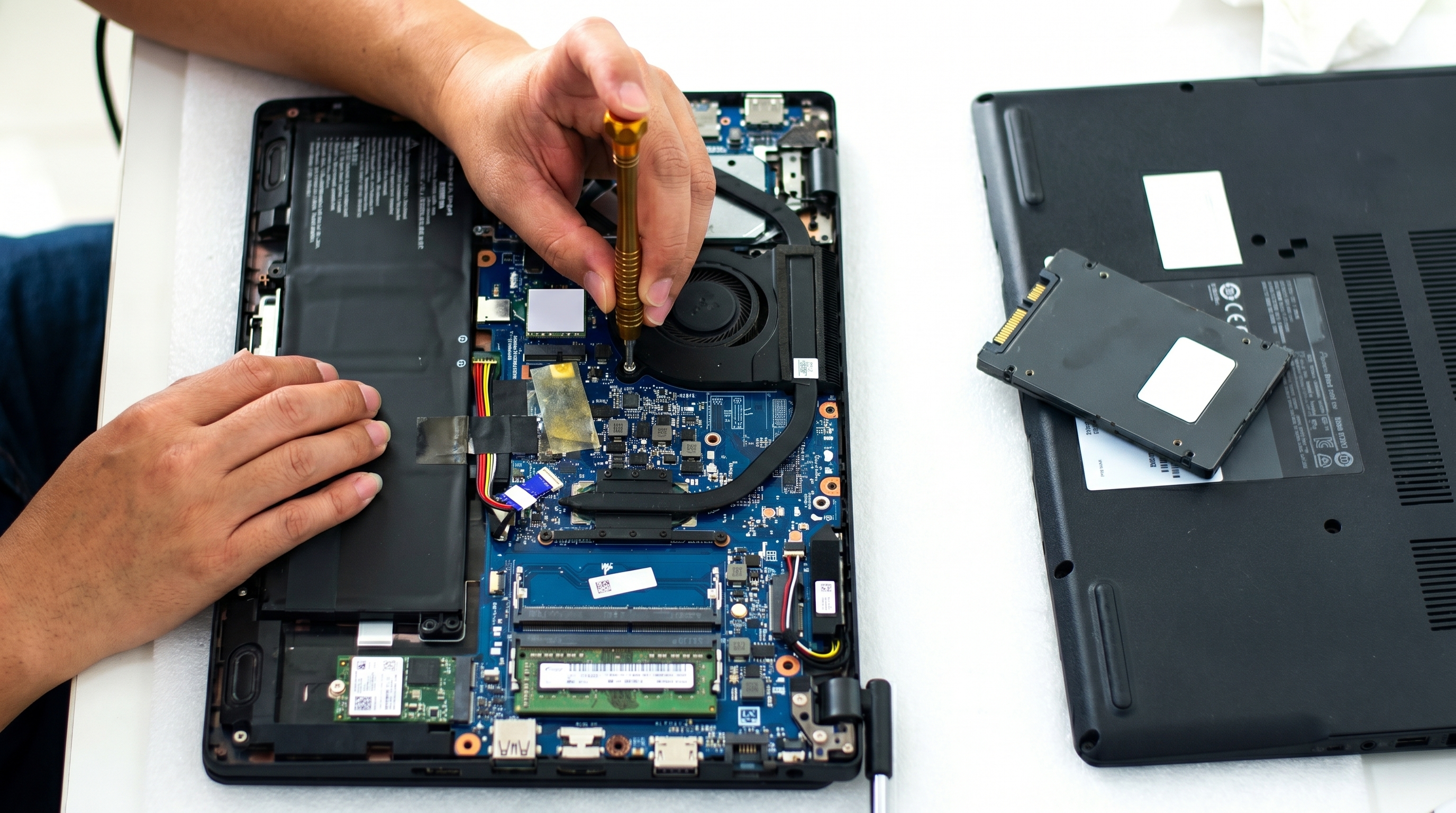
Professional internal cleaning every 6–12 months is highly recommended.
This reduces temperature by 10–25°C instantly.
Cooling pads improve airflow and extend laptop life.
Open Task Manager → End unnecessary tasks.
Always use a table, not bed or pillow.
• Sudden shutdowns
• Battery draining fast
• Keyboard becoming very hot
• Performance drops while charging
If ignored, overheating can damage the motherboard, which is expensive to repair.
Is your laptop taking forever to start? Apps opening slowly? This is the most common laptop complaint.
Old laptops use HDD. New laptops use SSD.
This is the #1 reason for slow laptops.
Difference:
• HDD boot time → 2–4 minutes
• SSD boot time → 10–20 seconds
Modern apps require more RAM.
Windows + Browser alone can use 6–8GB RAM.
Apps automatically start when laptop turns on → slows boot speed.
Malware runs secretly in background, consuming CPU and RAM.
When storage is 90% full, performance drops drastically.
This is the BIGGEST performance upgrade you can do.
Benefits:
• Laptop becomes 5–10x faster
• Faster boot time
• Faster software loading
• Better battery life
Minimum recommended RAM in 2026:
• Basic use → 8GB
• Professional use → 16GB
• Gaming/design → 32GB
Task Manager → Startup → Disable unnecessary apps.
Install trusted antivirus and run full scan.
Keep at least 20–30% free space.
• Windows loading takes long time
• Laptop slow even after reset
• Hard disk usage always 100%
• Clicking apps takes 10–20 seconds
SSD upgrade gives the biggest speed boost.
Laptop hanging means system becomes unresponsive or freezes completely.
This is different from slowness — hanging is usually caused by hardware or software conflict.
Running many Chrome tabs, Photoshop, or editing software can freeze system.
When CPU overheats, laptop automatically slows or freezes to prevent damage.
Improper shutdown or virus can corrupt system files.
Outdated drivers cause crashes and freezing.
Failing HDD causes system freeze and blue screen.
Most hanging problems disappear after RAM upgrade.
Always keep:
• Windows updated
• Graphics driver updated
• Chipset drivers updated
Use full system antivirus scan.
If HDD is failing → replace with SSD immediately.
Fresh Windows removes bugs and corruption.
Prevention is cheaper than repair. Follow these habits to keep your laptop healthy.
• Do not block air vents
• Avoid overcharging overnight
• Shut down laptop weekly
• Keep liquids away from keyboard
• Clean keyboard and vents
• Delete unnecessary files
• Run virus scan
• Update Windows
• Internal dust cleaning
• Thermal paste replacement
• Battery health check
Professional servicing once per year can increase laptop life by 2–3 years.
If your laptop is 3–6 years old, do this upgrade combo:
1️⃣ SSD Upgrade
2️⃣ RAM Upgrade
3️⃣ Internal Cleaning + Thermal Paste
4️⃣ Fresh Windows Installation
This upgrade costs far less than buying a new laptop and gives 80% new laptop performance.
Consider replacement if:
• Motherboard damaged
• Screen + battery + keyboard all failing
• Laptop older than 7–8 years
• Repair cost > 50% of new laptop price
Otherwise, upgrading is usually the best choice.
Laptop heating, slowness, and hanging issues are common but completely fixable. Most problems happen due to dust, outdated hardware, or lack of maintenance.
Quick Summary:
• Heating → Clean fan + change thermal paste
• Slowness → Upgrade to SSD + increase RAM
• Hanging → Update drivers + check hardware
Regular servicing and smart upgrades can make your laptop fast, cool, and reliable for years.