 Post : bserve | 2026-09-04
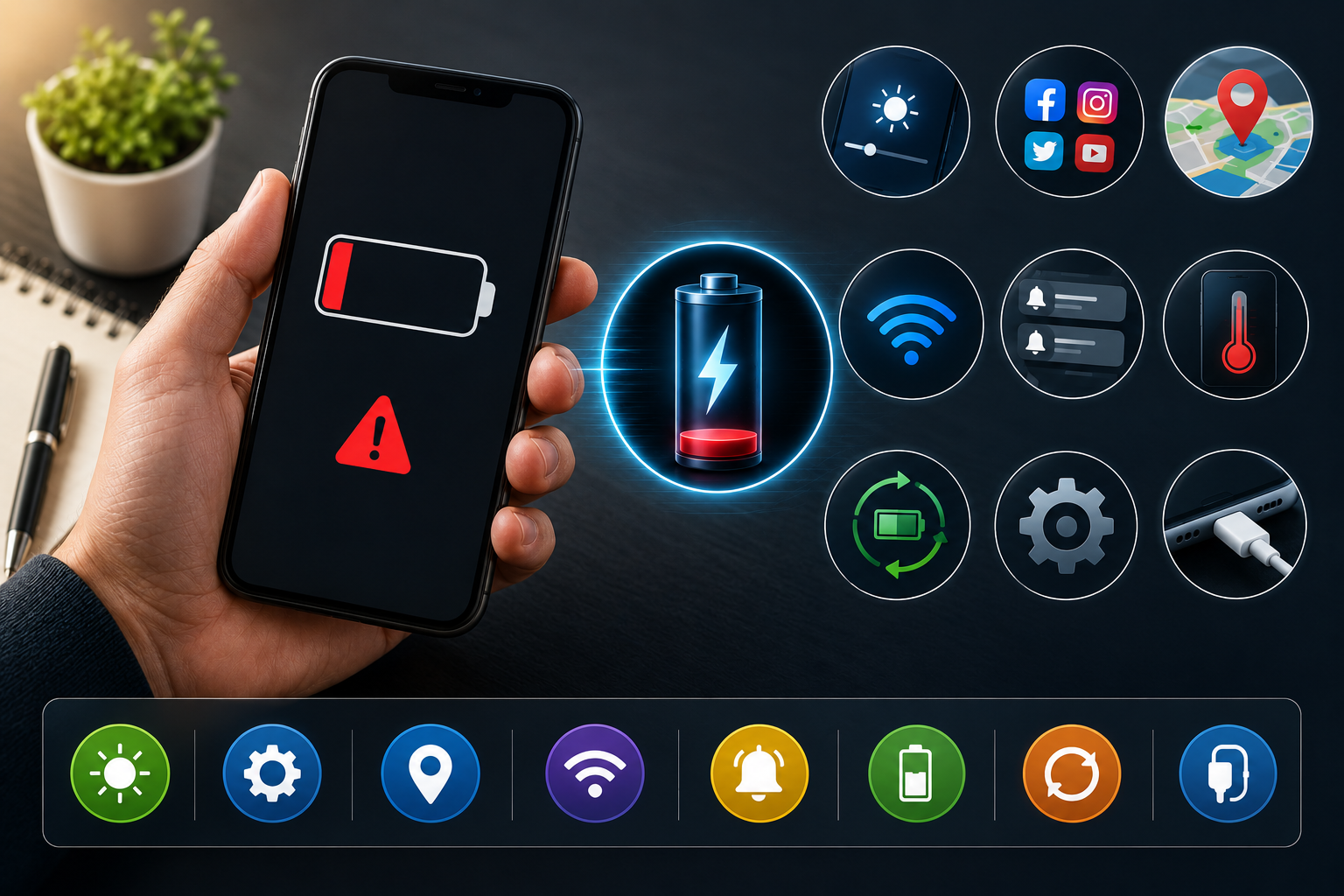
Is your phone battery draining faster than usual? If you find yourself charging your phone several times a day, the problem may be caused by background apps, high screen brightness, poor network signals, an aging battery, or even a software issue.
A fast-draining battery doesn't always mean you need a new phone. In many cases, changing a few settings or identifying the cause can significantly improve battery life.
In this guide, we'll explain the common causes of phone battery draining fast and how to fix them.
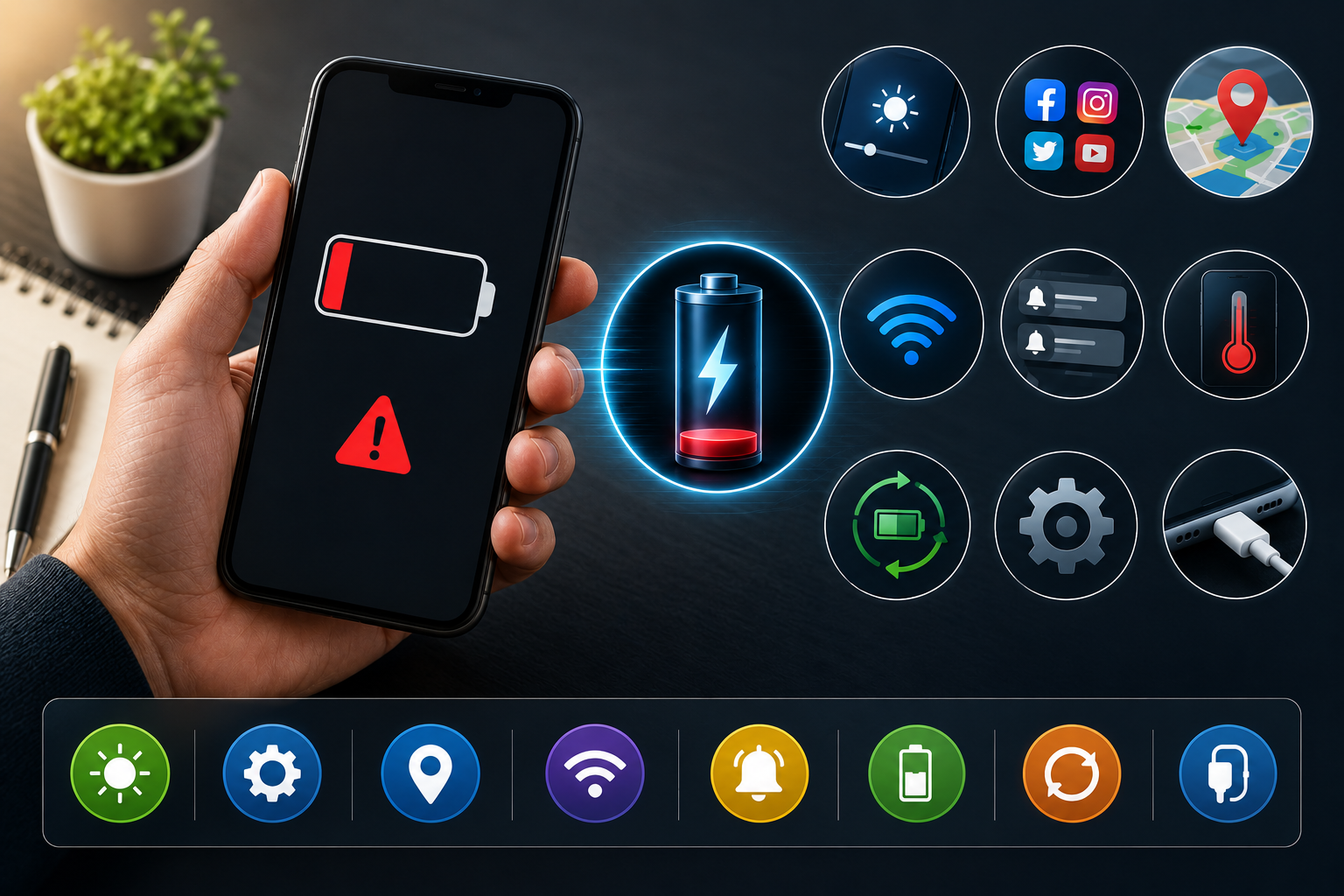
Your smartphone performs many tasks in the background, including syncing data, checking notifications, running apps, locating your device, and maintaining network connections. When these processes become excessive, your battery can lose power much faster than normal.
Here are some of the most common reasons.
Some apps continue working even when you're not actively using them. Social media, navigation, streaming and messaging apps can consume battery in the background.
Check your phone's battery settings to identify which apps are using the most power. Restrict background activity for apps that don't need to run continuously.
Your phone's display is one of the biggest sources of battery consumption. Keeping the screen brightness at maximum for long periods can quickly reduce battery life.
Use automatic or adaptive brightness where available. You can also reduce screen brightness manually when you're indoors or in low-light environments.
GPS and location services can consume additional battery, particularly when multiple apps are continuously accessing your location.
Review which apps have access to your location. Allow location access only when necessary and choose options such as "While Using the App" when available.
When your phone has a weak mobile signal, it may use additional power while searching for or maintaining a network connection.
This is particularly noticeable in areas with poor cellular coverage.
When you are in an area with very weak or no signal, consider using Wi-Fi where available. If you don't need mobile connectivity temporarily, Airplane Mode can also reduce unnecessary network activity.
Video streaming, gaming, video calls, navigation and other demanding applications can consume significant amounts of battery.
Check your phone's battery usage section to identify apps consuming the most power. Close or restrict apps that are using excessive battery when you don't need them.
Every notification can wake your screen, activate background processes or trigger network activity.
If dozens of apps send notifications throughout the day, this can contribute to battery drain.
Turn off unnecessary notifications, especially for apps that don't provide important alerts.
Software updates often include performance improvements, bug fixes and battery-management optimisations.
Check your phone's system settings for available software updates and install official updates when appropriate.
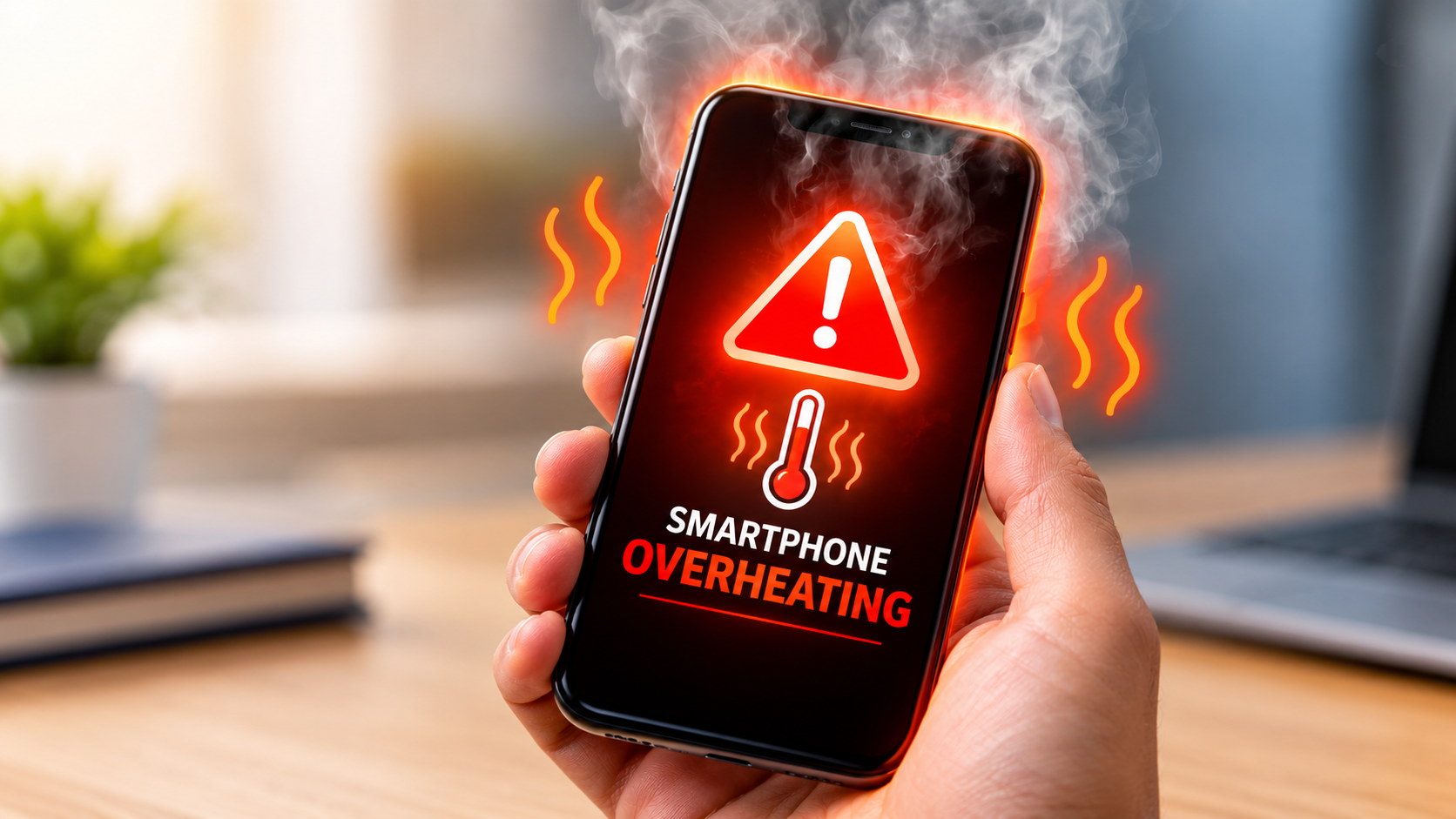
Very high or very low temperatures can negatively affect smartphone battery performance.
Excessive heat is particularly harmful to lithium-ion batteries and can contribute to faster battery degradation over time.
Keep your phone away from direct sunlight and extreme heat. Avoid using demanding applications while the phone is already unusually hot.
Smartphone batteries naturally lose capacity as they age. After years of charging cycles, the battery may no longer hold as much energy as it did when the phone was new.
Signs of an aging battery can include:
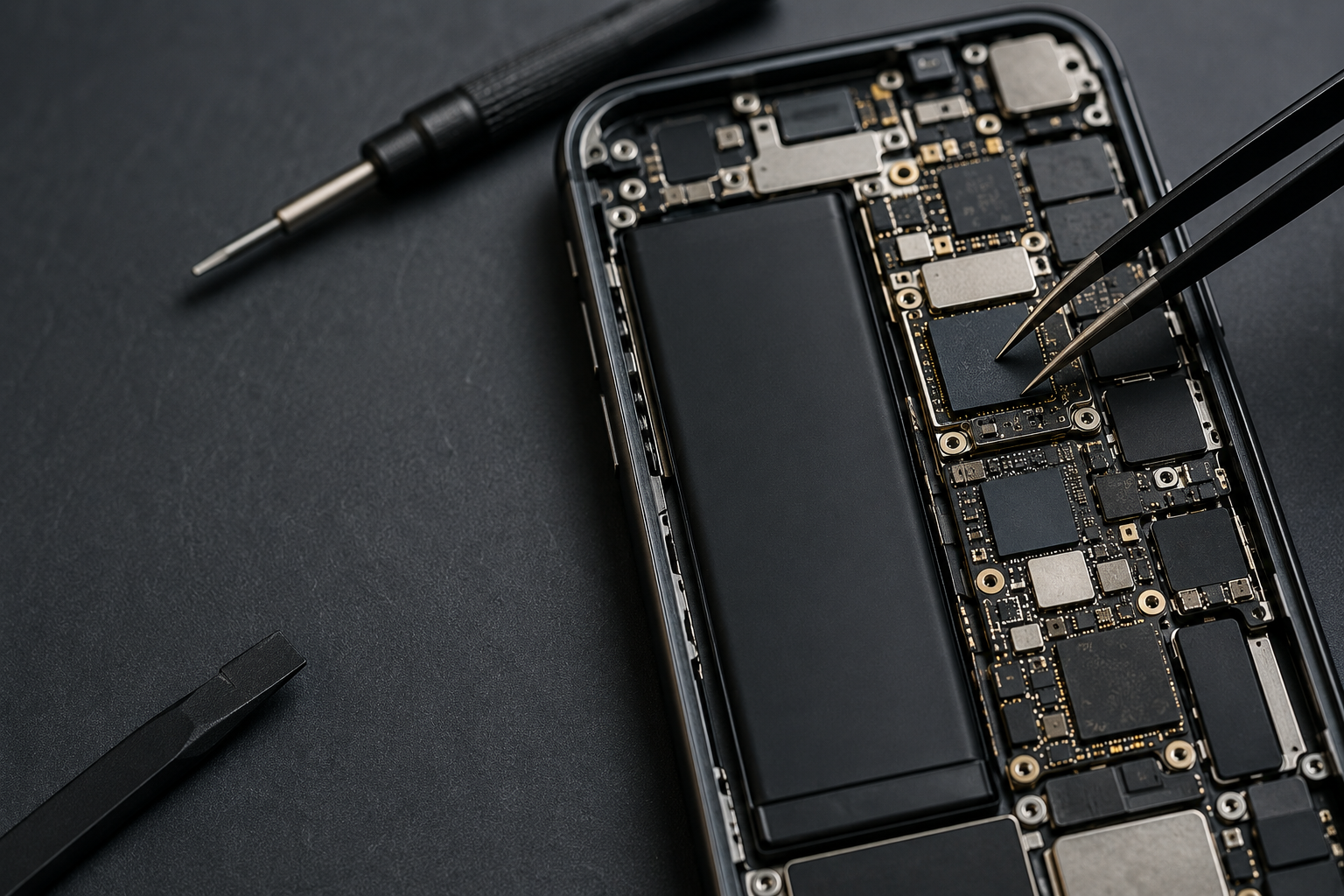
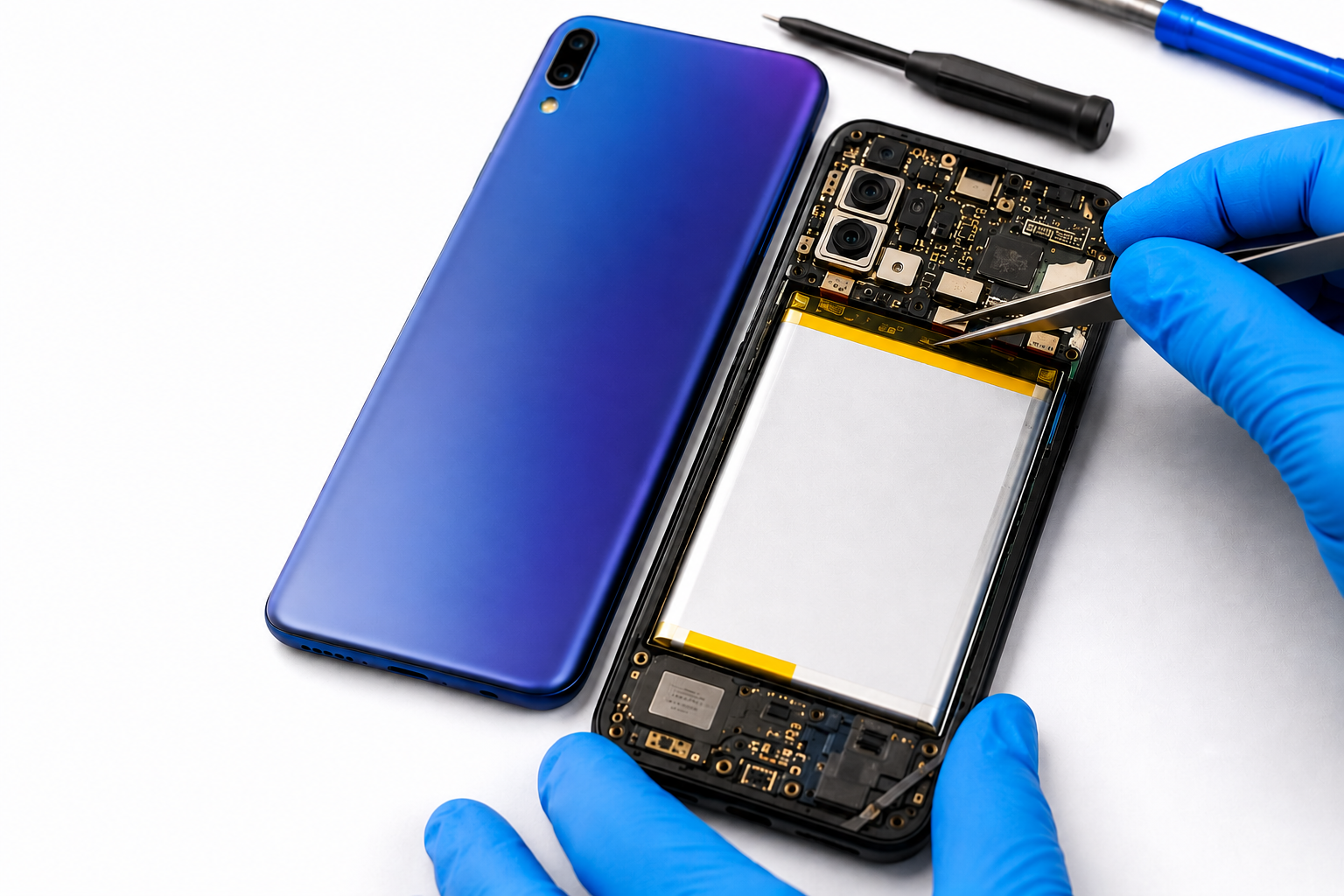
If the battery has significantly degraded, professional battery replacement may restore normal battery performance.
Although less common, malicious or poorly developed applications can run excessive background processes and consume unusual amounts of battery.
Review recently installed applications and remove apps you don't recognise or no longer use. Keep your phone's operating system and security features updated.
If you want to improve your phone's battery life, try these simple habits:
Most modern smartphones provide a built-in battery usage section.
Open your phone's battery settings and look for apps or services that have consumed the most power. If one application is using significantly more battery than expected, update it, restrict its background activity or consider uninstalling it.
This is often one of the quickest ways to identify the reason behind fast battery drain.
You may need professional battery replacement if your phone consistently:
If the battery is swollen or physically damaged, avoid pressing or puncturing the device and seek professional assistance promptly.
A fast-draining battery doesn't automatically mean it's time to buy a new phone.
If the phone otherwise works well and the battery is the main problem, replacing the battery can be a more practical option than purchasing a completely new device.
However, if your phone has several hardware problems, severe physical damage or outdated components, upgrading may make more sense. A professional diagnosis can help you make the right decision.
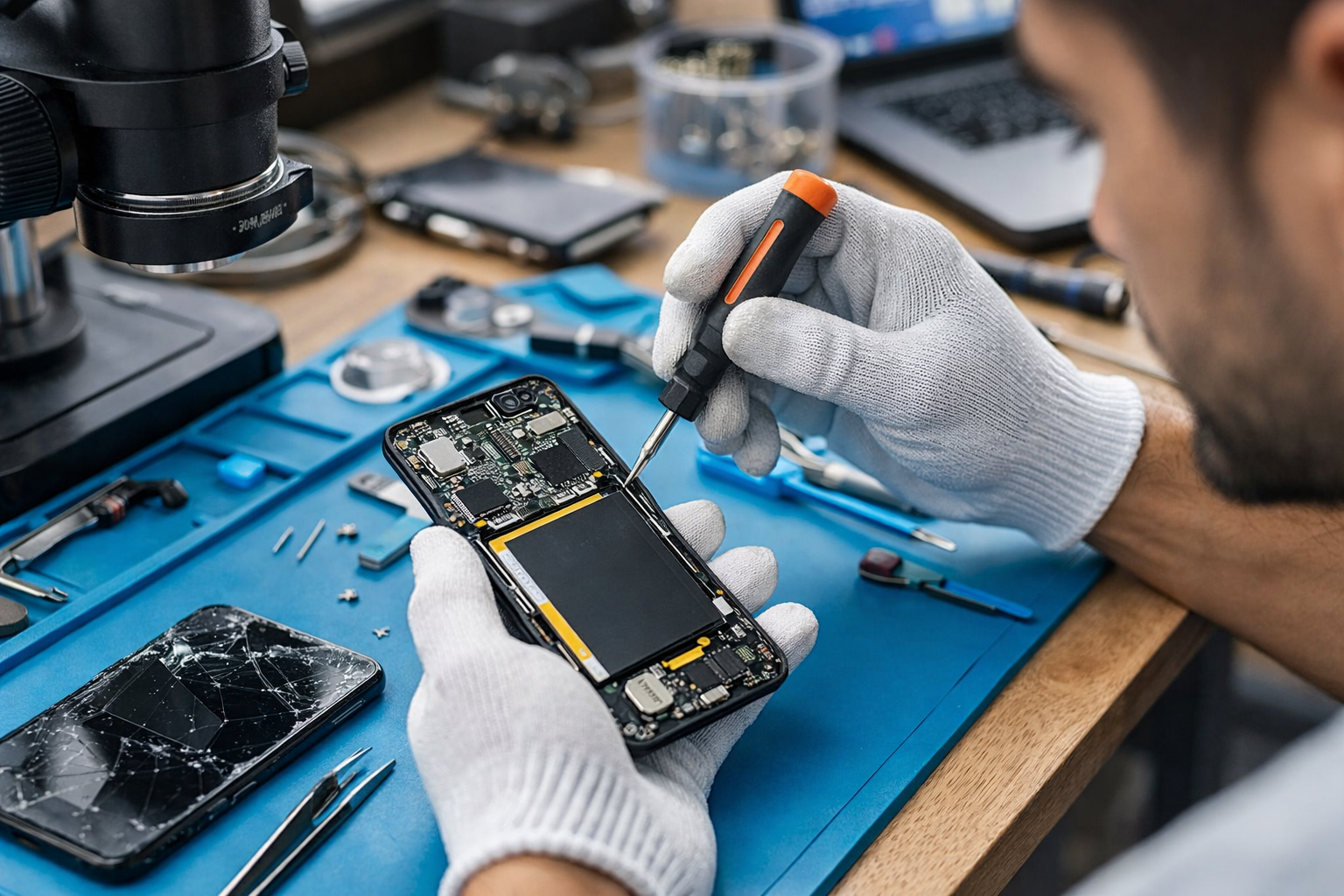
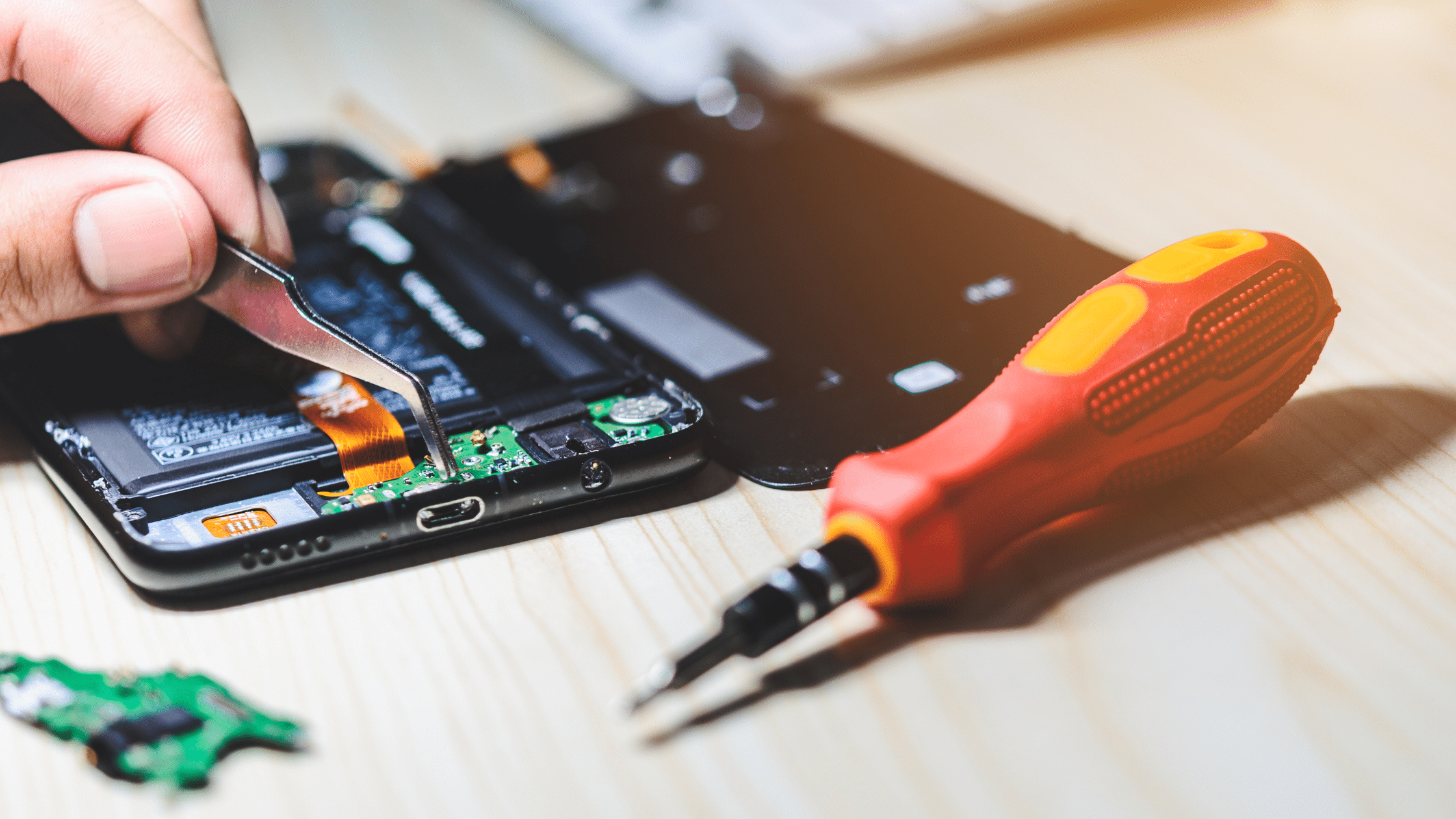
Trying to replace a smartphone battery without the right tools and experience can damage the display, internal components or battery.
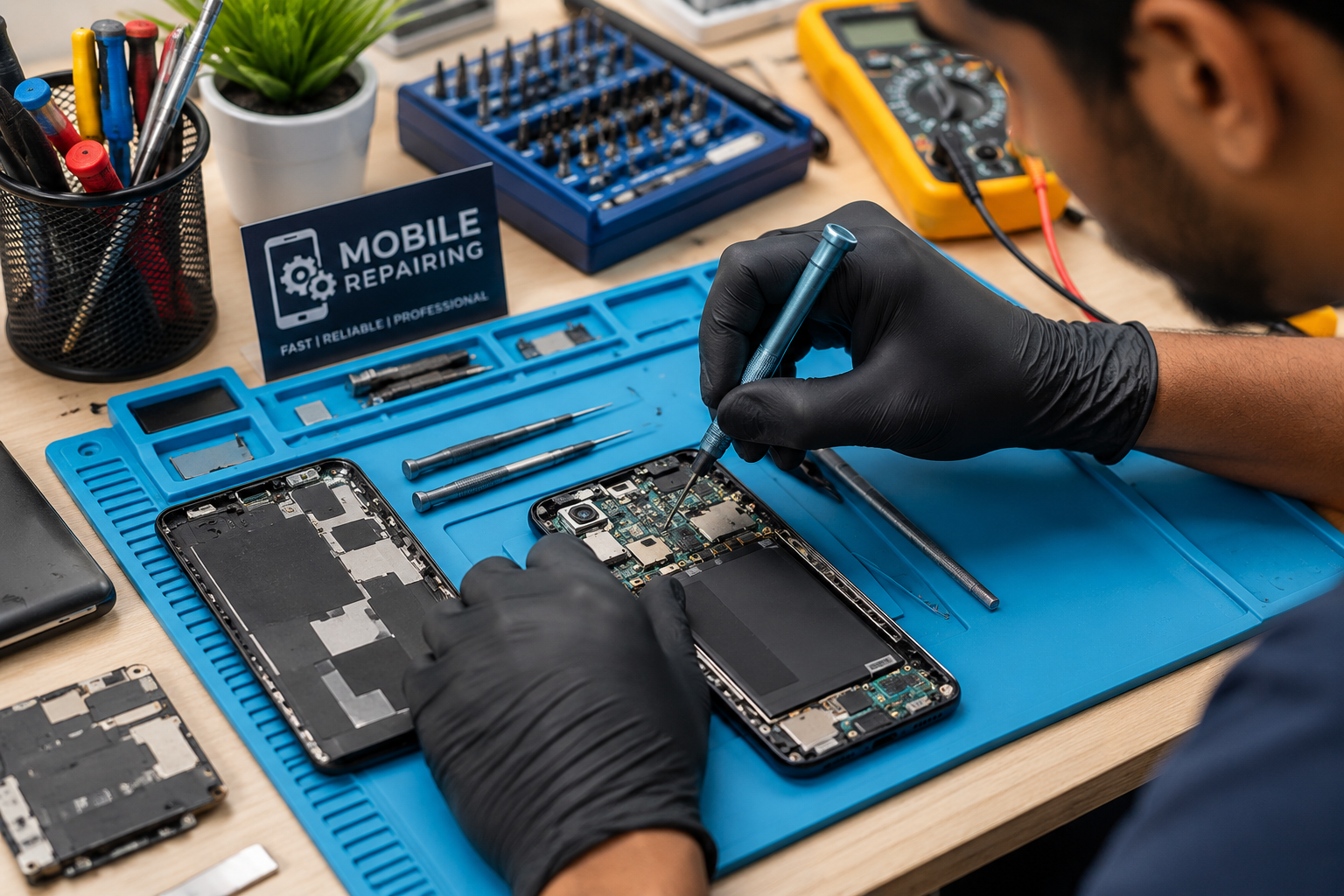
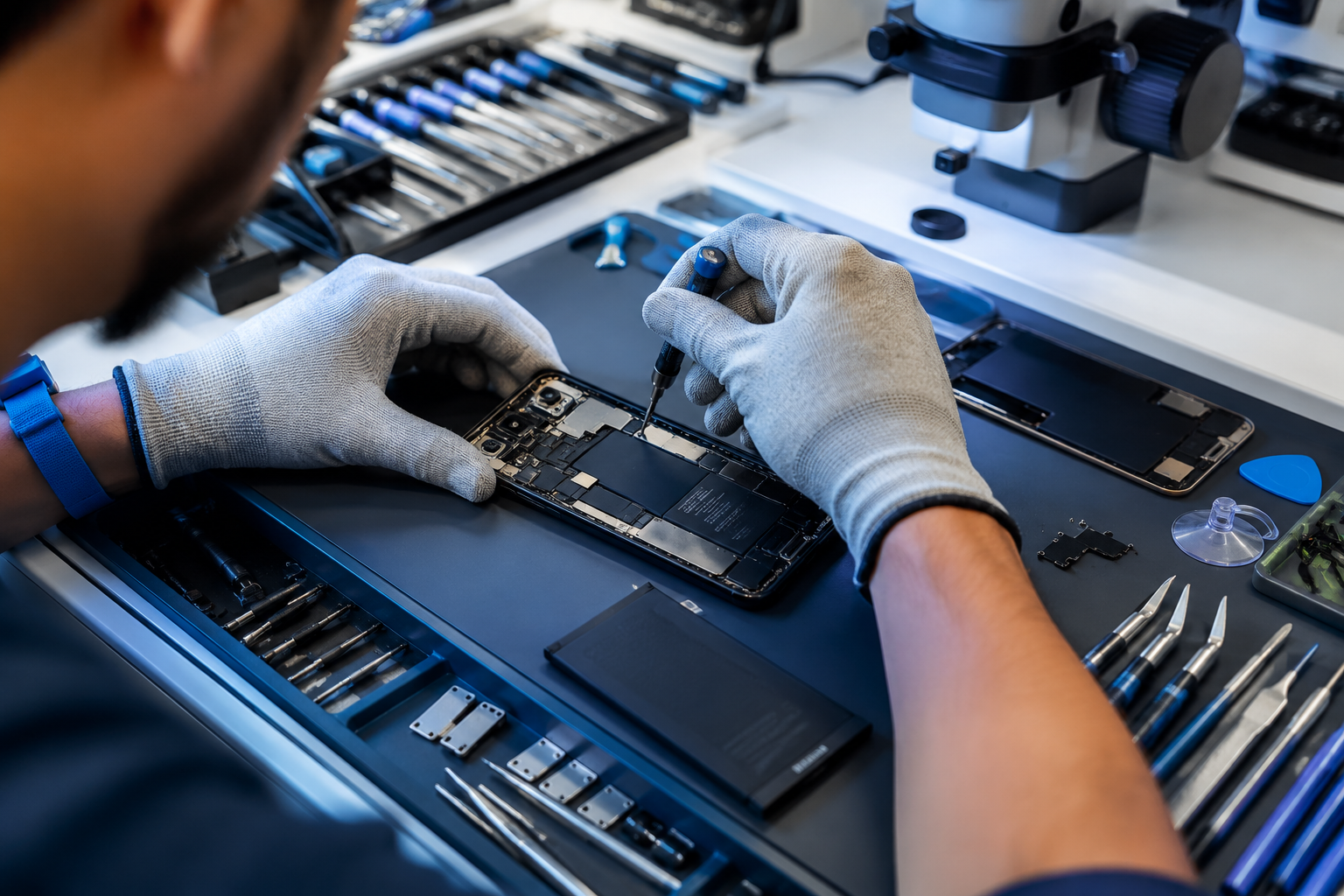
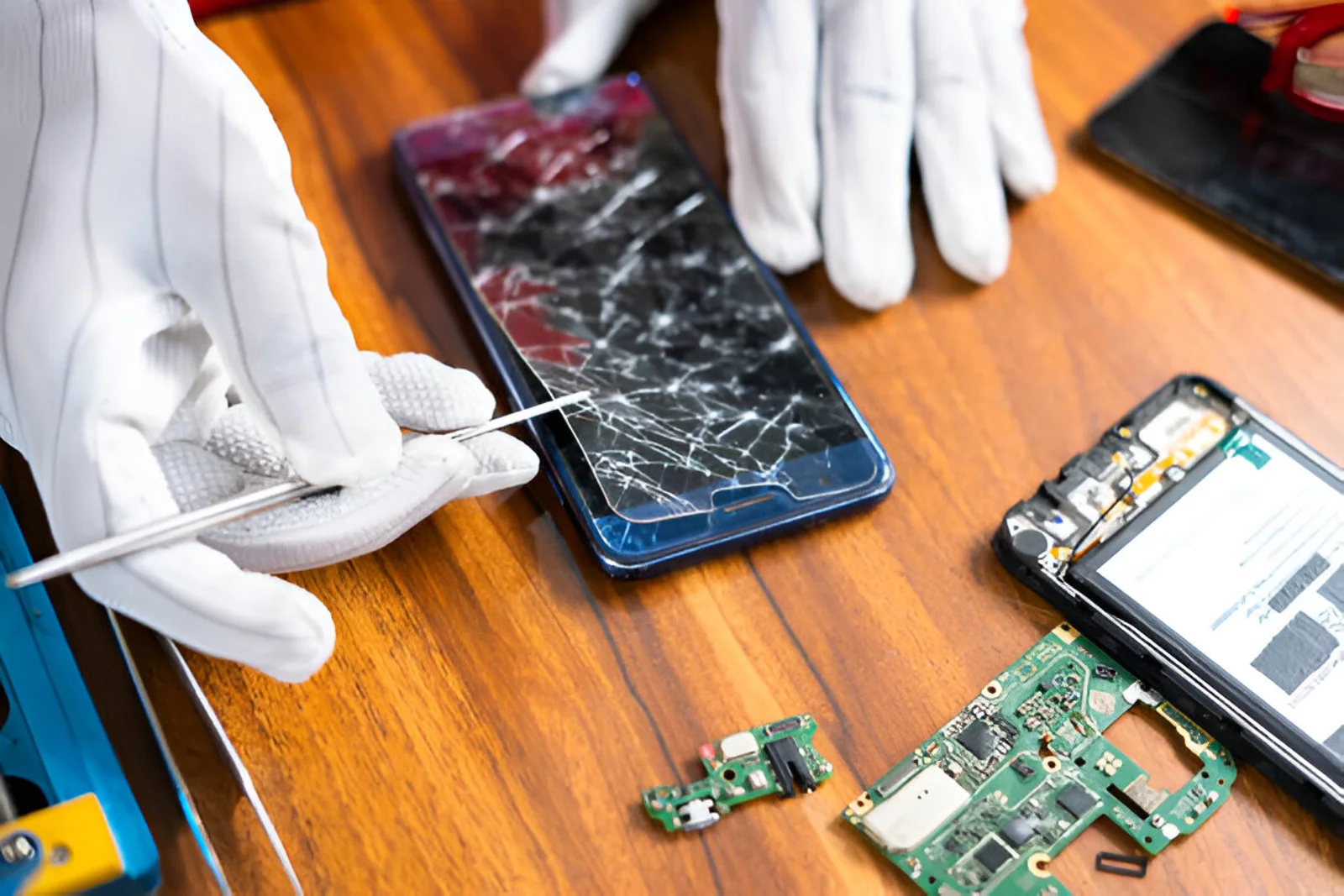
A professional repair technician can inspect the device, identify the actual cause of battery drain and recommend the appropriate repair instead of replacing components unnecessarily.
If your phone battery is draining fast, B Serve can help diagnose battery-related problems and provide professional phone repair solutions.
A phone battery draining fast can be caused by many different factors, including background apps, high screen brightness, location services, poor network coverage, extreme temperatures, outdated software or an aging battery.
Start by checking your battery usage and adjusting unnecessary settings. If the problem continues despite these changes, the battery or another internal component may require professional inspection.
Taking action early can help prevent further battery problems and keep your smartphone running reliably for longer.
Common causes include background apps, high screen brightness, poor network signal, location services, demanding applications, software issues and an aging battery.
Check which apps are running in the background, reduce unnecessary notifications, disable features you don't need overnight and use battery-saving mode if appropriate.
Yes. A bright display can consume significant battery power, especially when used continuously for long periods.
Mobile data can consume more battery in some situations, particularly when the cellular signal is weak. Actual battery consumption depends on network conditions and how the phone is being used.
Rapid battery drain, unexpected shutdowns, excessive heat, inconsistent battery percentages and frequent charging can indicate that the battery has significantly degraded.
No. Apps, software, network conditions, display settings and other factors can also cause rapid battery drain. It's best to identify the cause before replacing the battery.