 Post : bserve | 2026-09-14
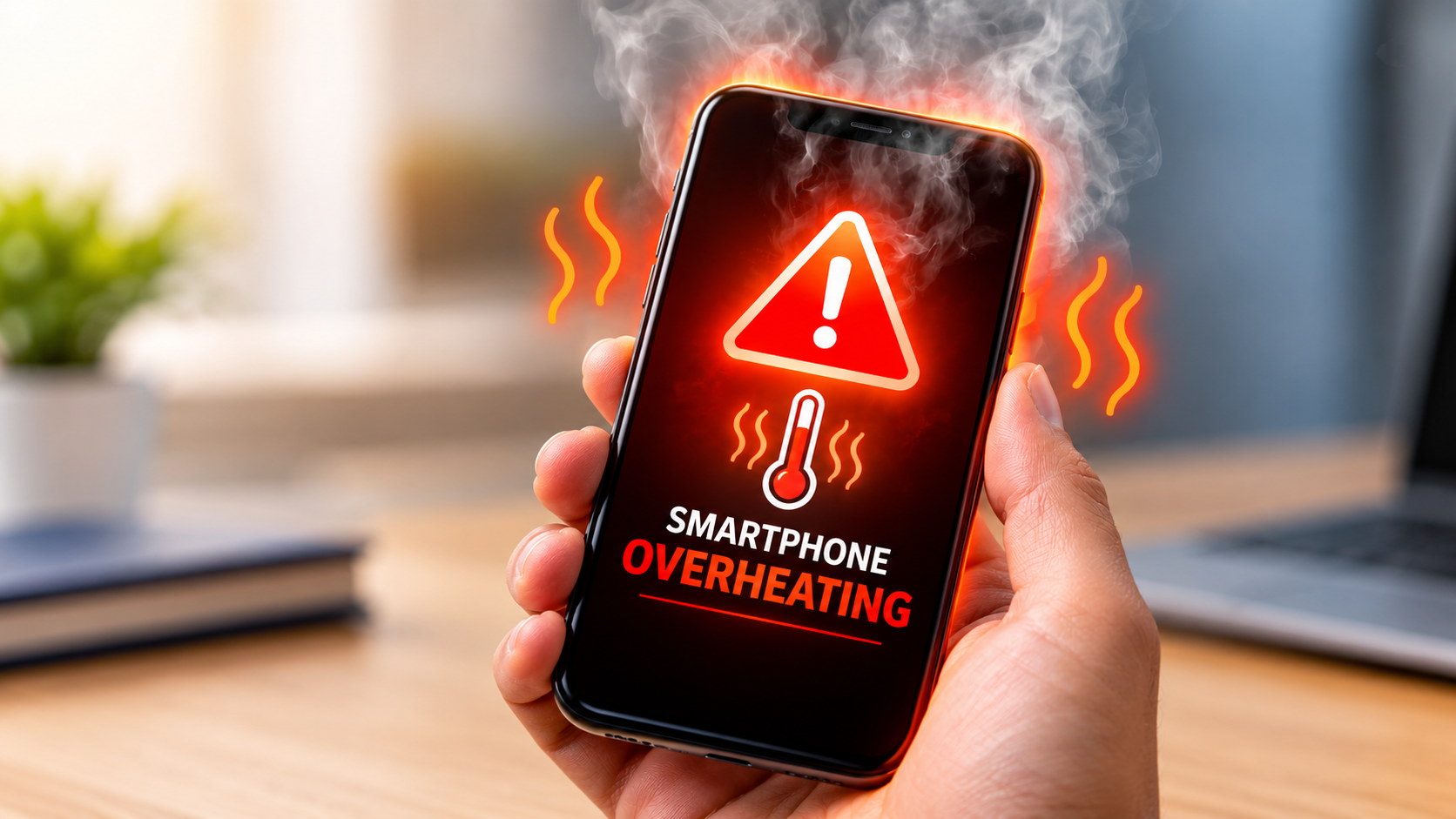
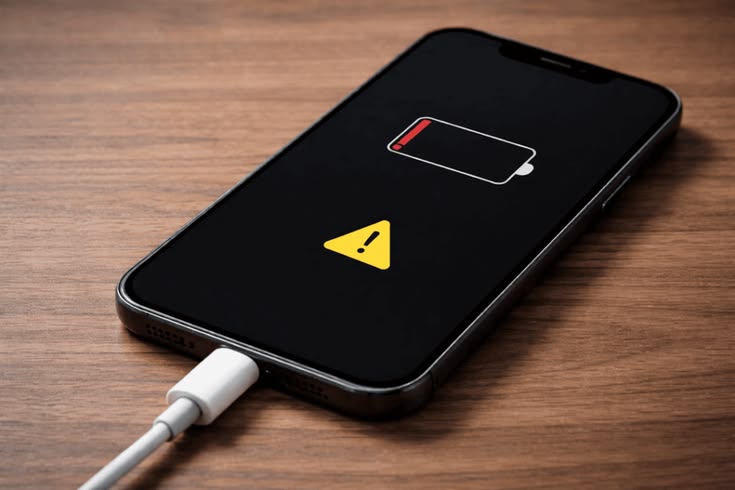
Have you noticed your phone becoming unusually hot while charging? A little warmth during charging can be normal, but excessive heat may indicate a problem with the battery, charger, charging port, software, or internal components.
Phone overheating while charging is a common issue that can affect smartphones of different brands and models. Understanding the possible causes can help you identify the problem early and take the right steps to protect your device.
In this guide, we explain why your phone gets hot while charging, common causes, practical solutions, and when you should contact a professional mobile repair technician.
Yes, a smartphone may become slightly warm during charging because electrical energy is converted and stored in the battery. Fast charging can also generate some heat.
However, the phone should not become extremely hot, display a temperature warning, shut down unexpectedly, or become uncomfortable to hold.
If your phone repeatedly becomes very hot during charging, it is better to investigate the cause.
There are several reasons why a phone may overheat during charging.
Playing games, watching videos, using GPS, making video calls, or running demanding applications while charging can increase the workload on the processor.
At the same time, the battery is receiving power. This combination can increase the device temperature.
For better charging performance, avoid heavy usage while the phone is charging.
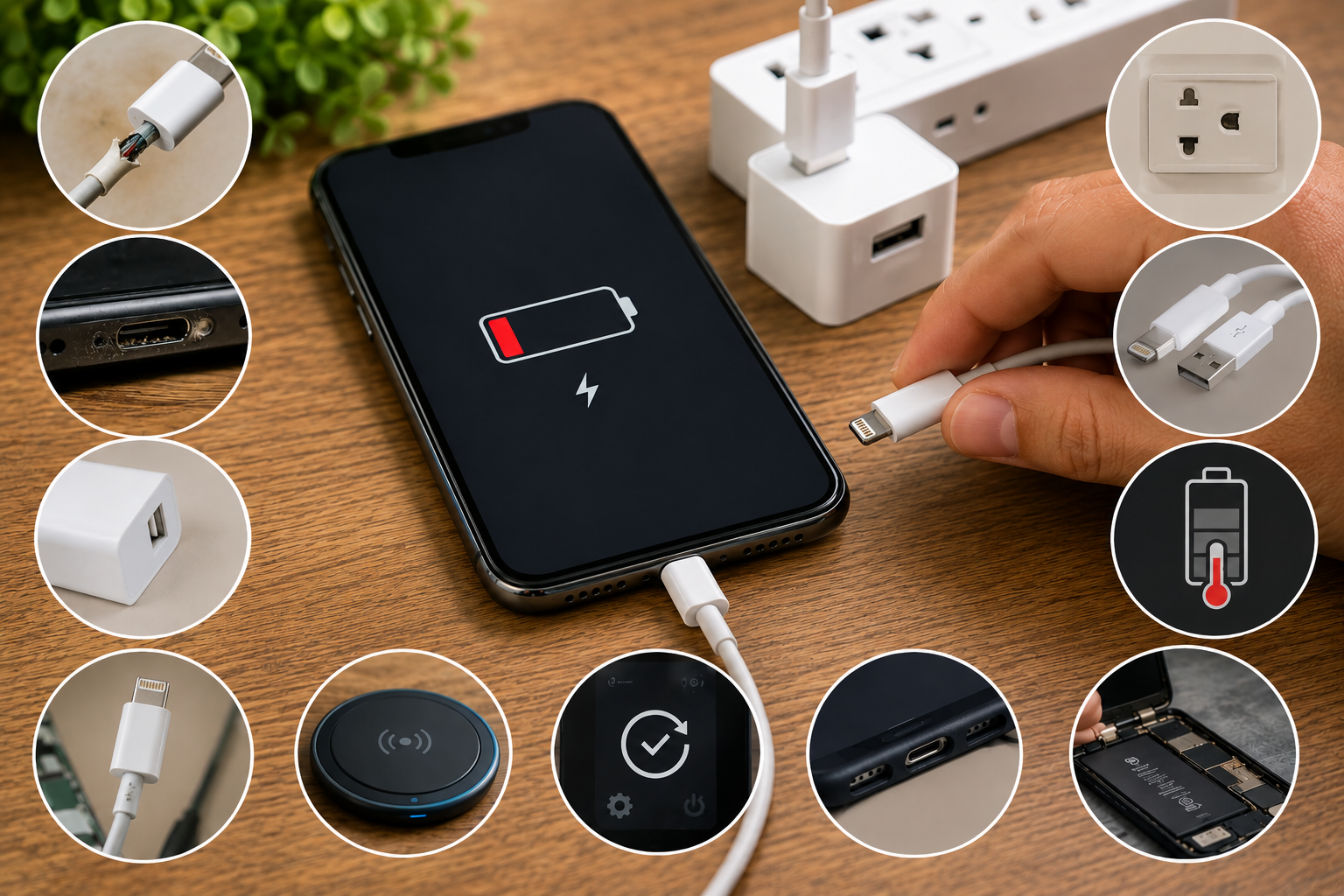
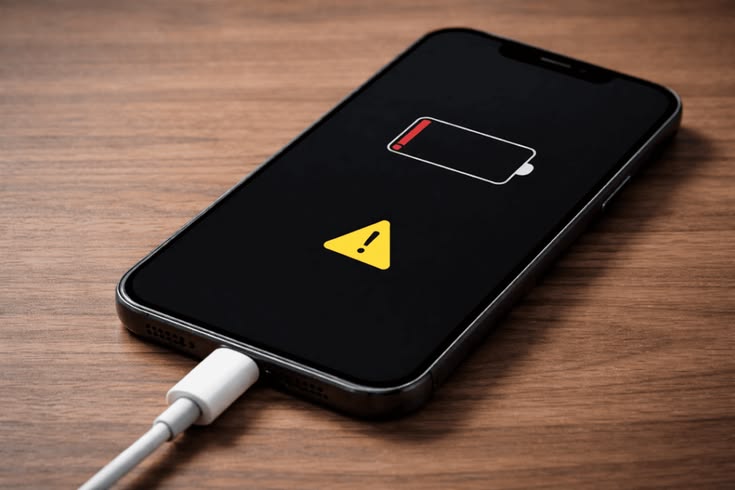
A damaged, low-quality, or incompatible charger or cable may cause charging problems and excessive heat.
A charger that does not meet the phone manufacturer's specifications may also affect charging performance.
If your phone becomes hot with one charger but remains normal with another compatible charger, the charger or cable may be worth checking.
The battery is one of the most important components involved in charging.
As lithium-ion batteries age, their performance can decline. A damaged or severely degraded battery may show symptoms such as:
If you notice physical swelling or other signs of battery damage, stop using the device and seek professional assistance.
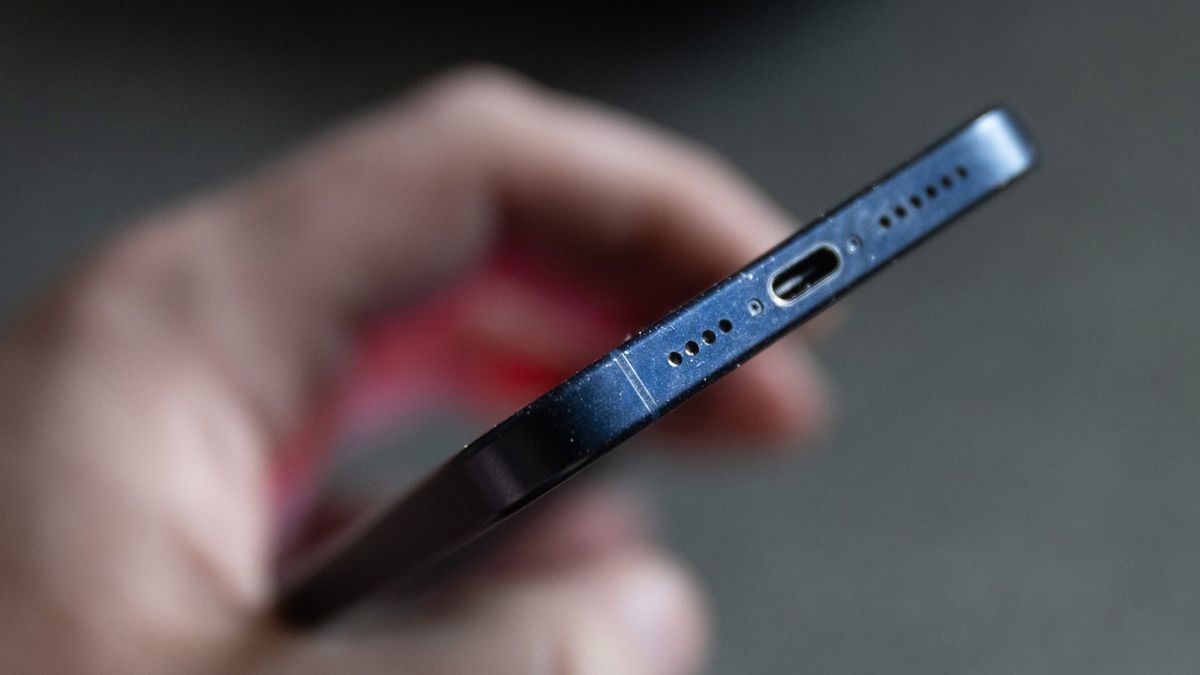
Dust, dirt, moisture, or physical damage inside the charging port can interfere with proper charging.
A damaged port may create unstable charging connections and cause the phone to charge inconsistently.
The charging port should be inspected carefully rather than cleaned with sharp metal objects.
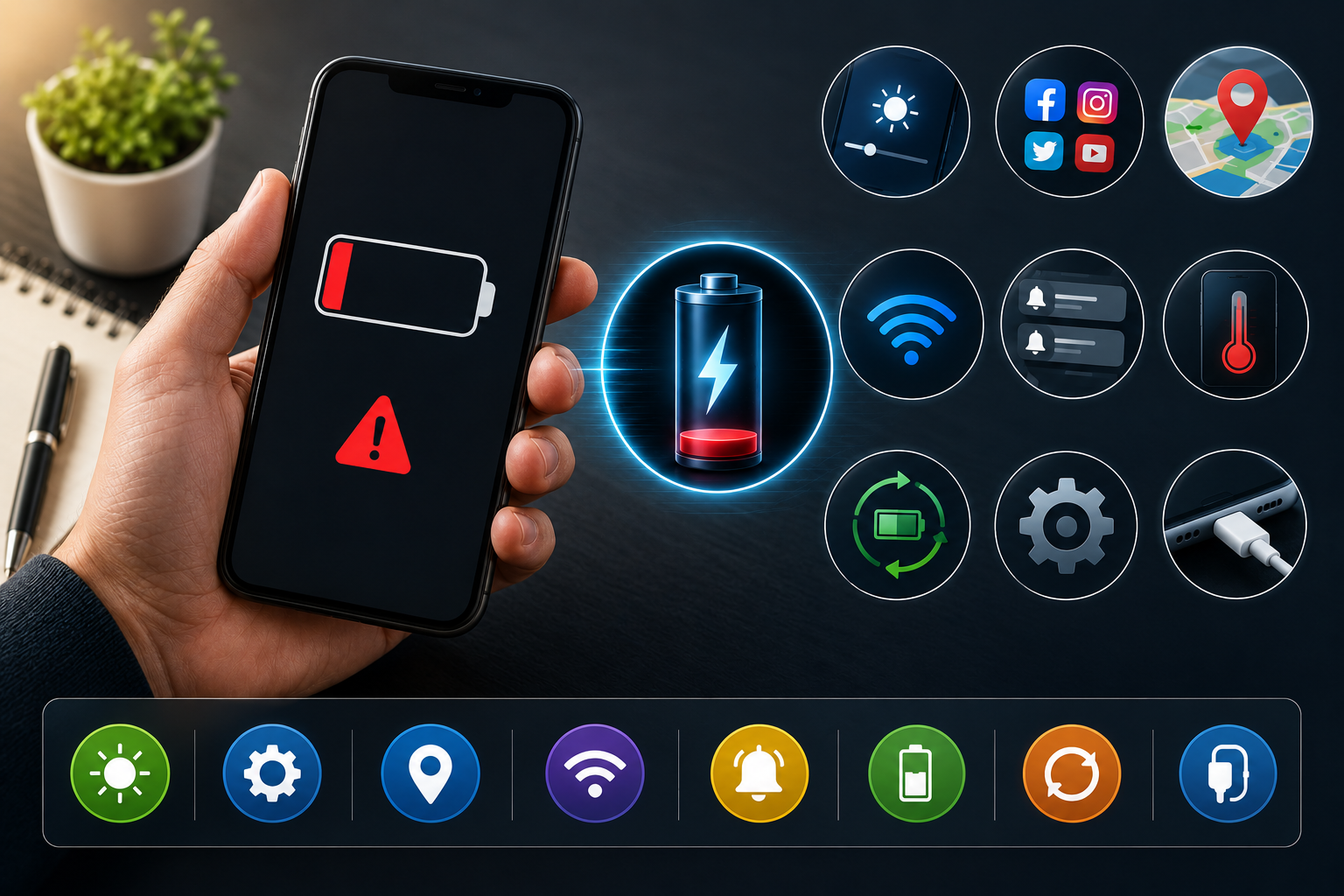
Some applications continue running in the background even when you are not actively using them.
Apps that use significant processing power, location services, mobile data, or other resources can contribute to increased temperature.
Checking battery usage can help identify applications consuming unusually high amounts of power.
The environment can also affect smartphone temperature.
Using or charging your phone in direct sunlight, inside a hot vehicle, or in a poorly ventilated location can make overheating more likely.
Try charging your phone in a cool, dry, and well-ventilated area.
Fast charging delivers more power to the battery in a shorter period. Some warmth during fast charging is expected.
However, excessive heating should not be ignored, especially if it happens frequently or is accompanied by other charging problems.
Outdated software, system bugs, or applications behaving abnormally can sometimes increase processor activity and battery consumption.
Keeping the operating system and applications updated can help maintain normal device performance.
If your phone gets warm while charging, you can try these basic steps.
Avoid gaming, video editing, video calls, and other demanding activities while charging.
Use the original charger or a reliable charger that is compatible with your smartphone's charging requirements.
Avoid damaged cables and chargers from unreliable sources.
Some thick cases can reduce heat dissipation. If your phone gets unusually warm, removing the case while charging may help it release heat more effectively.
Do not charge your phone under a pillow, blanket, or other material that can trap heat.
Place it on a hard, flat surface with adequate airflow.
If background applications are consuming excessive battery power, close or restrict them where appropriate.
You can also check your phone's battery settings to identify applications with unusually high power consumption.
A simple restart can sometimes resolve temporary software or background-process problems.
If overheating continues after restarting, further diagnosis may be required.
If the phone becomes unusually hot during charging:
Do not attempt to open or repair a swollen or damaged battery yourself.
Occasional mild warmth may not indicate a serious problem. However, professional inspection is recommended when overheating is persistent or accompanied by other symptoms.
Consider getting your phone checked if:
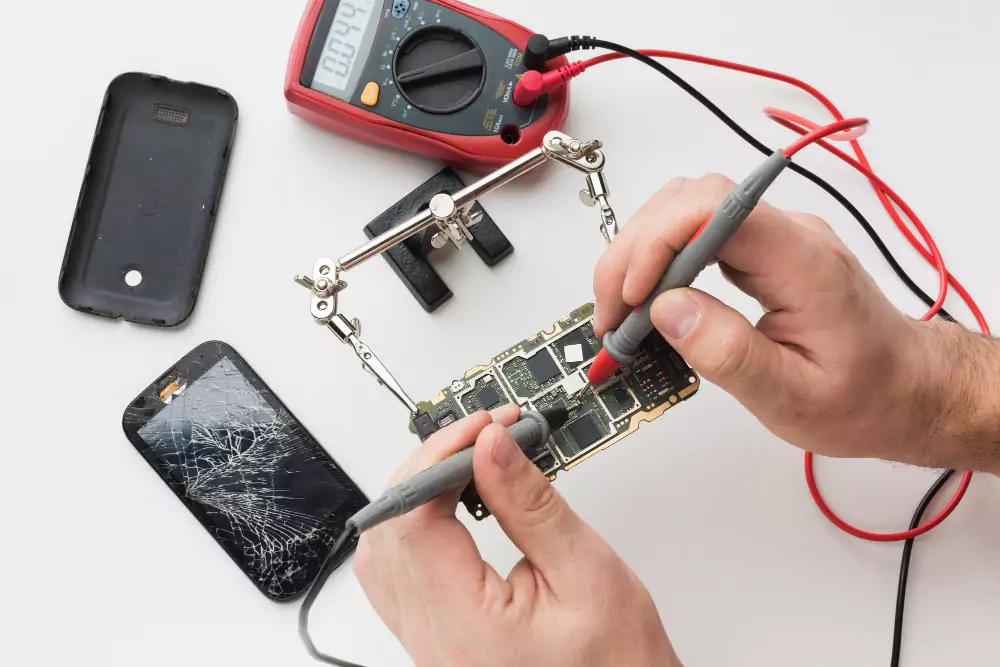
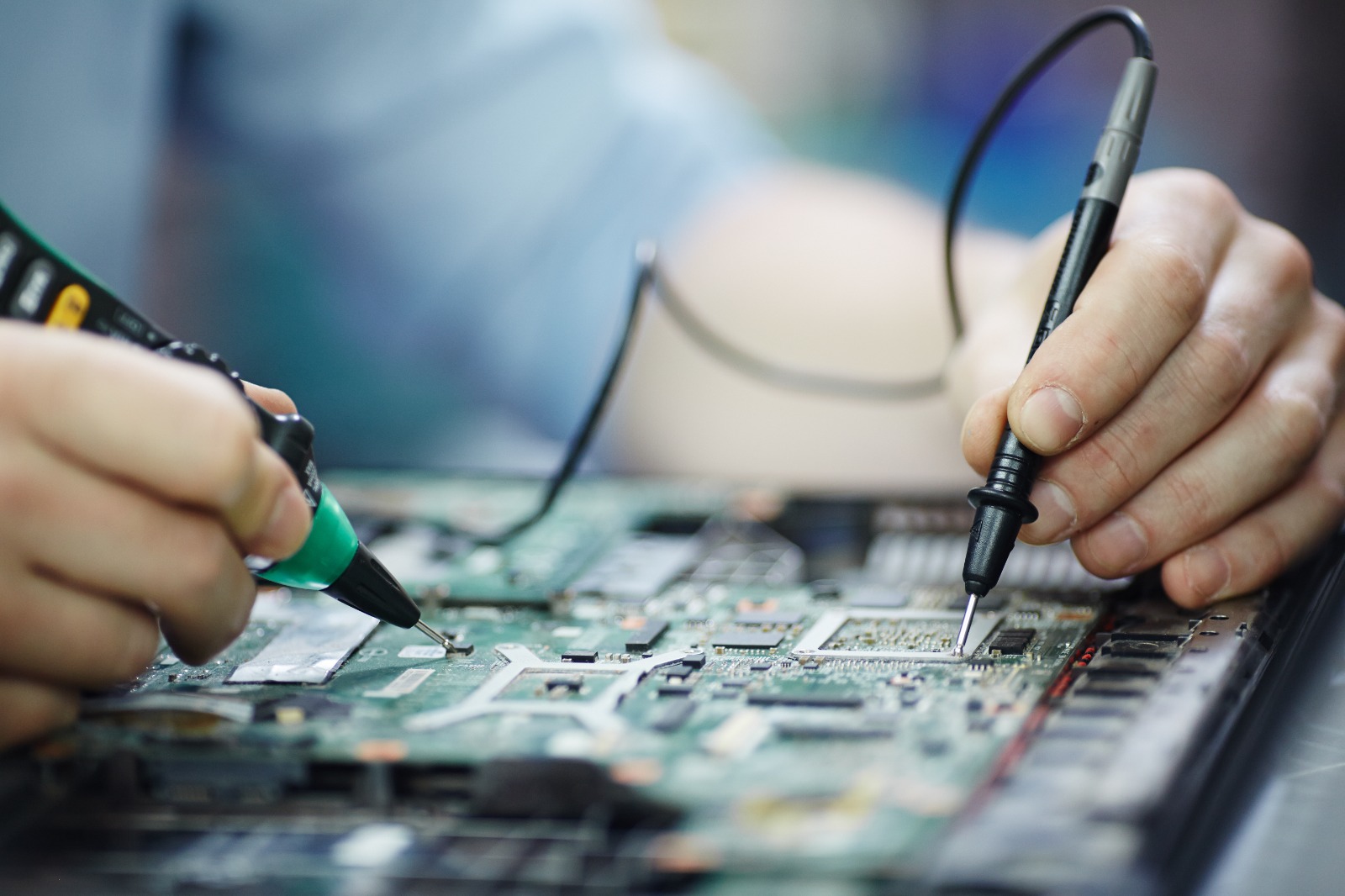
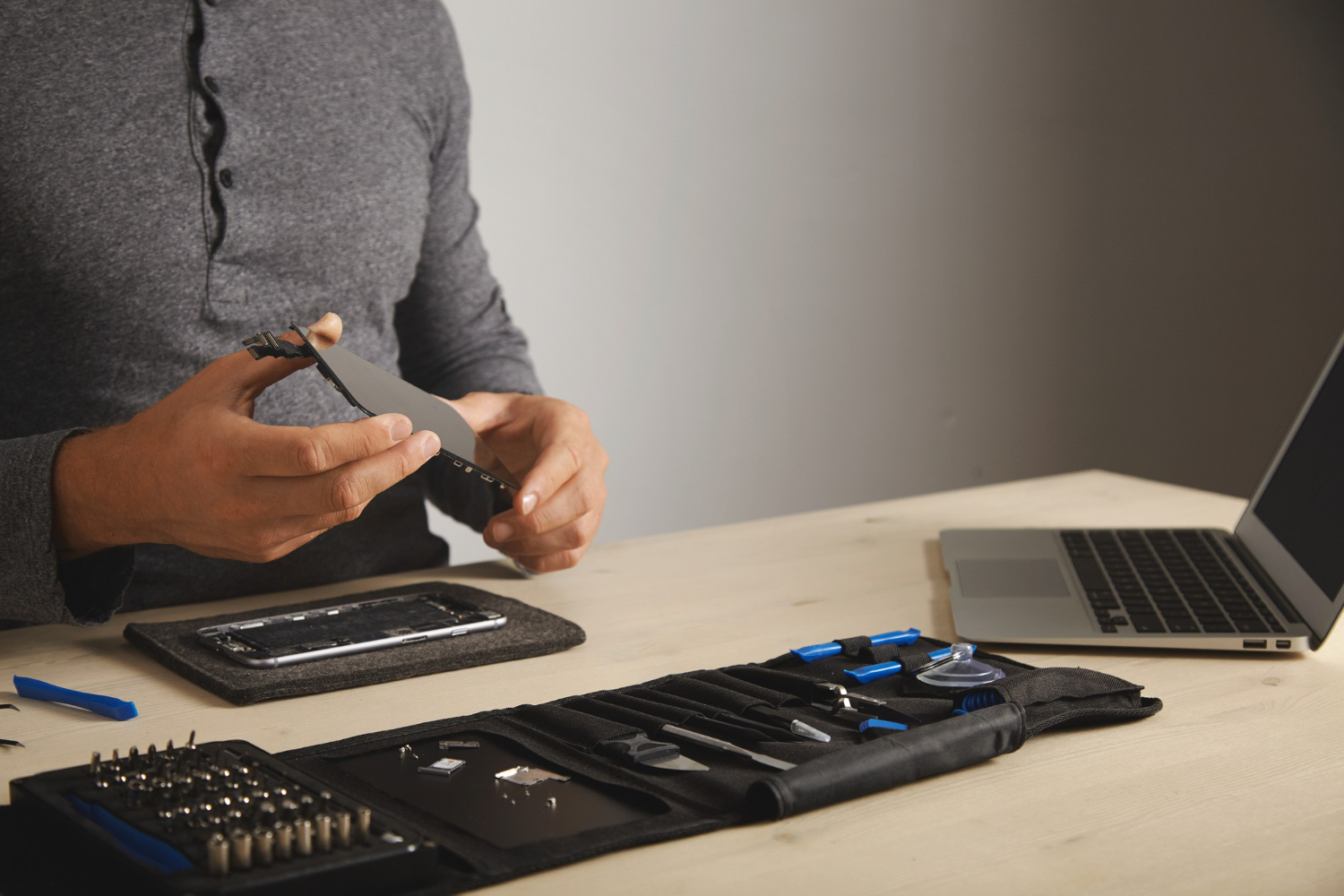
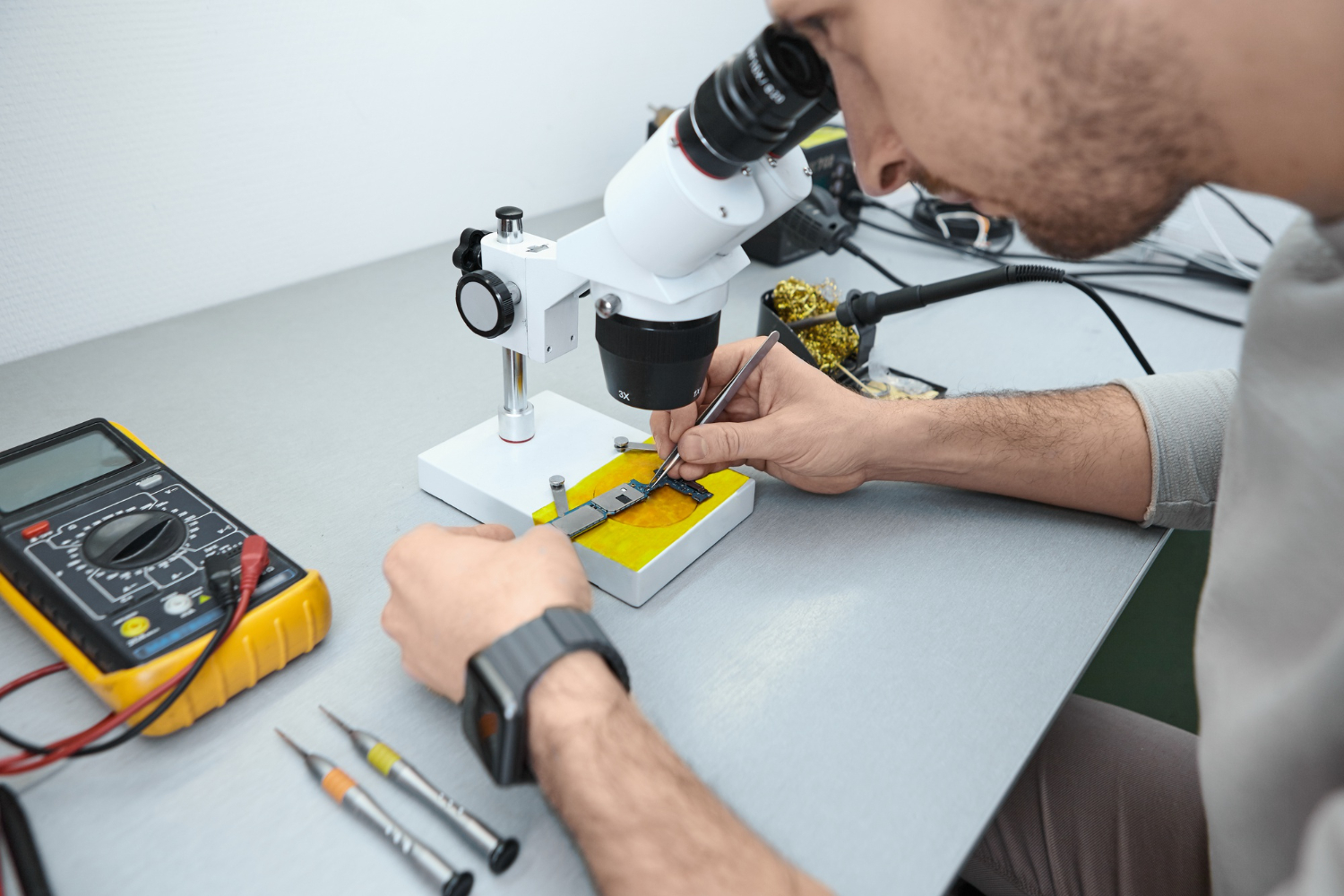
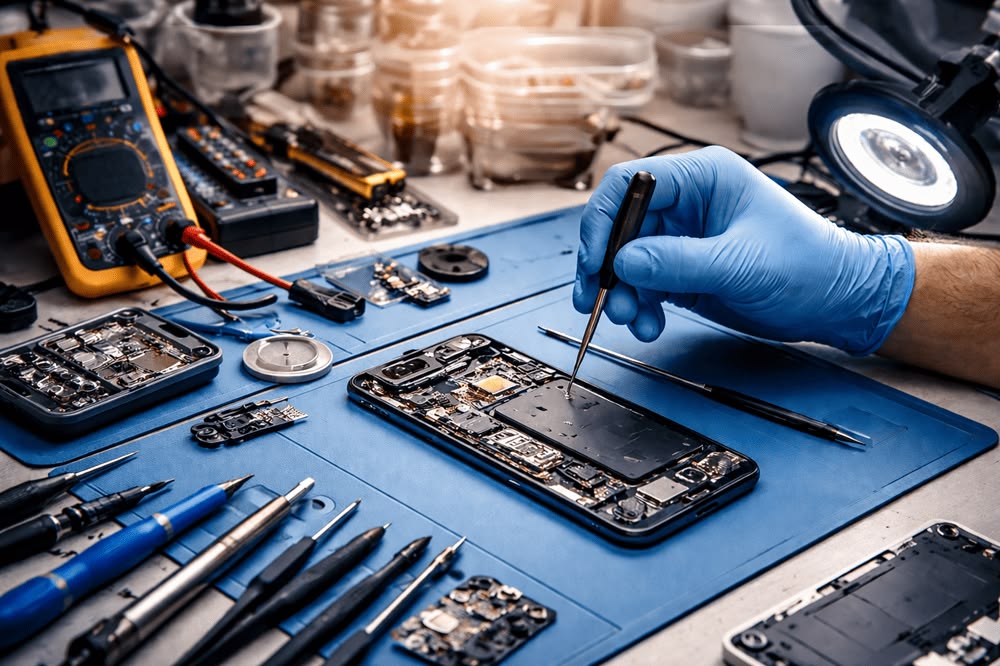
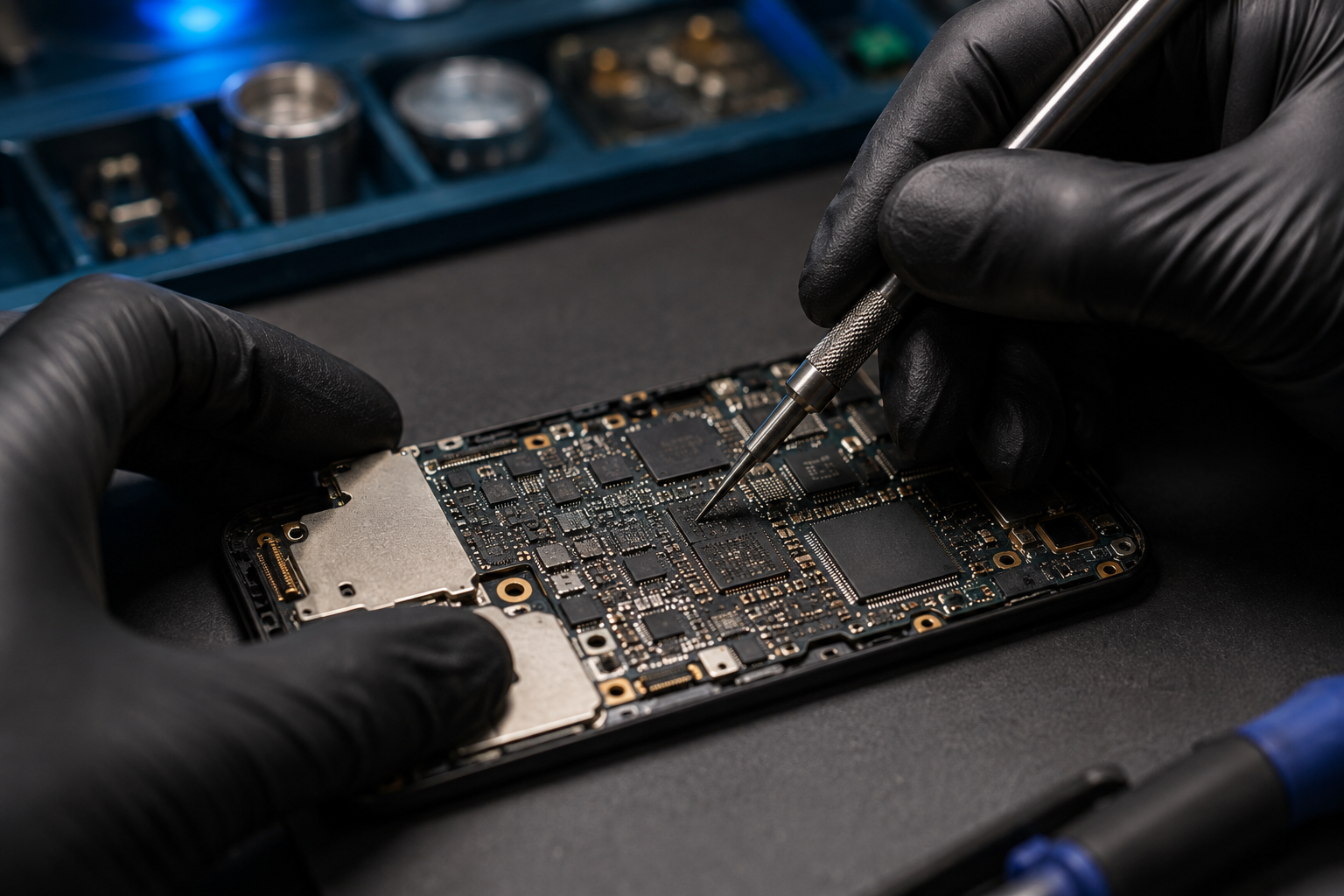
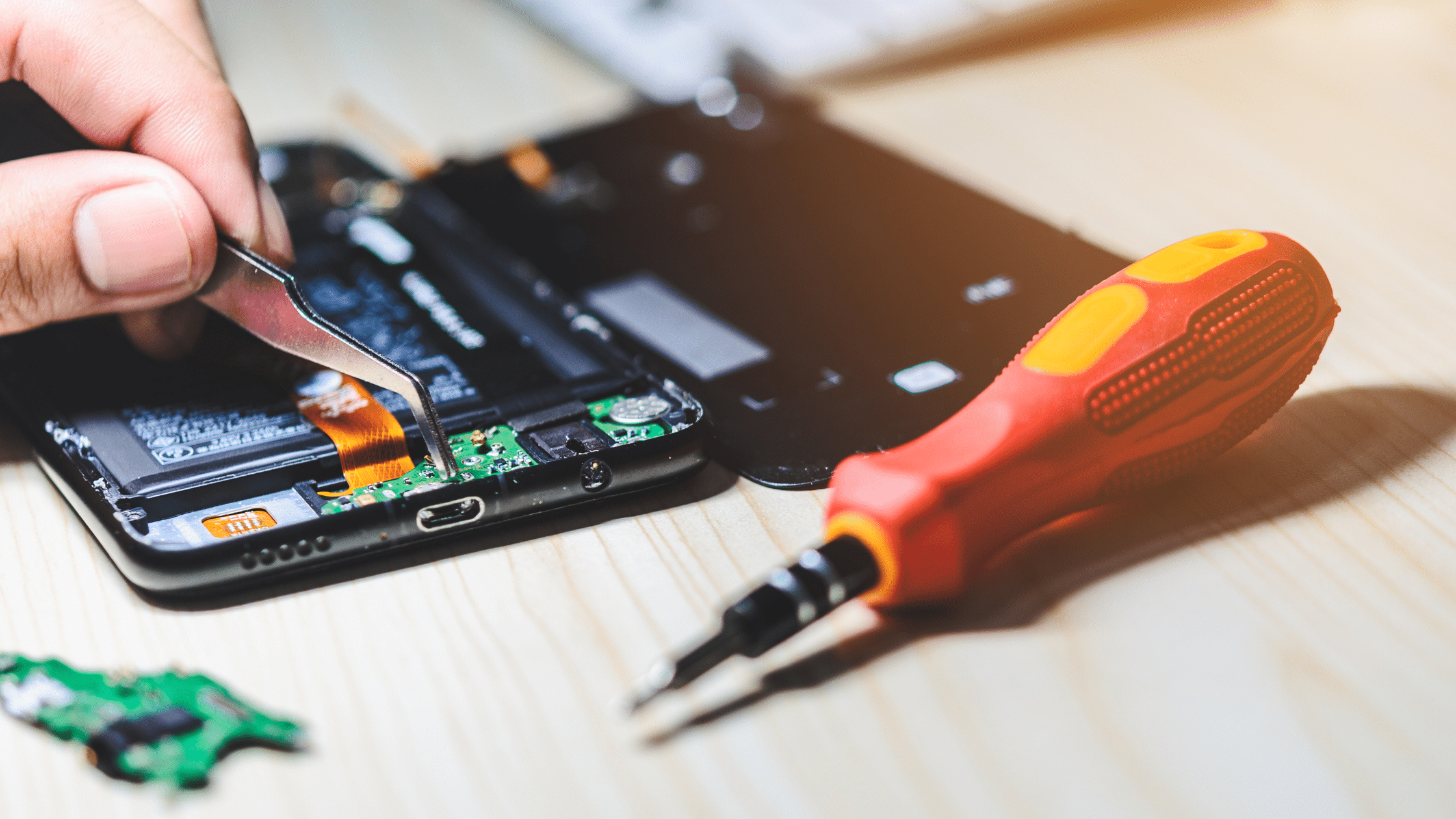
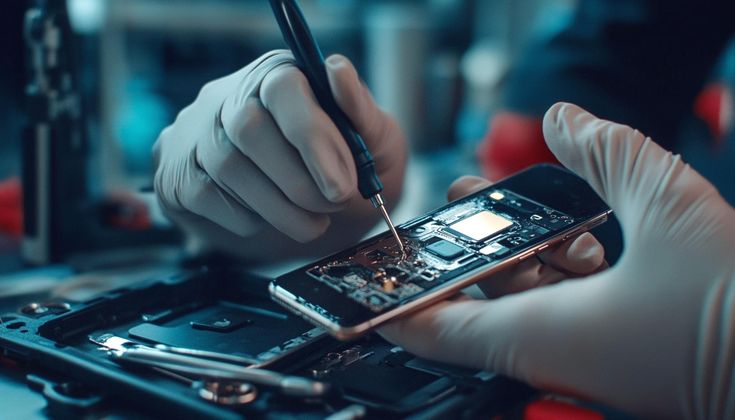
A technician can inspect the battery, charging port, charging circuit, and other relevant components to identify the underlying cause.
Professional diagnosis usually begins with a physical inspection and an assessment of the phone's charging behaviour.
Depending on the symptoms, technicians may check:
The exact diagnostic process depends on the phone model and symptoms.
It is important to understand that the entire phone does not necessarily have the same temperature.
Heat can come from different areas, including the battery, processor, charging circuit, or other components.
The location and timing of the heat can provide useful information during diagnosis.
For example, heat that appears mainly around the charging area may require inspection of the charging port or charging circuit, while heat associated with heavy processor usage may have a different cause.
Repeated exposure to excessive heat can negatively affect smartphone components and battery performance.
Persistent overheating may contribute to faster battery degradation and can potentially affect other internal components.
This is why identifying the cause early is better than continuing to charge and use an overheating phone without investigation.
If basic troubleshooting does not solve the problem, professional diagnosis can help identify the actual cause of the heating issue.
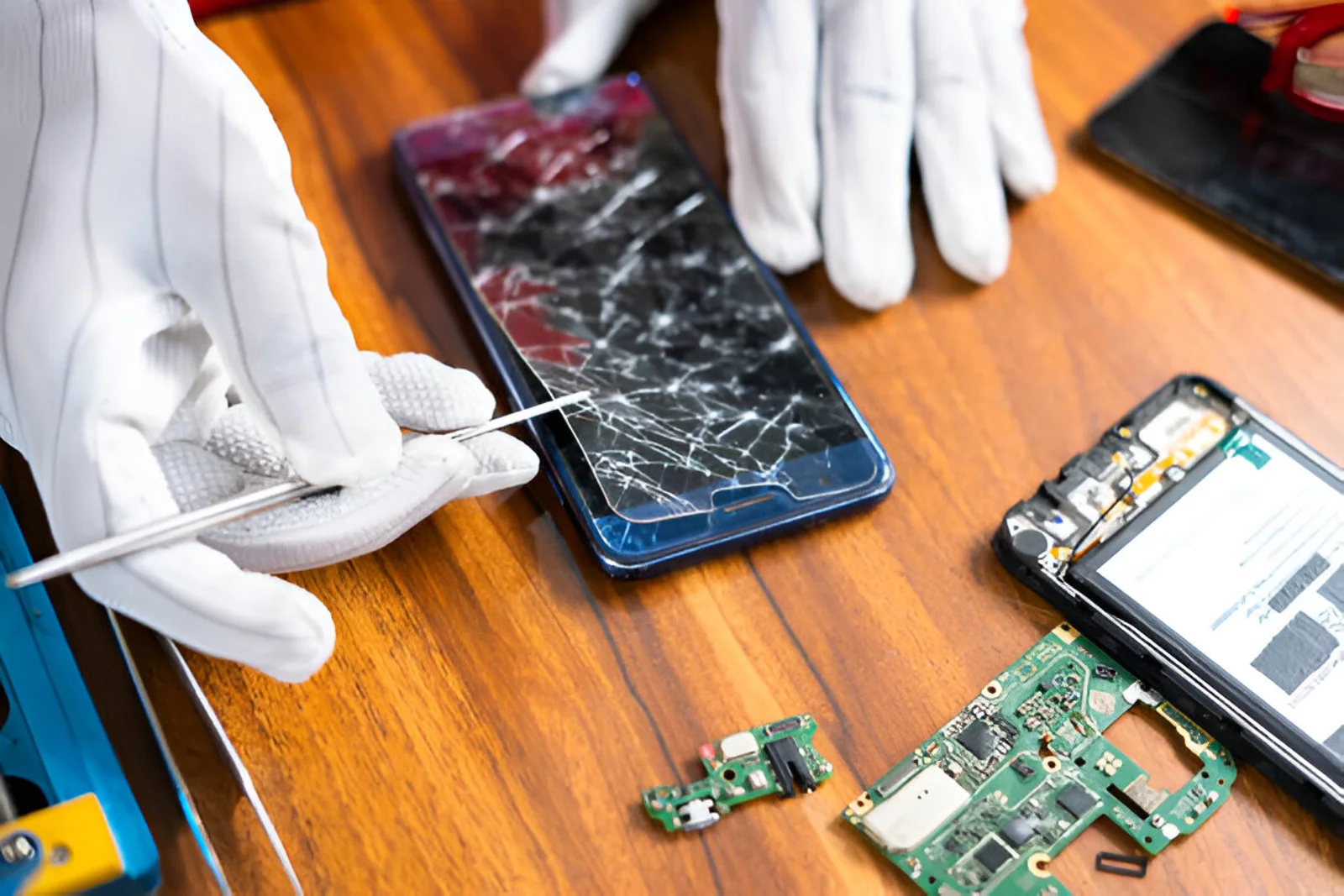
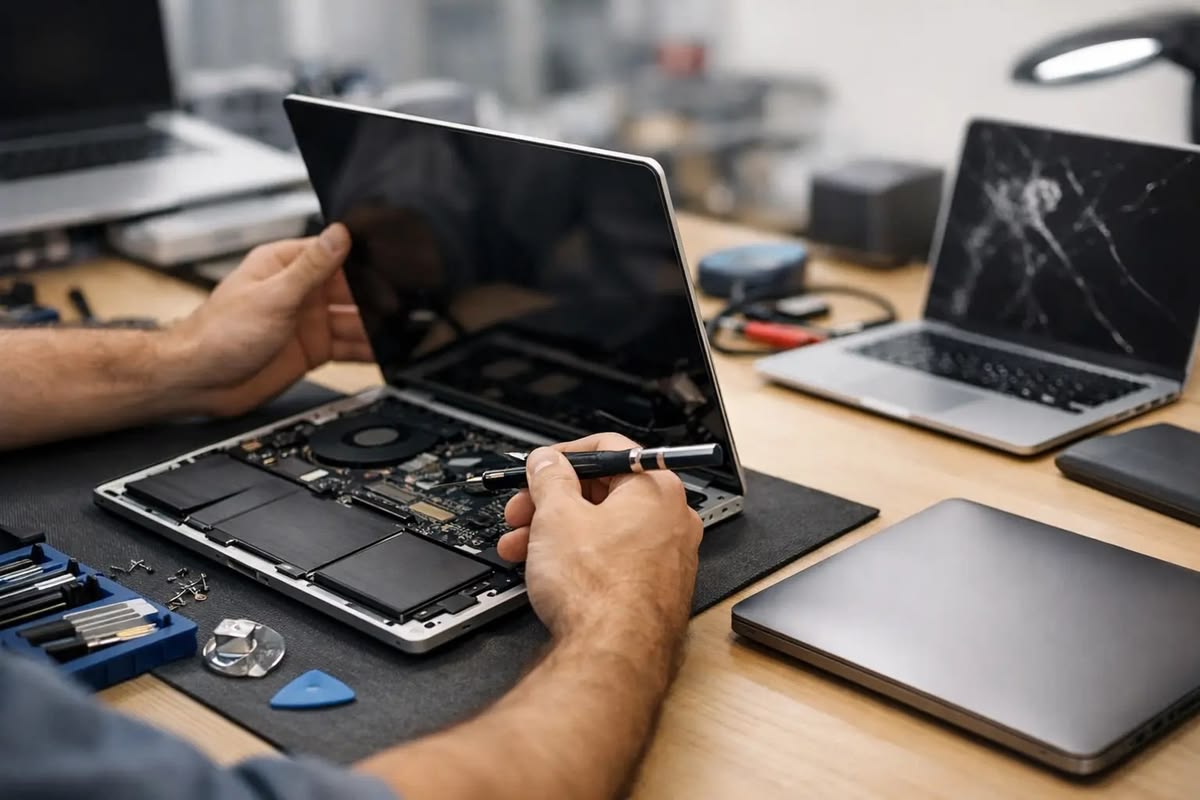
A qualified mobile repair technician can inspect the device and determine whether the problem is related to the battery, charging system, software, motherboard, or another component.
For customers in Tirur and surrounding areas, choosing a professional repair service can help ensure that the device is properly diagnosed before unnecessary parts are replaced.
A phone can overheat while charging because of heavy usage, a faulty charger or cable, battery degradation, charging-port problems, high ambient temperature, fast charging, or software-related issues.
Some warmth can be normal, especially during fast charging. However, excessive or persistent heat should be investigated.
Yes. A damaged, incompatible, or poor-quality charger or cable can contribute to charging problems and excessive heat.
Light use may be fine, but demanding activities such as gaming and video calls can increase heat. Avoid heavy usage if your phone already tends to overheat.
Stop using and charging the phone and seek professional assistance. Do not puncture, squeeze, or attempt to remove a swollen battery yourself.
If overheating happens repeatedly, becomes severe, or occurs alongside battery drain, charging problems, unexpected shutdowns, or physical damage, professional inspection is recommended.
Phone overheating while charging can have several causes, ranging from heavy usage and high temperatures to charger, battery, charging-port, software, or internal hardware problems.
Simple steps such as using a compatible charger, avoiding heavy usage while charging, keeping the phone ventilated, and monitoring battery usage can help prevent unnecessary heating.
However, if your phone becomes excessively hot or continues overheating despite basic troubleshooting, professional diagnosis is the safest approach. Identifying and fixing the underlying problem early can help protect the battery and other smartphone components.